» Posts Tagged ‘tutorial’
We’ve been talking quite a bit about Adobe over the past few months, as they’ve announced new versions of all their major desktop applications and ended the Creative Suite as we know it. Even though some folks are none too thrilled with Adobe right now due to the complete switch to the Creative Cloud, they still make what many consider to be the rising star of NLEs with Premiere Pro, and it’s more packed than ever with features to make filmmaker’s lives easier. Today we’re going to explore two of the lesser known color effects that come with Premiere Pro, the Leave Color and Change to Color effects. While these might not be something you will use day-to-day, they’re an excellent option when you need to create some highly stylized shots at a moment’s notice. So without any further ado, here are the tutorials, straight from Creative COW: More »
As most post-production folks know, Avid Media Composer is not the most intuitive piece of software. Even the simplest of tasks can take far too much time if you’re unfamiliar with the Avid interface and workflow. However, once you’ve grown accustomed to the program, it becomes one of quickest and most powerful editorial tools at your disposal. Because Avid is such a prominent tool within the industry, yet one that is shied away from by many younger filmmakers, I will be starting the “Avid Tutorial” series (and a Premiere version as well). Each post will be an aggregation of the best topical video tutorials from around the web in order help people become better oriented with the key concepts and functions within the software. So without any further ado, let’s take a peak at some of the basic color correction functionality built into Avid Media Composer, and see how you can take your shots from bland to vibrant in a few easy steps. More »
Are you DIY-minded and looking for some useful and simple tutorials? I recently stumbled across Ted Ramasola’s modest website which has a lot of simple step-by-step DIY projects that come in the form of a single JPG image. One of the things that separates Cinema Lenses from still lenses are the de-clicked aperture rings that allow for micro exposure adjustments, as well as the ability to do smooth iris pulls during a take. The older manual Nikon still lenses are a popular choice amongst DSLR shooters, and here is a method for performing a little surgery to de-click the lens. Check out the tutorial below: More »
Rian Jonhson’s newest film Looper has gotten a bit of coverage on NoFilmSchool, from the availability of the script, to Johnson’s original sizzle reel, to his interesting in-theater commentary track. While the actual title sequence for the film is a bit different, Antonio Cerra from CRR_NTN and Aetuts+ has taken inspiration from one of the trailers for the film and produced an After Effects tutorial so you can create your very own logo complete with lens flares. Click through to check it out. More »
Lighting does more than just expose your image. It’s one of the very basic tools that filmmakers have at their disposal to create an atmosphere for their story. While you need a certain quantity of light to give your movie the proper exposure, it’s actually the quality of the light that creates the look for your film. If you’re looking for a basic lesson in the differences between hard light and soft light, and what they can do for your image, look no further than the tutorial below. More »
While H.265 has been approved as the next-gen lossy delivery codec, we’re still watching a vast amount of video in H.264. In fact, even when H.265 sooner or later takes its place, videomakers will still be dealing with many of the same basic compression principles at work. Knowing all the variables of a delivery encoding job can help optimize bit efficiency, ensure the highest possible quality of media, and reduce the visibility of artifacting such as banding. Read on for a look at what drives the quality-to-compression ratio of your lossy-encoded delivery video, and how you can even ‘trick’ it in some cases. More »
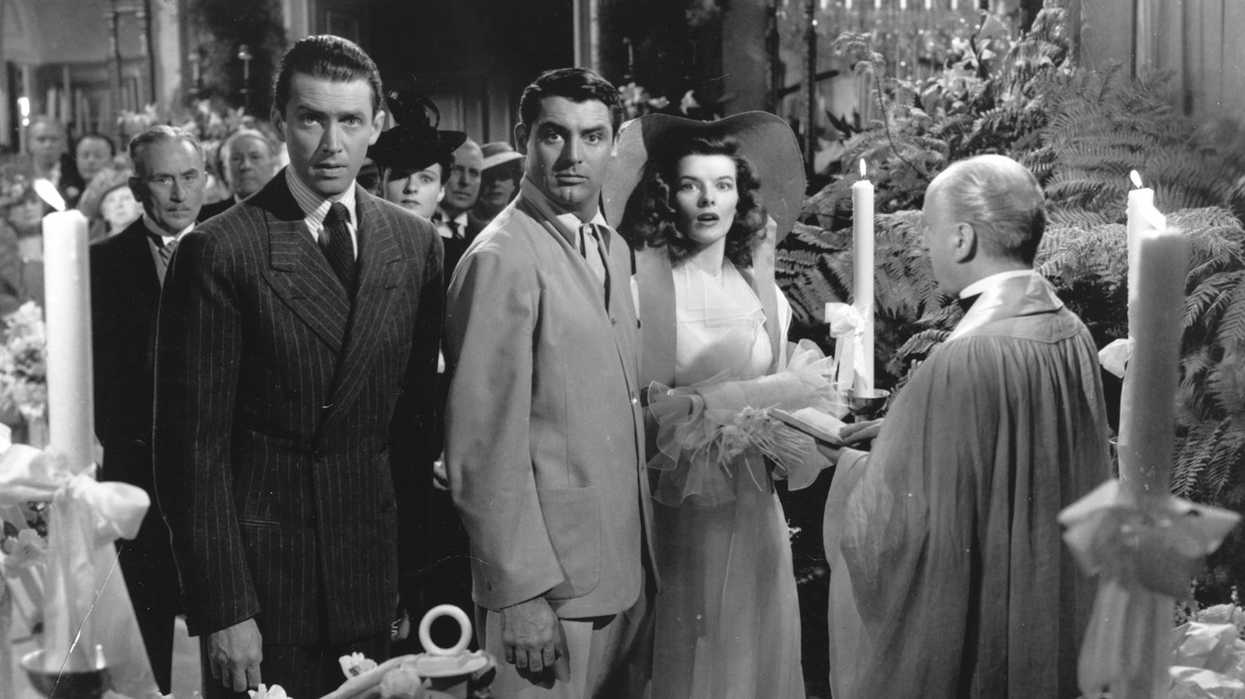
It’s one of the simplest and most common scenes you’ll find in a film: two people talking to each other. Just because it’s one of the most common, doesn’t mean people still don’t get it “wrong,” especially those who are just making a movie for the first time. You may even subconsciously feel like something is wrong, but it’s possible you weren’t able to put into words what felt off about the scene. Embedded below we’ve got a great tutorial to help with choosing the proper camera angles and framing, and why the rule of thirds can make for a more interesting and “cinematic” scene. More »
Shooting Your Way Around the 180 Degree Rule and an Introduction to Composition Basics
As modern filmmakers, we have the benefit of hindsight in understanding what has been established in cinema, like the basics of scene coverage and shot composition. One of these shooting essentials is the 180 degree rule, which guides our coverage of a conversation between two subjects. Think of how commonly two people hold a conversation in films you’ve seen,
Not all glass is created equal. Some is shaped into things you drink out of. Some becomes windows, windshields, and portholes. And some become the tools you use every day to create beautiful images. Something as insanely resolute as 4K (or even 8K) broadcast and stereoscopic 48fps can only look so good with a junk piece of glass placed between the medium and the image — which can also work great if that’s the type of look you’re going for. Given all this, the birds and the bees of how lenses are made — and function, down to the basics — is definitely something many of us take for granted. More »
Element 3D After Effects Plug-In: Free 1.5 Update Released, Plus a Tutorial for Metropolitan Model Pack
If you thought Video Copilot’s Adobe After Effects plug-in Element 3D couldn’t get any better, then check out the new features the free 1.5 update is sporting: support for importing animated 3D sequences, real-time glow, new particle ordering and repeating options, ambient occlusion improvements, layer grid mode, and more. Feast your eyes on Andrew Kramer’s video below for a complete tour of what’s new in Element 3D: More »
Tutorials Galore: Dailies in DaVinci Resolve, CinemaDNG to ACES Conversion, Plus What's a LUT?
Ever asked yourself, “What in the f#$% is a LUT?!” Or what a LUT’s relationship is with color space? Or what a color space is? If “yes,” not to worry — these concepts can be fairly confusing. Fortunately, engineering can and will work for you as an artist, so long as your understanding of it covers the fundamentals. And even if you answered “no” to all the above, you should still check out some of outstanding basic-breakdowns of these concepts below — including how to convert CinemaDNG footage into the Academy Color Encoding Spec color space (ACES) in Davinci Resolve, plus how to use that very program to generate dailies (like a boss). More »
Learning a new piece of software can be a daunting task, especially when that software may be nothing like any program you’ve used before. Even if you’re an expert, getting a well-rounded walk-through of a suite of programs can make you better and more efficient — and you might even learn a thing or two. For a limited time, you can get a complete set of training videos for the entire Adobe CS6 suite for only $100. Click through to learn more and check out some sample lessons. More »
DIY Builds: Portable Jib That Doubles as Shoulder Rig, Panoramic Head, Dirt Cheap Steadicam
There’s a variety of rigs out there for pretty much all your mounting needs — Cinevate and of course Kessler are go-to solutions for jibs running the gamut from heavy-duty to collapsible, respectively. The same goes for shoulder rigs, with options ranging from professional solutions to lightweight prefabs all the way down to homebrew kits. Of course, something that can pull double duty as a portable jib and custom shoulder rig — which you can put together yourself for $50, to boot — may be the best of, like, three worlds. Read on to check out some details — plus info on how to build your own 360 degree panoramic head mount, plus some hardcore DIY stabilizers — all geared toward the low-to-no budget but crafty shooter. More »
4 Tutorials to Help You Improve Your Green Screen Skills
We’ve all seen it: mismatched subject and background lighting, dancing edge pixels, and color spill; some of the hallmarks of a bad green screen composite. There are multiple factors to consider for a chroma key shot in preproduction, on set, and in post, and in the following videos Richard Harrington will take you through those factors and show you how to pull a good key and produce a believable composite. More »
Anyone can go out and buy a computer system, but to truly get something that is customized for video editing, and won’t cost you a bundle, you’ll probably be looking at buying the parts yourself and putting it together. We’ve got our very own Hackintosh guide to help you build a computer specifically designed to handle Mac OSX, but your options are certainly less limited if you’ve decided that you just want to build a Windows PC. Dave Dugdale, from Learning DSLR Video, is building his first computer, and he has compiled all of this information to help you along in your own journey. Here is the video from Dave: More »
Want an Interactive Master Class with Legendary Spielberg Color Timer? There's an App for That
Is it possible we’re losing something through the non-destructive way in which we decide the final look of our shots? The answer, quaintly enough, is absolutely yes — but what, exactly? Simplicity. True finesse in color timing is something Dale Grahn (Saving Private Ryan, Gladiator, Munich, Apocalypse Now: Redux) knows a lot about, and in a true chemical timing sense — which says a lot about the power of bold and minimal control over imagery. Lucky for any of us looking to learn from the experience, Mr. Grahn is asking you to match his own color grades by way of a new iPad app — and in the process interact with the very essentials of color grading. More »
We’ve already seen a little bit of what is possible in the After Effects plugin Trapcode, but now we’ve got a short called EXODUS from Magnus Östergren that was commissioned by Peder Norrby, the founder of Trapcode, to specifically show off what Trapcode Mir (a part of the whole suite) was capable of. Click through to check out the short: More »
Setting marks for your actors is one of the easiest ways to ensure that everyone is on the same page. It helps make sure that not only is the blocking correct, but that the camera team knows exactly what’s going on and they can get proper focus. There are many different ways to actually set these marks for the actors once blocking is complete, and in the video below, Jared Abrams from Wide Open Camera takes a look at some of those used most often. More »
2012 saw effects plugin company Red Giant blur the line between advertisement and compelling short film with Plot Device and Tempo. But as good as both those shorts were, if I’m honest, the demonstrations which really raise my excitement levels are those that are developed in bedrooms with a mighty staff of one. Cue 21 year old Russian motion artist Philipp Pavlov, whose ‘visual experiment’ Trapcode Planet does a pretty good sales job of highlighting some of the capabilities of Red Giant’s Stockholm plugin suite partner Trapcode: More »
Learn How to Do a 3D Match Move Using the Free and Open Source Program Blender
One of the great features in Adobe After Effects CS6 is its built-in 3D camera tracker, which helps realistically integrate CG elements into footage that have a fair amount of camera or subject movement. But what if you want to do a 3D match move shot, and you can’t afford a copy of After Effects? Not a problem. Andrew Price of Blender Guru has a great hour-long video to get you started with 3D tracking and compositing CG elements in the free open source 3D program, Blender: More »


FatRick: FatRick says, Carlos...you CLEARLY did NOT read the article. As Joe "Looks… Richard Linklater on 'Before Midnight' & Not Bothering Studios with S…
jay clout: Great read, thanks for post 15 Golden Rules of Moviemaking from Director Danny Boyle
Joe Marine: That's pretty much what he's saying above.... Richard Linklater on 'Before Midnight' & Not Bothering Studios with S…
Carlos: Studio blah blah studio Is that the only thing people talk about? We can… Richard Linklater on 'Before Midnight' & Not Bothering Studios with S…
Futurus: Insightful and exactly what I needed to see right now. Thanks for sharing. 'Palindromes' DP Tom Richmond: 'The Grammar of Filmmaking is a Good Place …