» Posts Tagged ‘aftereffects’

Description image

I was recently hired to be the A Camera operator on a fashion shoot for a company that will go unnamed. I’m not trying to be mysterious — they had me sign a Non Disclosure Agreement, so I’m erring on the side of caution. Actually, posting nothing at all would probably be erring on the side of caution, but there were too many expensive tools and newfangled gadgets being put to use on the shoot for me not to share. As an indie used to low-budget DSLR shoots, getting my hands on a $200k camera was quite the departure. More »

Description image

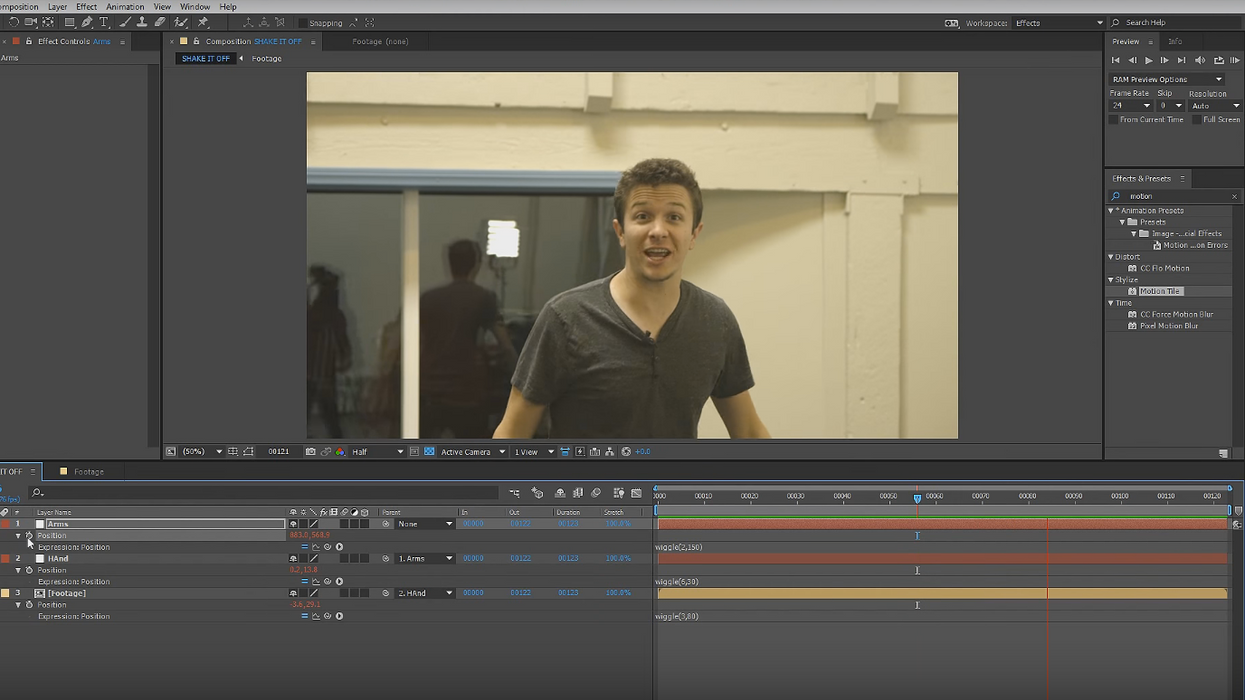
In addition to Video Copilot’s free After Effects tutorials, here’s a set of free AE tutorials from Mack Dadd Productions. Note that some of these are dated, but many of the techniques still apply; I would think the Video Copilot series is a good starting point, and these could fill in any gaps. A sampling: More »

Description image

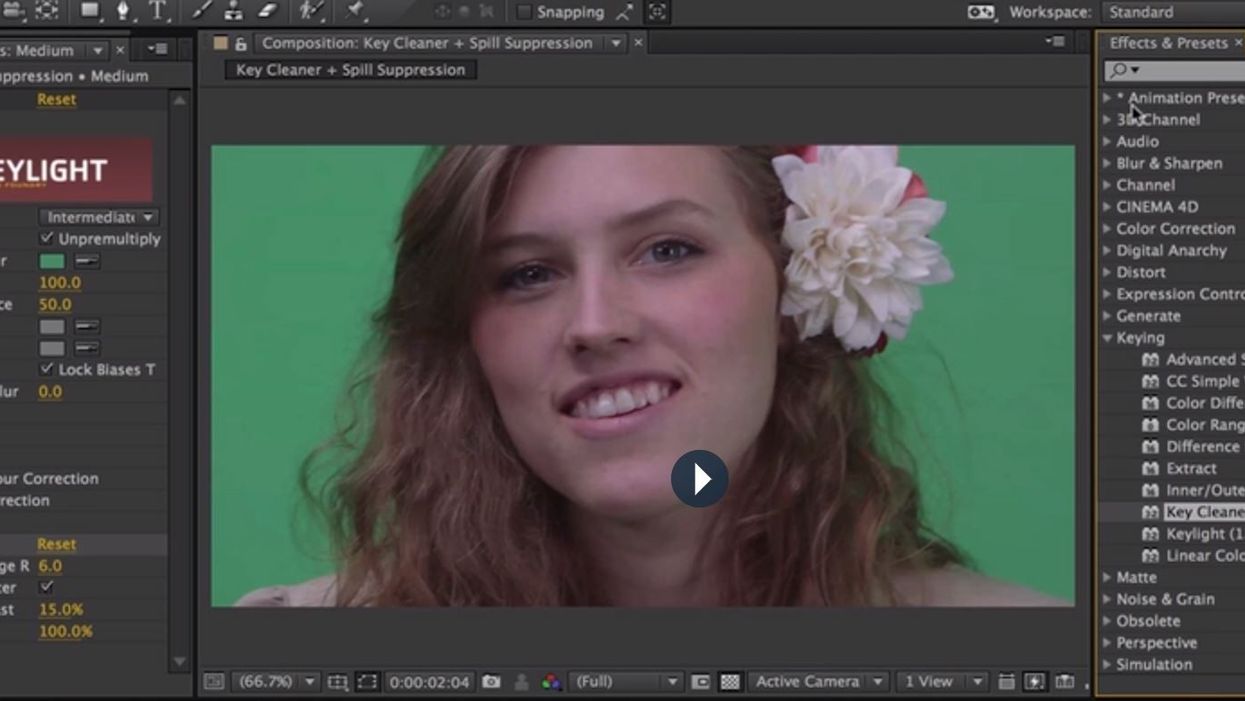
Adobe After Effects is an incredibly deep compositing program that often flusters first-time users with its myriad panels and switches. It’s not the most intuitive program, and as such I don’t recommend taking the approach I did: banging my head against the wall until it made sense. Instead, why not take advantage of two hours of free training from Video Copilot? This video series came out a while ago (circa CS3), but 99% of it still applies to CS5. More »

Description image

One of the drawbacks to shooting movies with DSLRs is the problem of stuck pixels, also known as “hot” or “dead” pixels. If every pixel on a DSLR’s large CMOS sensor is essentially a bucket for catching light, out of the tens of millions of buckets (21 million in the case of the 5D Mark II), there are always going to be a few faulty ones. But whereas dead pixels are easy to remove from still images (and harder to detect), on video they stick out like a sore thumb. So — what to do if your otherwise beautiful footage is marred by one (or more) stuck pixels? Thankfully there are a number of solutions to removing dead pixels in post, using your software of choice. Included here are methods based on Final Cut Pro, Vegas, Aperture, and After Effects. More »