How to Build a Video Editing Hackintosh That's Faster than a Mac Pro for Half the Price
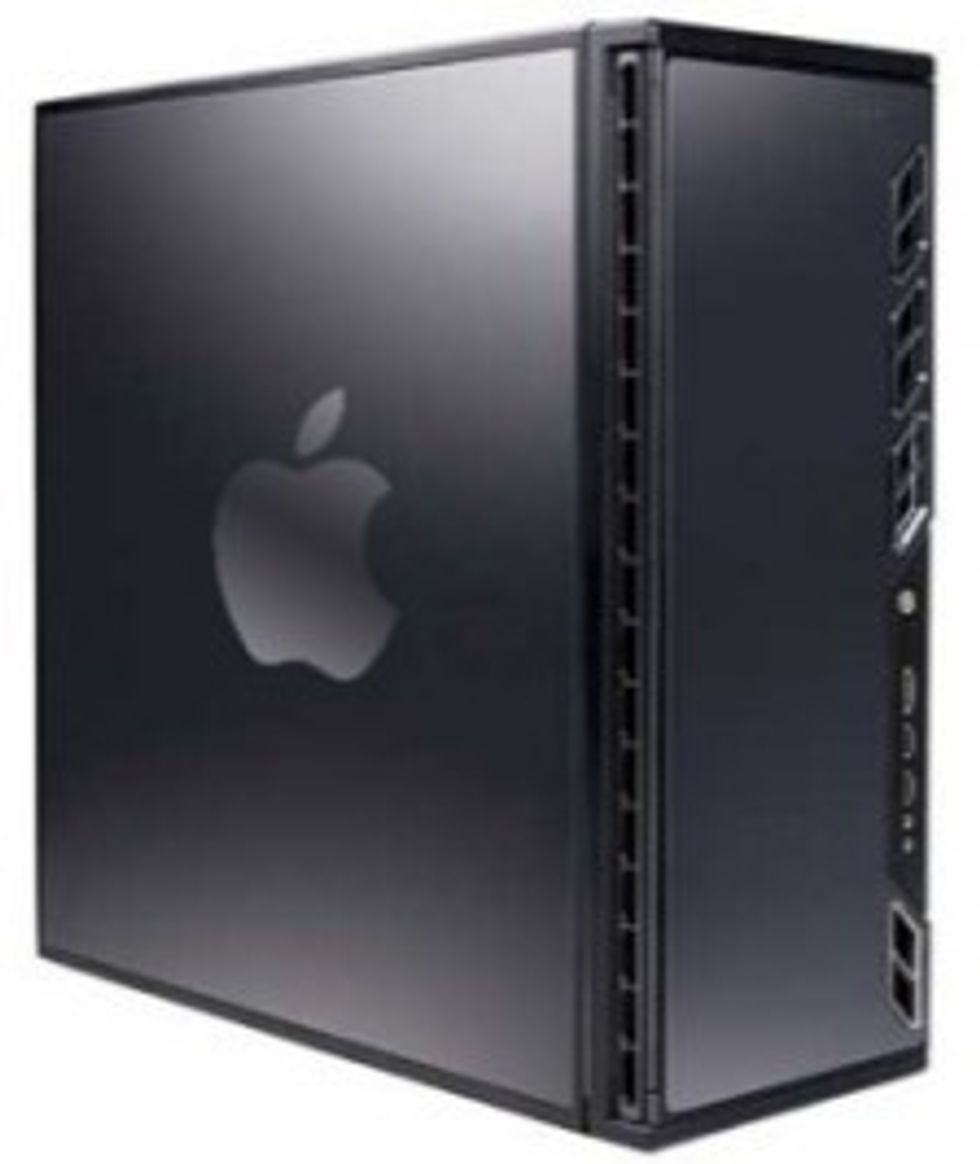
After months of building and testing, my comprehensive step-by-step guide for How to Build a Hackintosh is here. I wrote this guide specifically for video editors and other digital creators, and because video editors are some of the most demanding computer users, I believe this NoFilmSchool Hackintosh is the best machine from a price, performance, and reliability standpoint. There are some other hackintosh guides out there, but I’ve tested this build on real-world HD video projects. I reordered and replaced components to ensure it was the best there is. I could tell you more, but this image should say it all. Here is a price/performance comparison with the latest Mac Pro from Apple:
Click on the image below for the full-length, multi-page article, and please share it around via Twitter/Facebook/Your Blog — this could help a lot of independent creatives attain Mac Pro-levels of capability at a fraction of the cost.
Link: How to Build a Hackintosh

Related Posts
No related posts.
45 COMMENTS
-
-
Apple can’t say anything. If they did, Ryan would run into their boardroom and throw a hammer through Steve Job’s huge electronic face.
-
-
Brandon on 10.26.10 @ 5:40AM
So, technically if I wanted to use another HDD and install windows on it I should be able to use say bootcamp and run both with no problems, correct?
-
I don’t think you even need a second HDD, just another partition
-
(I’ve actually never used bootcamp, but I triple-boot on two different windows versions plus ubuntu on a single hard drive with absolutely no problems)
-
-
-
Yes, you could definitely use Boot Camp and do it the Mac way, or partition the HD into two and install Windows first. Either way…
-
Miche Bre on 06.24.11 @ 11:06AM
Hi, loved your How To on current Hackintosh. I have build a few of my own, prior to your writing.
Can you please give me the total cost, based on the components you have listed on this guide/Article from your site. http://nofilmschool.com/build-a-hackintosh/
I would love to build your latest and greatest.
my email is: michebres@gmail.com
Thanks, Much.
Miche Bre
-
-
Very nice Koo!
Thanks for your tutorial.
But, can you do a broadcast monitoring with your hackintosh
through a Black Magic Intensity Pro card, for example ?-
I wish I knew — I don’t have such a card. If it’s a standard card like PCI-Express, there’s no reason you couldn’t, I imagine…
-
-
Wow … this is the most detailed guide I’ve ever seen on the net so far. Thank you very much!
I tried to install OSX on my laptop a few years ago. It worked, but some hardware components didn’t work atll.Now I’ll give the Hackintosh thing another try … with the help of your guide.
Just one question: will the 29$ Snow Leopard DVD from the Apple store install on a blank HDD? … because the description said something about “upgrade”. So is there any difference between the 29$ version and a retail Version?
-
-
-
-
-
mo sizzle on 10.27.10 @ 10:13PM
what do you propose is the best way to transfer my programs and files? i’ve heard its possible to use the disk utility or programs that make carbon copies. what do you think is the fastest and most accurate way?
-
-
Atd3d on 10.28.10 @ 5:51AM
Hi Koo very nice job and thanks a lot for that, but I have a couple of questiones for you:
- Is a real problem with sound in this hackingtoch ??, what is I wanna put a creative or other sound card ?
- Why you select the Gigabyte motherboard and not a Asus or a Evga, is the component of the gigabyte exclusive for hackingtoch or somethink else ?
- I know that you select the mono-nucleo i7 930 for burget propouse, but what will happening if the case of a i7 930 and a gigabyte will be a dual intel Xeon X5650 and a asus or evga mobo ? I know that is expensive but the Mac Pro version of that monster is a lot more expensive. So the buy a original Mac Pro don’t work for me ;)
- When the nvidia 285 get off, what we can do ??, is any alternative with other 480 or so ?!?
Thanks again and waiting for your answers
PD: For europe people is another online store so we can buy and you have benefits ??
-
You should be able to use a variety of sound cards — I am presently using a USB M-Audio Fast Track Pro.
The GTX 480 does not have Mac drivers, that’s why I’m not recommending it. I chose the motherboard for compatibility and price reasons. As for dual processor, I really don’t think it’s possible, but if you find something else out, let us know!
If you use this link, and replace the .com with the Amazon store in your country, that should work: http://www.amazon.com/?tag=nofilmschool-20
-
bArT on 10.28.10 @ 7:48PM
and what abouts this list? GFX 480 is on top:
http://www.insanelymac.com/forum/index.php?showtopic=223244&mode=linear-
That’s taken from a list of instructions written for the PC. Would the GTX 480 work in Adobe CS5? Yes. But Mac OS X would have to recognize it first, and at this point in time, there’s no good way for that to happen.
-
bArT on 10.28.10 @ 9:37PM
thanx for replying :) im sitting for 3 days and counting, looking for parts [in my country don't have amazon:( ]
you’ve done very good job, thanks.
and one more question (maybe stupid) : this hakintosh is more like:
- iMac 27″ i7 (http://store.apple.com/us/configure/MC511LL/A?mco=MTg1ODA4MDM)
or
- Mac Pro One 2,8 (http://store.apple.com/us/configure/MC560LL/A?mco=MTg2OTUwMjQthx again
-
-
-
Atd3d on 10.30.10 @ 5:02AM
Hi Koo, soory my late answer, why you say that is not posible if the mac pro are dual processor too ??
-
-
-
-
Hi Koo,
I’ve achieved success with your tutorial!
I used your mobo and processor with a
Nvidia 9500GT (Asus EN9500GT 1GB).But, I have selected the checkboxes below
in the Multibeast to get sound and Ethernet
working.+ Audio : LegacyHDA : ALC889
+ Audio : HDAEnabled : ALC889
+ Network : Realtek Gigabit Ethernet :
Realtexk RTL8168 EthernetIn addition, I have been having success with
my graphic card in _dual monitor_.Thanks!
-
Awesome, Ricardo!
Thanks for the note on Audio + Ethernet — I couldn’t quite remember what I’d done! I’ll update the guide. Congratulations!
-
-
Can this system work with a wired ethernet connection? does it support dual monitors?
Thanks-
Ethernet should work great, even at Gigabit speeds. I haven’t had a chance to test it yet but others report good results.
Dual monitors should work fine — the GTX 285 has two outputs, after all.
-
Thanks so much for this tutorial! I’ve already purchased a bunch of my stuff from your amazon ref links :).
I wanted to ask though, how can I make this setup a dual-monitor scenario? Will whatever monitor computer monitor I buy be able to work with the graphics card you recommended? Will I need to buy specific cables to make them work?
How about if I got 2 TV monitors, and wanted to hook those up as my hac pro monitors? Would I need to buy anything special/pay attention to any specific techspecs for that?I’ve never built a computer before, so please excuse the beginner-ish questions. Anything you can hint at would be a great help!
-
-
-
Chris on 11.21.10 @ 5:41PM
6 years and many attempts later, I’m still not comfortable working with Macs. Good on you for working around Apple’s proprietary business model and building your own machine – cheaper, too!. I just thought it was funny to claim that half price is “a fraction of the cost”.
-
Dual Proc is possible and proven working, however you lose all the cost benefits….mainly due to the outrageous intel pricing on high end procs…and the high high prices of the dual socket server mobos…
-
levi on 12.8.10 @ 1:52AM
Orderd my computer tonight!!! core i7 950/ 12gb’s DD3 ram/ EVGA Geforce 460 dual HDMI/ 60 gb SSHD/ 1T HHD/ Gigabyte x58A crossfire X sli motherboard. Kind of excited. cant wait to edit some footage!! total cost was 1200 with case, and psu and some other goodies.
-
Levi on 12.9.10 @ 2:04AM
FRICK!!!
when i run iboot or kakewalk it and load the mac osx disk, i get a grey screen of death. WTF anybody else have this problem how did they fix it!
-
Phil on 12.15.10 @ 9:18PM
Thank you so much, you have just liberated countless creatives – have as good a day (if not better!!) as you have just made mine! :O)
-
Amazing Guide. I want to share my success story in case this may help any one else. Btw I bought through the links :)
My Build:
Gigabyte GA-X58A-UD3R Rev. 2
i7 950 3.1 GHz
12GB 1600Mhz Corsair HX3X12G1600C9
EVGA 470GTX
Kingston 128GB SSD
650W Power Supply
Cooler Master RR-B10-212P-G1 hyper 212
Antec 902 caseHere’s a great guide that helped me through although I couldn’t flash my BIOS and stuck with the original mobo’s FA DSDT.
http://www.tonymacx86.com/viewtopic.php?f=54&t=9796For Graphics, the Nvidia 470 GTX didn’t work straight out of the box, so I ordered a 9500GT for $70 and used it as the primary card until I installed the TonyMac Nvidia update and CUDA driver 3.2.17. This is AFTER I upgraded from retail version Snow Leopard 10.6.3 to 10.6.5 and ran MultiBeast. Bingo it worked, but I haven’t really tested out yet. One thing to note, rendering times in AE is the same with both cards and there’s about $200 difference :(
So here’s the real booger. It seems that Windows runs more efficiently in all except for one category when I compare GeekBench scores (I’m using dual booted Windows and Mac OS X on same drive); despite having a much lower overall score. Here’s the results. Anyone has any ideas for why this may be happening? Sortdemands me wonder why were jumping through flaming hoops and prancing in tutus just so that we can run a video editing Hackintosh doesn’t it?
Here are the scores, including the differences in how the OS sees the hardware:
Geekbench for Mac:
Score: 9417
Integer: 7891
Floating Point: 15573
Memory: 4204
Stream: 3647Memory: 12.0 GB 1333 MHz DDR3
Bus: 536 MHz
L1 Instruction Cache: 32KB
L1: Data Cache: 32KB
L2 Cache: 256KB
L3 Cache: 8.00MB
BIOS: apple inc multi beast.tonymacx86.comGeekbench for Windows 7:
Score: 8320
Integer: 9710
Floating Point: 10113
Memory: 4614
Stream: 4596Memory: 12.0 GB 400 MHz
Bus: 133 MHz
L1 Instruction Cache: 64KB
L1: Data Cache: 64KB
L2 Cache: 8.00MB
L3 Cache: 0
BIOS: Award Software International inc FAI hope I don’t get hung for being a naysayer, but I might just keep my PC windows if there’s a way to improve performance in Floating Point. Does somebody know a way for me to stay Mac and not go back?
-
Thanks very much for sharing your experiences! Very helpful. Did you reverse the stats, though? It looks like your Mac scores are better than your Windows numbers…
-
Actually that’s the thing I was wondering? Windows scores higher on every stat except for Floating Point Performance, which measures the work done by just the processor and memory subsystem; but Windows still gets a lower overall score.
I’m wondering if Windows Being installed after OSX has anything to do with it. I might try a clean install on a separate drive just to see how the performance compares to a dual boot system. Also, my GeekBench score for was 9458 before the Windows install and drops to a 9417 after
-
txusic on 01.8.11 @ 8:28PM
have u tested AE in windows and mac… do they perform the same??
Thanx for the guide very similar to the one i wanted to build.. and had me thinking big time about the card…-
MaSTerKiLLeR on 06.24.11 @ 11:32PM
Hi Koo thanx for your guide, i have a question can i use the same graphic card mac pro uses for better compatibility ??
-
-
-
-
-
-
Hi Koo,
I really like No Film School. Actually so much so that I want to build an Hackintosh for myself. I work as an artist in photography and plan to work with film in the future. I want to use Final Cut Pro X to edit my films.
What videocard do you recommend for this software? -
Charlie on 01.21.12 @ 12:49PM
Koo, great stuff all, I have a similar problem to one of your other correspondents. I have a MOTU PCI card and my Hackintosh doesn’t seem to see anything in the PCI slots. The MOTU card has MAC drivers, but the OS doesn’t see it so I’m dead in the water. There is a USB card in the other slot and it’s not seen either, but does work, oddly enough.
Thanks,
-
Jaime M. on 05.31.12 @ 12:18PM
Hello Koo,
I wanted to thank you for all the advise and hard work you put into the site.
I was wondering, when do you think, you’ll have an update in the no film school hackintosh?
Its been around a year since your last update. Besides, the latest Ivy Bridge processors are out, and there are thunderbolt certified windows motherboards.Thunderbolt for PC: Overview, Tour & Demo featuring the ASUS P8Z77-V Premium Motherboard
http://www.youtube.com/watch?v=0Zm1Rmf7KwU&list=UUcx2OUQ9OGdL4FTexi0h35Q&index=7&feature=plcpI wanted to jump in to the hackintosh world when this updates are ready and certified by no film school,
please let us know,
thank you!
-
-
Nick Fitzwater on 09.26.12 @ 5:19AM
Is it as fast as a Apple iMac 27″ MC511LL/A, Final Cut Studio 3, 12GB RAM cost on Ebay $1500.00 Thanks Nick
1 pingbacks
- Get a Mac Tower on the Cheap | DV Rebellion on 03.16.11 @ 4:29PM


Wow… I wonder if Apple will let you leave this up…