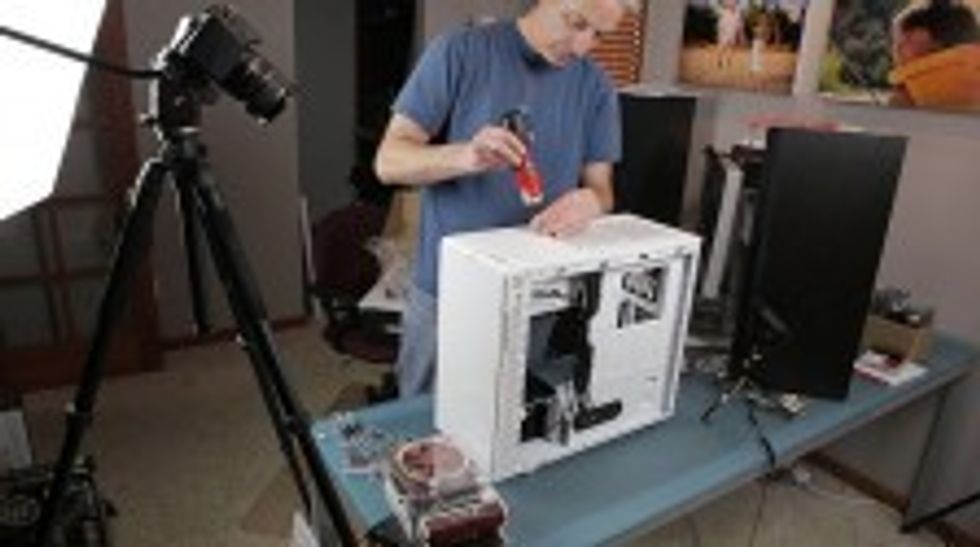
 Anyone can go out and buy a computer system, but to truly get something that is customized for video editing, and won't cost you a bundle, you'll probably be looking at buying the parts yourself and putting it together. We've got our very own Hackintosh guide to help you build a computer specifically designed to handle Mac OSX, but your options are certainly less limited if you've decided that you just want to build a Windows PC. Dave Dugdale, from Learning DSLR Video, is building his first computer, and he has compiled all of this information to help you along in your own journey. Here is the video from Dave:
The list of parts from the build:
- Intel Core i7-3930k 3.2g 6 core at $569
- ASUS P9X79 Pro motherboard at $300
- 1600MHz 32GB of RAM
- GTX 680 “FTW” 4gb version which costs $560
- Corsair H100i liquid cooler with two Noctua NF-F12-PWM fans
- Fractal Design Define R4
CORSAIR HX Series HX750 750WI had to return this one because it made some weird fan noises. I replaced it with Seasonic SS-760XP ATX which is nice an quiet and 80PLUS Platinum Certified, I notice that is runs the same tasks as the other PSU but at slightly less wattages.- Corsair Force Series GT CSSD 240GB SSD
- Kingston 480GB SSD is existing and will be for my scratch drive.
- Windows 7 Pro
- Total Cost: $2,385
As Dave says, some people might think this is overkill, but this is a computer that's going to run all of the latest applications extremely well, like Premiere and After Effects, and since Dave believes he might be using a RAW camera a few years from now, this is a good system to handle those kinds of files. I'm not positive if all of these parts are 100% compatible with OSX, but most of them should work with a bit of fiddling (don't quote me on that). That doesn't necessarily mean they are the best choice if you're looking to build a system to handle both Windows and Mac, but if you're strictly looking at system for PC work only (or even Linux), this is going to be a blazing fast computer for the next couple of years.
How does this compare to any recent computers you have built? Do you have anything to add or subtract from the parts list above? Let us know in the comments.
Link: Dave’s Monster Video Editing Computer Build -- Learning DSLR Video