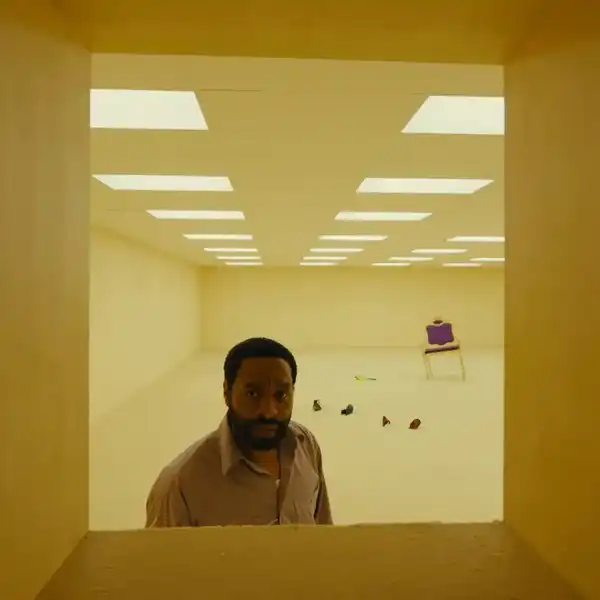
 Black and white seems to be going through a resurgence of sorts. In the past year, a plethora of well-received black and white features have hit theaters, from Frances Ha to Nebraska, the cinematography of which we've talked about extensively. While there are multitudes of methods for capturing black and white images in camera, more often than not, modern films are shot in color and then converted to black and white in post processing. Unfortunately, many younger filmmakers think that the only way to accomplish this is through complete desaturation and maybe a boost in contrast. However, the infinite possibilities of our modern color tools open up a world of possibilities when it comes to black and white. Stick with us, and learn how to take creative control of your black and white inside of Premiere Pro.
This tutorial comes courtesy of CreativeCOW. Even though it's for an older version of Premiere, the tools and concepts are the same for all newer versions. Here's the tutorial:
When it comes to creatively manipulating your black and white images, one of the best things that you can do is to learn how to manipulate the individual color channels. Just like the cinematographers of yesteryear would apply color filters to their black and white images, you can do the same through your NLE, but in a much more versatile and exciting way.
In this video, Andrew Devis uses the "Calculations" effect, which is one of those effects that would probably never get used if it weren't for fantastic tutorials such as this one. "Calculations" essentially allows you to isolate the gray-scale values of individual channels, which gives you several unique flavors of black and white with a single click. However, the effect also allows you to isolate another channel, blend the two together with various blend modes, and control the opacity of the second channel, which creates an absolutely mind-blowing array of possibilities when it comes to black and white manipulation. And that's only with one instance of the effect.
What do you guys think? Have you used channel effects like "Calculations" to manipulate your black and white images? What other techniques and effects have you used to create stunning black and white? Let us know down in the comments!