6G and 12G Quad Mode Are Coming to Your Flanders Scientific XMP Monitors
A look at everything new in Public Beta 3.1.14 for the Flanders Scientific XMP monitors, including support for 6G and 12G signals in Quad Mode and other improvements.
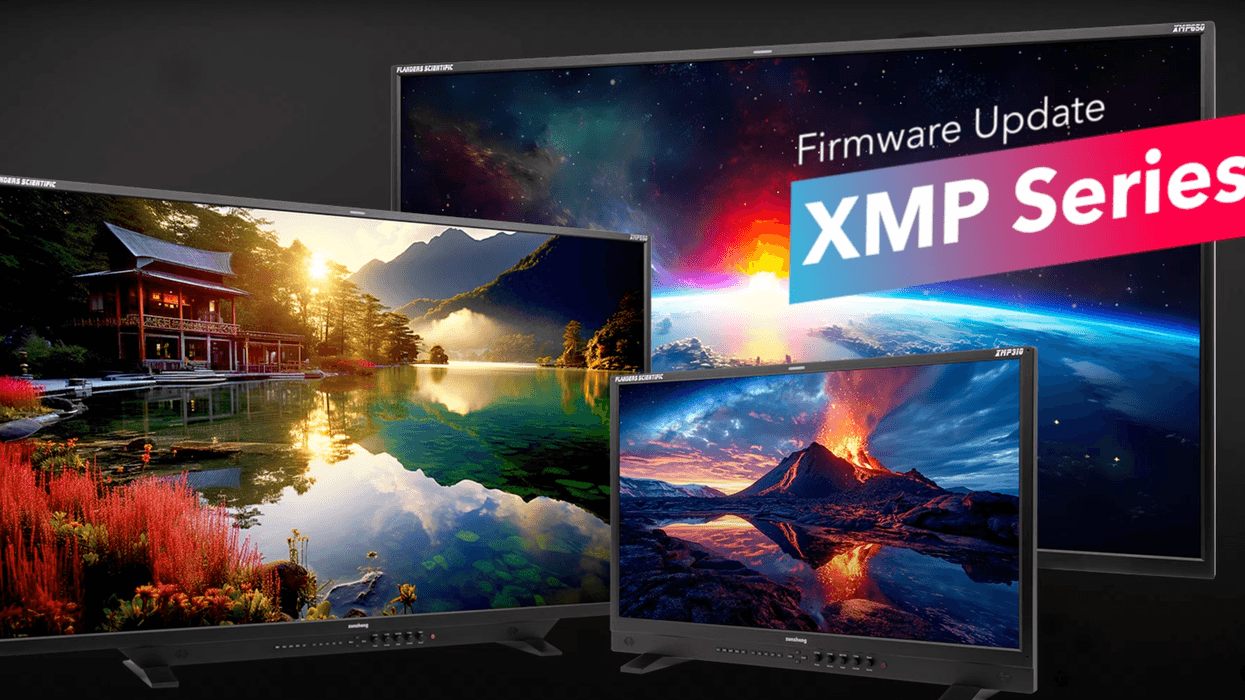
Flanders Scientific XMP Monitor Firmware Update
If you’re a Flanders Scientific XMP monitor owner looking to stay at the cutting edge of what your monitor can offer for your photo and video editing and design work, then you’re going to want to check out this new public beta firmware update. This thing is set to add quite a few new features and improve performance.
With this Public Beta 3.1.14 firmware version, Flanders Scientific XMP monitors will be getting support for 6G and 12G signals in Quad Mode, as well as added support for empty inputs. There are also many new updates and improvements to explore, so here’s what you need to know.
Flanders Scientific XMP Monitors Public Beta 3.1.14
As mentioned above, there are several new features and improvements to check out. Here’s a full list of everything new in Public Beta 3.1.14 for Flanders Scientific XMP Monitors:
- 3G_INx4 renamed Quad Mode.
- Adds support for 6G and 12G signals in Quad Mode.
- Adds support for empty inputs in Quad Mode. Any empty input will simply be shown as a black quadrant on screen while in Quad Mode, allowing you to monitor 2, 3, or 4 signals at the same time.
- Color management menus have been updated into two separate menus, Color-Global and Color-Input.
- Color-Input menu now allows for independent color space configuration per input, including for simultaneous use in quad mode. Directly assign unique Gamut, EOTF, White Point, Range, and Luminance settings per input. A Global Color Input mode is also still provided, allowing for universal application of color management settings across all inputs.
- Updated DIT LUT functionality (Global Color Input Mode only,) allowing up to 16 DIT Look LUTs to be saved to the monitor's non-volatile memory. Once saved to the monitor, any saved DIT Look LUT can be applied to any input directly from the monitor's Color Input menu.
- Added Gamut Toggle menu item. Please note, this is only a placeholder for now and is not active yet. This feature will be added in a future build.
- Performance Optimization: improvements to automatic signal locking on unclean switches and/or format changes upstream of the monitor. This should reduce or eliminate the need to re-press an input button to force signal re-lock when dealing with variable or unstable signals upstream of the display.
- Bug Fix: Intermittent too bright on initial boot bug should be resolved in this build.
You can find out more and get started with downloading and installing your updates by checking out Flanders Scientific’s website here.
- The Best Camera Monitors For Any Budget ›
- Is It Bad That On-Camera Monitors Are Insanely Cheap? ›
- Best Video Monitors for Creators ›
- Accsoon Officially Launches New CineView M7 and CineView M7 Pro Video Monitors ›
- Meet the Cheaper, New, and Improved SmallHD Studio Production Monitors ›
- How to Use Your Laptop as a Free External Monitor for a Canon DSLR ›