If you're an Artlist subscriber, your creative toolkit is about to get a serious upgrade.
And if you don't know about Artlist, let me bring you up to speed: Artlist is a leading creative technology company empowering global brands and creators through two products: Artlist and Motion Array. Offering over 3 million high-quality, royalty-free assets created by award-winning artists — such as music, sound effects, footage, templates, and more.
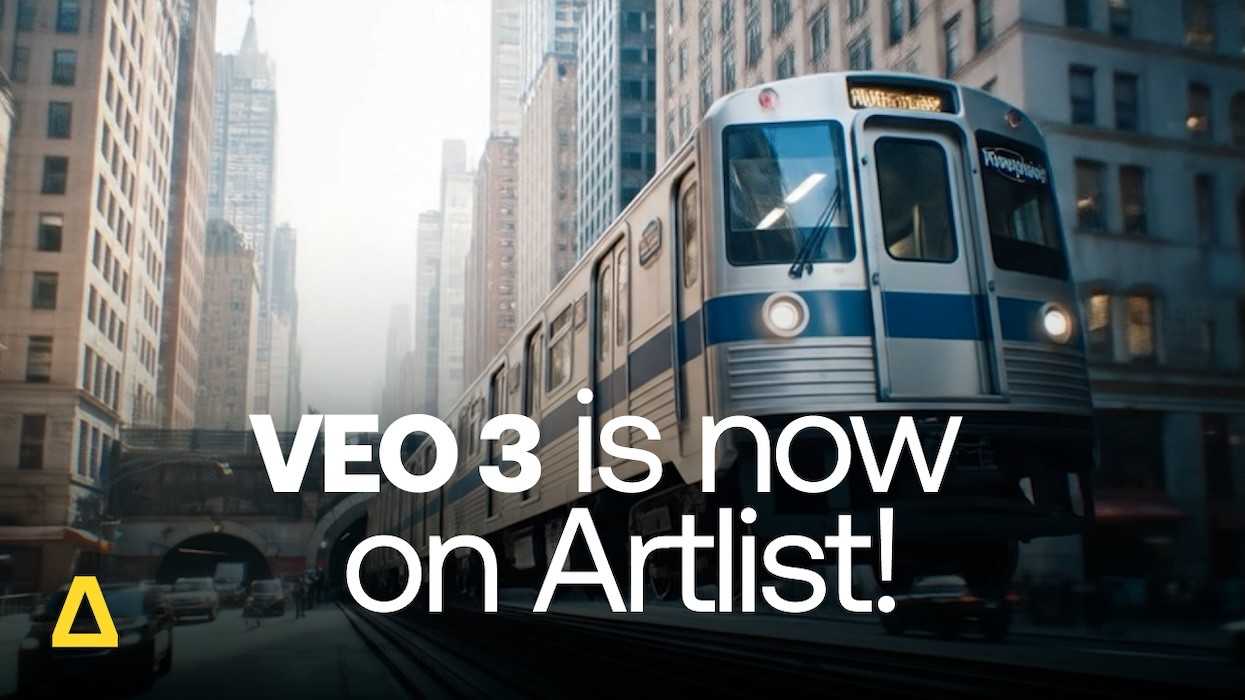
The company, known for its high-quality music, SFX, and stock footage libraries, has just announced it's integrating Google's powerful AI video generation model, Veo 3, directly into its platform.
This move signals Artlist's ambition to be more than just a content library; it's positioning itself as an all-in-one creative suite where you can source, create, and finish your projects without ever leaving its ecosystem.
Artlist had already been dipping its toes into AI, offering an AI Voiceover Generator, an AI Image Generator, and its own AI Video Generator.
But the addition of Google's Veo 3 is a big leap forward. It gives its creators access to one of the most advanced and coherent video models on the market.
What's The Goal?
The goal is to create a seamless workflow within Artlist. A creator can now find the perfect track on Artlist, generate a professional-sounding voiceover, create custom concept images, and now, generate high-quality video clips to supplement their footage—all under a single subscription.
Ira Belsky, Co-Founder & Co-CEO of Artlist, framed the move as the fulfillment of a long-term vision. "With the integration of Veo 3 into our subscriptions, we’re fulfilling our vision of providing a complete solution for creators and brands who want to produce high-quality videos in one place," he said. "Artlist now offers the full suite of AI tools—voiceovers, images, and video—and we’ll continue to add new models as they are released to keep our creators at the forefront of technology and creativity."
 Artlist
A Full AI Ecosystem
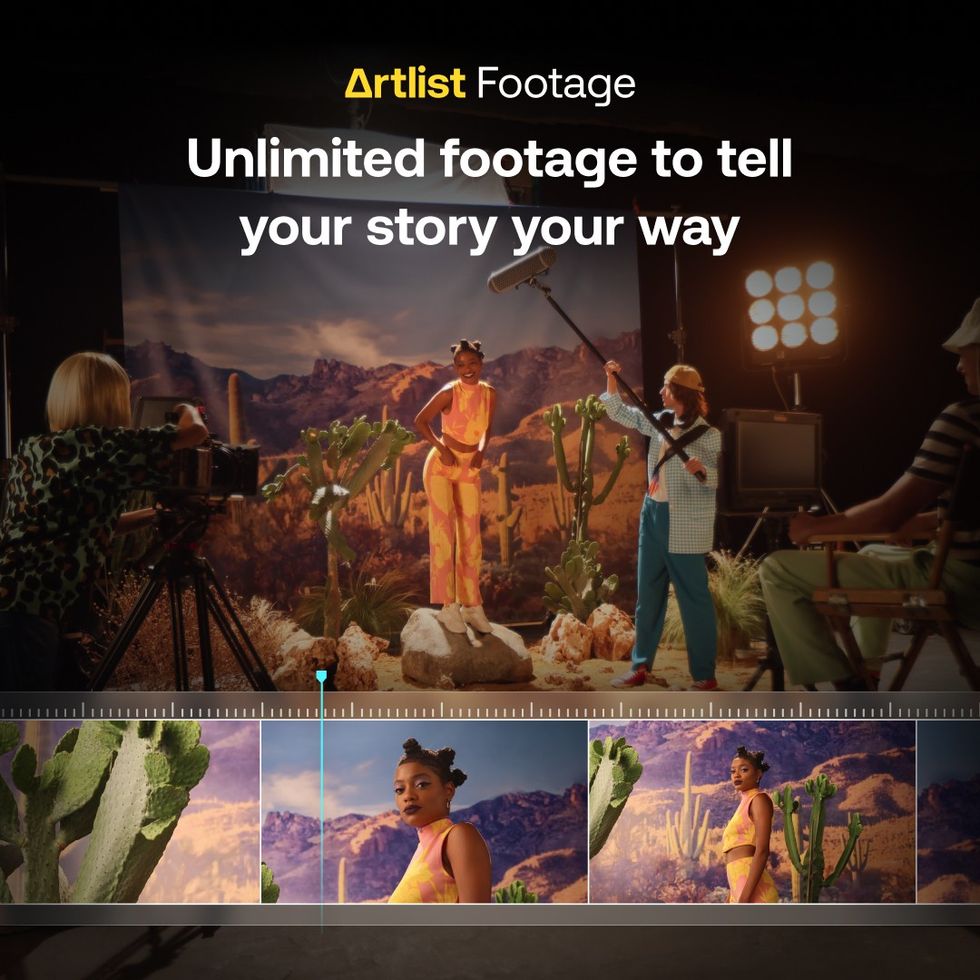
For filmmakers and video creators, the practical implications are clear. Imagine needing a specific B-roll shot you can't find or afford to shoot—like a drone shot over a futuristic city or a specific historical scene. Now, you can potentially generate it directly within the same platform you use for your music and sound effects.
Roy Peled, CPTO of Artlist, emphasized the power of this integrated approach. "Combining Veo 3 with our existing tools creates a truly unique solution in the industry," Peled noted. "We’re not just providing content libraries—we’re offering a full AI ecosystem that covers every stage of video production, from concept to final output. This enables any creator or brand to execute projects at a speed and quality that was previously impossible."
The partnership also received a strong endorsement from Google. Boaz Maoz, MD of Google Cloud Israel, stated, “We are pleased to see Veo 3 integrated into Artlist’s comprehensive platform. This partnership not only highlights the power of Google’s AI in transforming creative workflows but also underscores our commitment to empowering creators and brands... with cutting-edge tools.”
 Artlist
Artlist Has Even More Updates
Artlist is rolling out a suite of AI tools that were built specifically for video creators.
- Google's Veo 3: Artlist is one of the first to get its hands on Veo 3, Google's new cinema-quality video generator. You can use text prompts or images to create what Artlist calls "ultra-realistic" clips with smooth camera motion. Crucially, it understands camera-specific terms like "dolly zoom" or "low-angle tracking shot." It also generates synced audio, including music, ambient sound, or dialogue.
- Google's Nano Banana: For still images, they're integrating Google's "most advanced AI image model yet." The focus here is on consistency—letting you maintain character and style across renders and use multiple images as references. It also boasts tools to "relight, re-angle, and reimagine" visuals.
- Other AI Features: The generator also includes image-to-video (animate any photo) , image-to-image (change backgrounds, add objects) , and the ability to blend up to three images into a single new scene. All AI videos can be upscaled to 4K.
Both Veo 3 and Nano Banana are included in the new AI Suite and Artlist Max subscriptions.
AI Voiceover Gets Cloning and Voice-to-Voice
The AI Voiceover tool is also getting a massive upgrade, moving far beyond simple text-to-speech.
- Voice Cloning: This was apparently their "most requested feature." You can upload a short audio sample to create an AI clone of your own voice. This allows you to generate new voiceovers in your voice (or a client's) instantly, and even localize content into multiple languages using that same cloned voice.
- Voice-to-Voice: This new feature lets you upload a voice recording and have the AI generate a new, high-quality voiceover that matches the emotion, pronunciation, and pauses of your original recording.
- Voice Effects: You can now add effects like "Monster," "Walkie-Talkie," "Pro Studio," and "Vintage Radio" directly in the tool, no plugins required.
The tool features over 21 languages and is also available as an extension right inside Premiere Pro.
 Artlist
Core Libraries Get Smarter (Music & Footage)
What we love is that the classic Artlist assets aren't being ignored. Everything has been upgraded. They're getting new AI-powered features to make them easier to use.
Match Social Trends
For social media creators, this is a big one. Artlist has a new feature that tracks trending songs on TikTok, YouTube, and Spotify charts. You can see what's blowing up, and with one click, Artlist will give you up to 10 royalty-free matches from its catalog that have a similar vibe. You can even filter the charts by 17 different countries. This lets you jump on a trend without risking a copyright claim.
AI-Powered Search
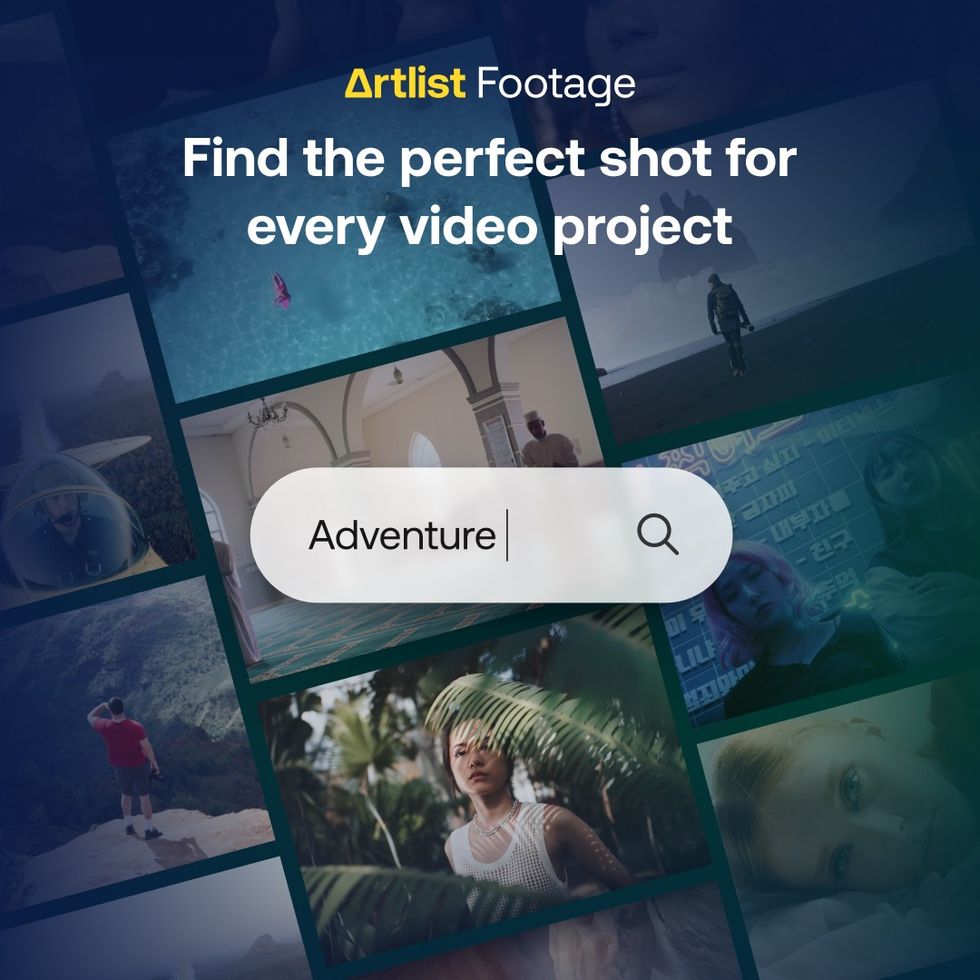
Finding the right asset is getting easier. The footage search is now AI-powered, letting you search for complex concepts or get specific with terms for composition, lighting, and mood. Music search works similarly, letting you type in natural language like "Cinematic music for a landscape shot" to find what you need.
Footage Filters & Discovery
You can now filter the footage library by clip duration and orientation (vertical or horizontal)—a clear nod to social-first editors. They've also added a "Similar Clips" feature to make finding related shots easier.
Workflow, Integration, and Tools
Artlist is clearly focused on keeping you inside your editor.
- Artboard: This is an AI-powered project starter. You describe your project, and it suggests a collection of music, SFX, and footage to match your vision.
- Premiere Pro Extension: The library extension lets you access the entire music, SFX, and AI voiceover catalog directly inside Premiere Pro. You can search, preview, and drag-and-drop assets right onto your timeline.
- Stems: You can now download stems for songs, giving you control to isolate or mute individual tracks like vocals or drums.
- LUTs: The platform now includes over 300 premium LUTs, complete with advanced filters for style, tone, and contrast.
 Artlist
What Does it Cost?
To get all this, the subscription model has been updated. It's now broken down into a few main tiers.
- Licenses: There are two main license types. The Social License is for personal social media content (one channel per platform) , while the Pro License covers everything from personal to client work, and your published projects are covered forever.
- Plans:
- Music & SFX: Starts at $9.99/month.
- AI Suite: All the premium AI tools, starting at $15.99/month.
- Footage & Templates: Starts at $31.99/month (includes Pro license).
- Artlist Max: This is the "all-in-one" plan. It includes all creative assets (music, SFX, footage, templates, etc.) and all the new AI tools. This starts at $39.99/month.
There are also dedicated Business plans for teams of 50 or more.
How to Get It
Artlist has confirmed that the new Veo 3 integration will be available at no additional cost to subscribers of its Artlist Max and AI plans.
This is a clear statement of intent from Artlist. As the creative landscape becomes increasingly competitive, the company is betting that providing a comprehensive, AI-powered toolkit is the best way to deliver value and keep creators locked into its platform.
For filmmakers and creators, this means fewer subscriptions to juggle and a more integrated workflow. It’s a clear sign that the line between content library and creation suite is blurring faster than ever.