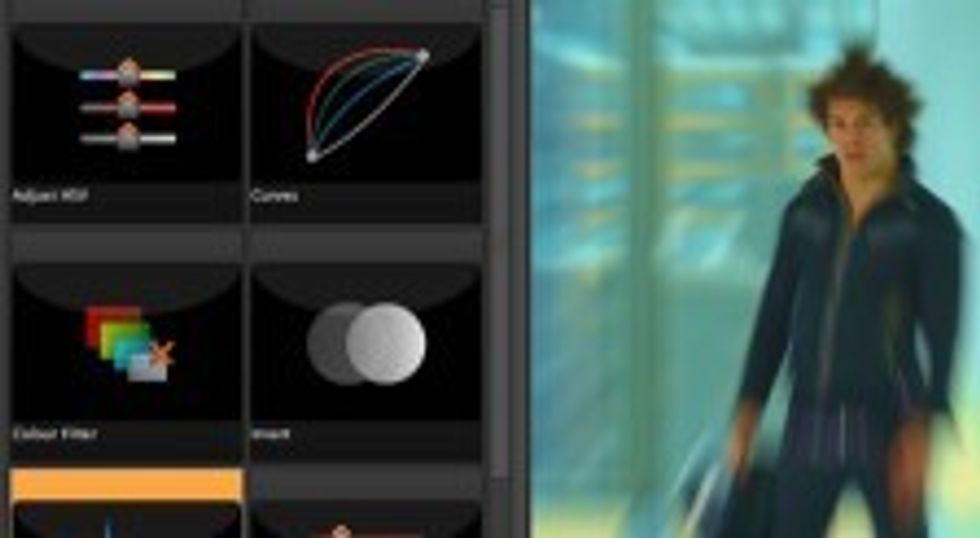
 The Foundry is best known for high-end compositing tools like Nuke, but they're set to release their latest application, Storm, on March 1st. Storm is a much-needed low-cost "RED Production Hub," which will retail for the very reasonable price of $375 -- reasonable considering it's not only designed to help log and process the .R3D camera originals, but it's also meant to be a post-production solution that will take RED-based edits all the way through final color correction to delivery. If you're interested in the RAW workflow and want to play around with some .R3D files in Storm, here's your chance -- it's in free public beta until March 1. And if you don't have any .R3D files to work with, I've got you covered there as well:
To download some .R3D files -- many from the newer Mysterium-X sensor (as seen in The Social Network) -- check out the links at the bottom of this post (they're sizable files, so you may want to start downloading before you continue reading). Once you've got some .R3D shots on the way, take a look at Storm's interface and featureset in the following videos. It's not an editing application: you export to a proper NLE once you've organized and pre-graded your .R3D files, and then you roundtrip back into Storm once you've picture-locked for the final grade. It's very appealing, in my opinion:
I'm downloading .R3D files myself as I post this, but compared to Apple Color (in its current version, at least, with its largely-unchanged FinalTouch interface), I like the Storm interface a lot. Even when compared to higher-cost tools like Assimilate SCRATCH, Storm's interface is very well-designed. Of course, it's also worth noting that REDCINE-X, RED's homegrown pre-processing tool, is available free (and not just while it's in beta). But considering RED's own Ted Schilowitz called Storm "REDCINE-X on steroids," I'm partial to experimenting with The Foundry's tool, since it is more of a complete end-to-end solution.
But if you don't own a RED ONE, or if you haven't been on any RED shoots, the beta is of limited use, right? Well, not if you go and download some native .R3D files and try your hand at grading them. To that end, I've included some places to find RAW, unprocessed .R3D files below. Enjoy!
Links:
- The Foundry Storm (click on "Public Beta" to download)
- M-X vs. M comparison - SCARLETUSER
- M-X REEL R3Ds - REDUSER
- .R3D Samples @ Mediafire