Why This Free, Open-Source Screenwriting App Should Be on Every Mac Writer’s Radar
We love anything that's free and that democratizes filmmaking.
Beat
I have been teaching screenwriting on and off for the better part of the last decade. One of the barriers to entry for most students is the price of screenwriting software.
Programs can run almost two hundred dollars, and most writers do not need all the bells and whistles. They just need a program that formats things correctly and lets them see their idea laid out like a real screenplay.
To simplify it, they need the tool of a real writer.
Well, if they have a Mac, they now have one, and they can use it for free.
Enter Beat, a free, open-source screenwriting app designed by Finnish filmmaker and screenwriter Lauri-Matti Parppei. I got it from a buddy, downloaded it, and have been playing with it. I think it's really cool, and more importantly, if you want to get the ideas out of your head and onto the page, it might really help.
Oh, and the best part? No AI. It was built strictly as a human-centered creative workspace.
Let's dive in.
Written in Plain-Text
So, this was what I found to be the nicest feature and one I wish more software understood. Writers just want to write! Beat’s core engine relies on Fountain, a plain-text markup syntax for screenplays.
What does that mean for you?
- Future-Proof Files: Your scripts aren't trapped in a proprietary file format that will die out. You can open a Fountain file in almost any text editor, or easily drop it into tools like Slugline, Highland, or Fade In.
- Flawless Formatting: You type plain text, and Beat auto-formats elements like Scene Headings, Character names, Parentheticals, and Dialogue. This made it easy to learn and to type relatively fast.
- Seamless Interchange: My one worry was that Final Draft has a stranglehold on a lot of production, but this program had me covered. Need to send a
.fdxfile to a producer? Beat imports and exports Final Draft. And it will keep revisions, too!
A Distraction-Free Workspace
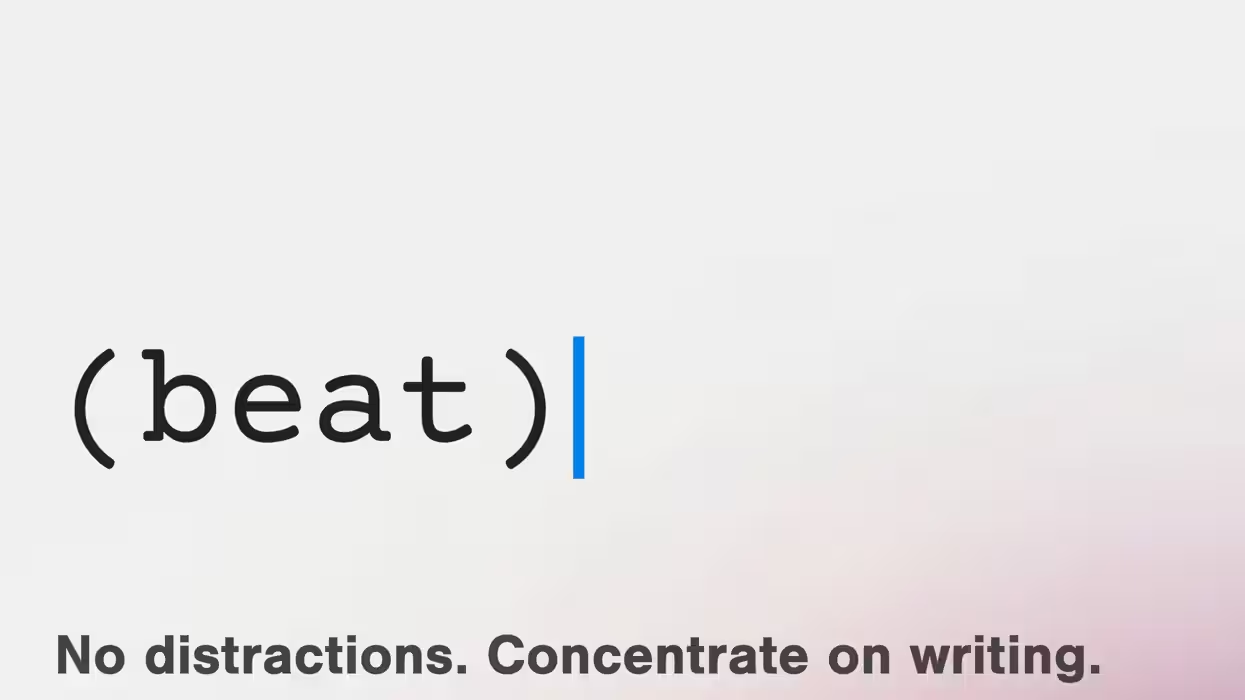
Again, I think many writers just need something that allows them to write without worrying about anything else. This is a solid format. No weird toolkits or anything else, just your words on the page, looking like a movie or TV show.
I also like that it’s built natively for macOS (and iOS), so it runs incredibly fast without lag.
Structural Tools Built for Visual Storytellers
It's called "beat," so they better have something for beat sheets! And they do! There are actually a few useful outlining tools.
- Outline View & Index Cards: Drag and drop scenes, add color-coded sections, and view scene synopses visually.
- Screenplay Analytics: Get real-time stats on average scene length, location breakdown, time-of-day ratios, and even character dialogue distribution.
- Revision Tracking & Scene Numbering: Full support for standard industry revision workflows, automatic or locked scene numbers, and PDF exports with highlighted changes.
What Does It Cost?
- macOS: Free (released under the GNU General Public License v3). You can also support the developer via Patreon.
- iOS / iPadOS: A one-time purchase (~$12.99) on the App Store to support ongoing development.
The Bottom Line
For writers looking for a fast, minimalist alternative to paid screenwriting software, Beat delivers a professional experience at no cost. And we just generally love that they're in it for the artists. So if you do download it, consider donating to their Patreon or one of their charities.
Download it directly at beat-app.fi or check out the source code on GitHub.