While it’s been a while since the NLE wars were fully waging, Apple’s Final Cut Pro has long been a dormant giant asleep to the side of the current battles between Adobe Premiere and DaVinci Resolve.
Yet, while those two popular video editing platforms have been trying to outdo each other with color and photo editing spaces, Final Cut Pro might actually have more to offer than you might expect. That is, if you don’t mind finding some third-party resources.
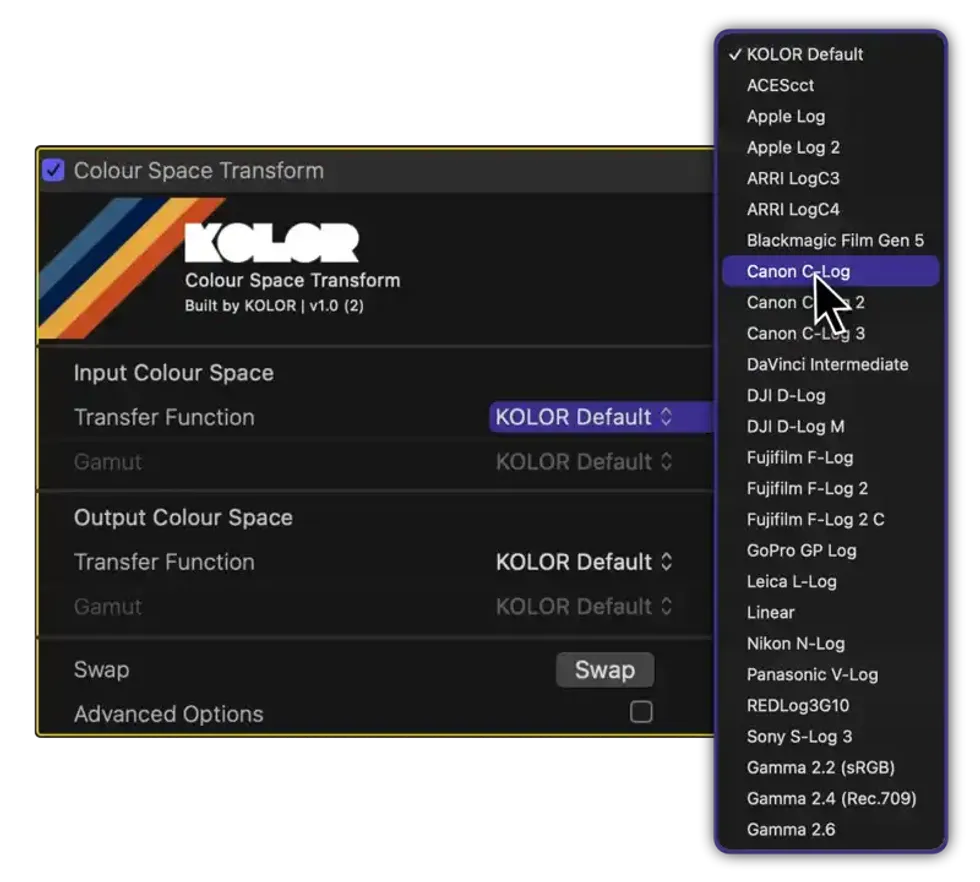
Let’s take a look at the Colour Space Transform plugin, a free option for those looking to see if Final Cut Pro can actually be an option for your color grading needs.
Colour Space Transform Plugin
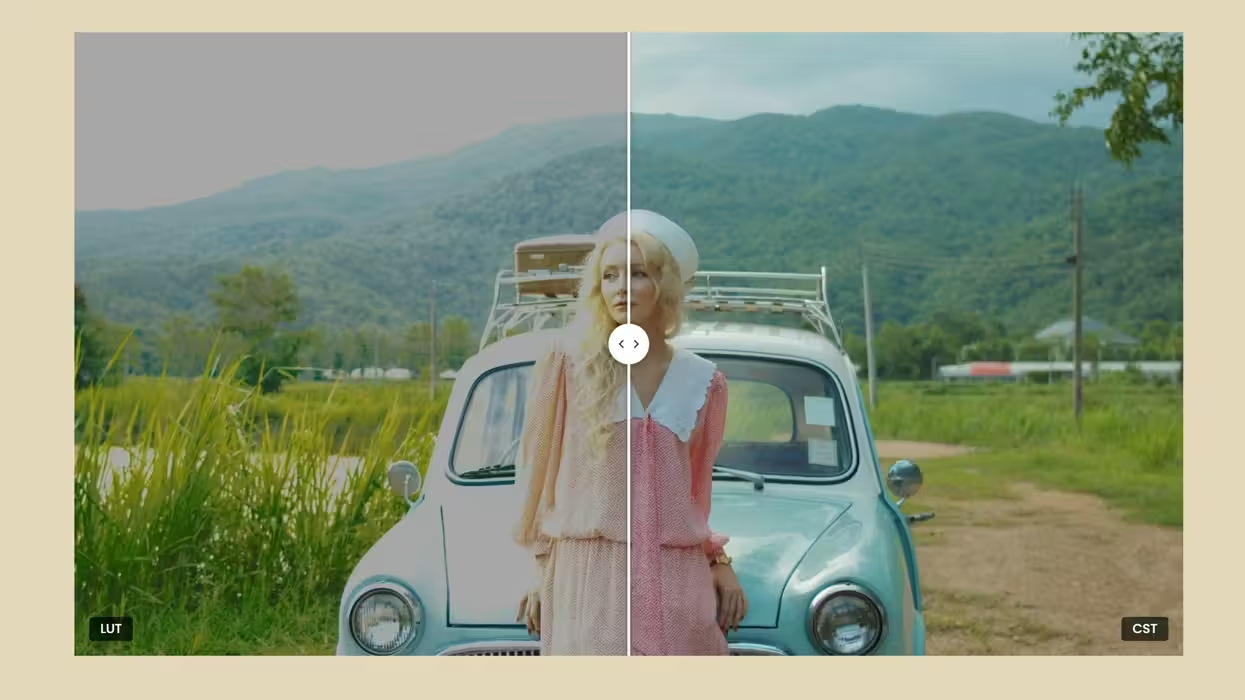
Available for free, which makes it, of course, the most appealing, this plugin makes the promise that Apple’s NLE can actually color grade now. The plugin uses built-in Device Rendering Transform (DRT) technology, which helps yield more natural-looking, aesthetically pleasing images.
And, as the plugin reports, while DaVinci Resolve’s Colour Space Transform can transform footage for display, it completely lacks DRT functionality, which means that the burden often falls to the editor to make sure nothing goes wrong or looks off.
Now, while we’re a bit skeptical about the free-ness here, the download page does appear to indicate that the plugin is indeed free, but it also asks for sign-ups and encourages those who like it to be part of its journey.
Check It Out Yourself
As is with most new plugins, apps, and other third-party solutions, the best way to try things out is to test them yourself. Follow along with the intro video timestamps below:
- 0:00 The Problem
- 2:17 Colour Space Transform for Final Cut Pro
- 3:35 Working with Multiple Cameras & Intermediate Colour Spaces
- 4:14 IDT & ODT
- 5:26 Workflow Explained
- 6:15 Transform entire Timeline to Rec.709
Or you can find out more info on the company’s website here.
- How to Choose the Best Color Correction Tool for Your Individual Workflow ›
- Your Guide to Understanding ACES (Part 2) ›
- Your Guide to Understanding ACES (Part 1) ›
- The Nuts and Bolts of How to Set Up Your Color Space Correctly in Resolve ›
- Easily Color Match Different Camera Sources with CineMatch ›