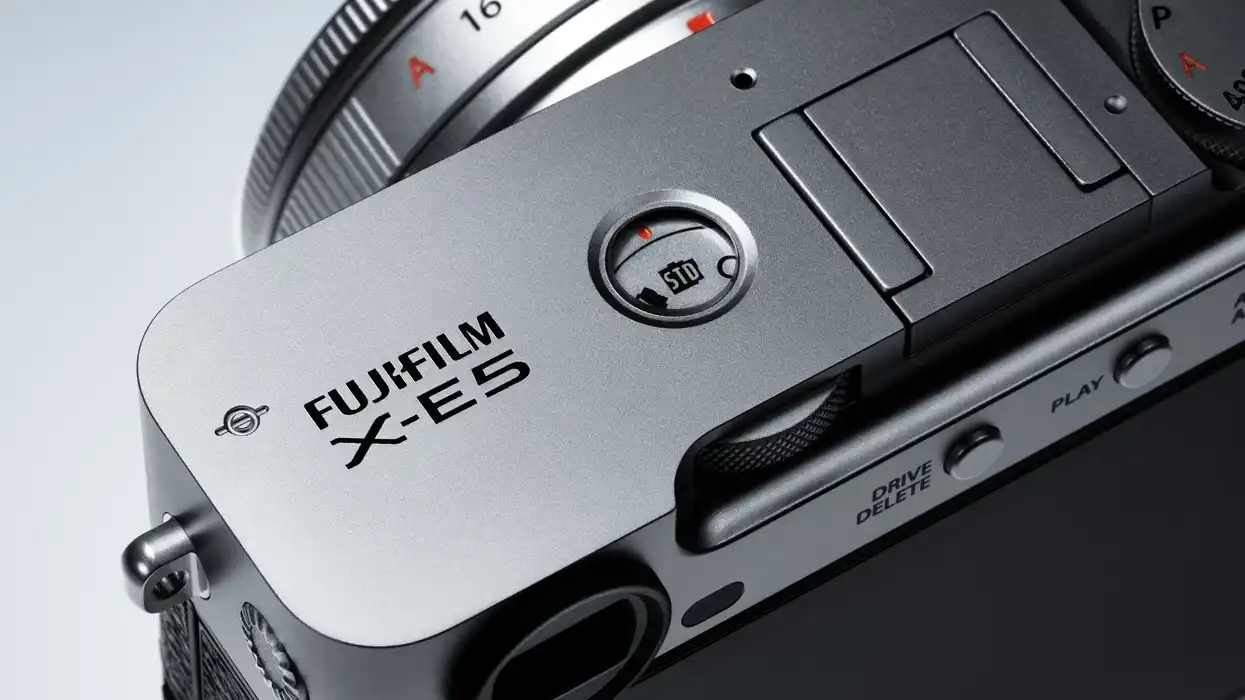
Another new firmware update is out for a popular Fujifilm camera, and while this latest one offers some of the same wireless communication security enhancements as we’ve seen in other updates, Fujifilm is also rolling out a new Features Guide that we’d highly recommend any X-E5 shooter go and check out.
Here’s everything you need to know about the Fujifilm X-E5 and this new firmware update, including how you can download and install it yourself today.
Fujifilm X-E5 New Feature Guide
To start, let’s quickly look at this new guide put out by Fujifilm. Dubbed the “X-E5 New Feature Guide,” this new version 1.10 is set to include all of the latest features and details that would be helpful to know when working with the Fujifilm X-E5.
You can download the X-E5 New Features Guide directly from Fujifilm's website here in the following languages: English, Français, Deutsch, Español, Italiano, Nederland, Polski, Svenska, Norsk, Dansk, Pусский, Suomi, 中文简, 中文繁體, 한국어, ภาษาไทย, Arabic.
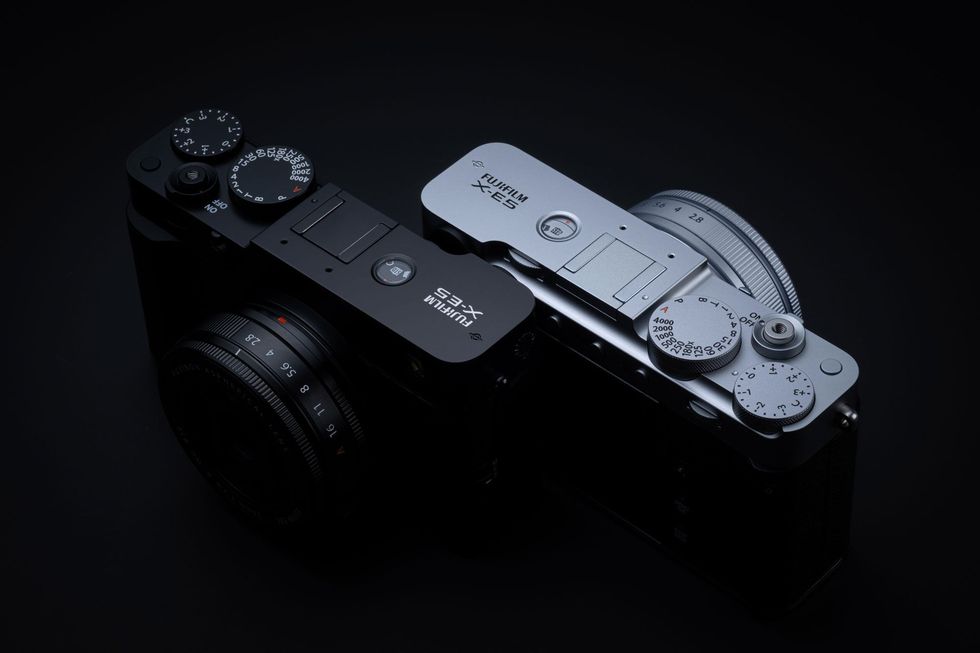
Fujifilm X-E5 Firmware Update 1.10
As for the firmware update itself, version 1.10 is here and will include the following updates:
The wireless communication security is enhanced while the camera is connecting with a smartphone application or an external device wirelessly.
After updating the firmware, security will be enhanced, so the connection procedure with the smartphone application will be changed, or the “WIRELESS COMMUNICATION” setting menu on the camera will be deleted.
- The procedure for pairing the camera with a smartphone is changed.
- “WIRELESS COMMUNICATION” option in the “SHOOTING SETTING”, “MOVIE SETTING”, and “PLAY BACK MENU” are removed.
- “WIRELESS COMMUNICATION” option is removed from the functions assigned by the following operation flow in the “Setup Menu”. (Operation flow: “BUTTON/DIAL SETTING” ➔ “FUNCTION (Fn) SETTING”)
- “WIRELESS COMMUNICATION” option is removed from the functions assigned by the following operation flow in the “Setup Menu”. (Operation flow: “BUTTON/DIAL SETTING” ➔ “POWER ZOOM LENS FUNCTION (Fn) SETTING”)
- “WIRELESS COMMUNICATION” option is removed from the “Fn1 BUTTON SETTING” menu in the BUTTON/DIAL SETTING” of the “Setup Menu”.
- The instax printer SQUARE Link™ is supported so you can connect your camera with instax printer SQUARE Link™ and print images.
* In case that the camera’s firmware is the current version, and the smartphone application (FUJIFILM XApp or FUJIFILM Camera Remote) is the latest version.
* In case that the instax™ printer (mini Link3/SQUARE Link/Link WIDE) is the current version.
2) After updating the camera firmware, if the smartphone application (FUJIFILM XApp or FUJIFILM Camera Remote) is not updated to the latest version, you cannot connect to the camera. Be sure to upgrade your smartphone application software to the latest version.
To update, simply go to Fujifilm’s website here and follow the steps below:
- Check the firmware version.
- Prepare a formatted memory card.
- Download the firmware and copy it to the card.
- Put the memory card with the firmware in the camera and update it.
- Fujifilm Introduces Light and Affordable X-M5 With Optimized Audio and 6K Video ›
- Fujifilm Recreates the Idea of a Half-Frame Film Camera With New Fujifilm X half ›
- Fujifilm Officially Introduces New X-E5 Camera With Optional 23mm f/2.8 Pancake Lens ›
- Fujifilm Releases Firmware Updates for Multiple Cameras With New Wireless Communication Security Enhancements ›
- Fujifilm Releases Firmware Update for the Just-Released X-half Compact Camera ›
- Fujifilm X RAW Studio Firmware Update Adds Support for New X-E5 Camera ›
- An Interview With DP Graham Sheldon About Capturing the D&D Web Series ‘Goblin Mode’ | No Film School ›