Here at No Film School, we're always looking to bring you the latest news in tech and AI. As these leaps become larger, we're also wondering how some of these tools can help filmmakers in their everyday process.
One that caught our eye is Google Gemini's new tool called Storybook.
It makes a pretty straightforward promise: "Create personalized, illustrated stories about anything with read-aloud narration. Just describe the story you want, add files and photos if you like, and Gemini will create a unique 10-page storybook."
This seemed too good to be true, so we tried it.
Let's dive in.
- YouTubewww.youtube.com
Gemini Storybook
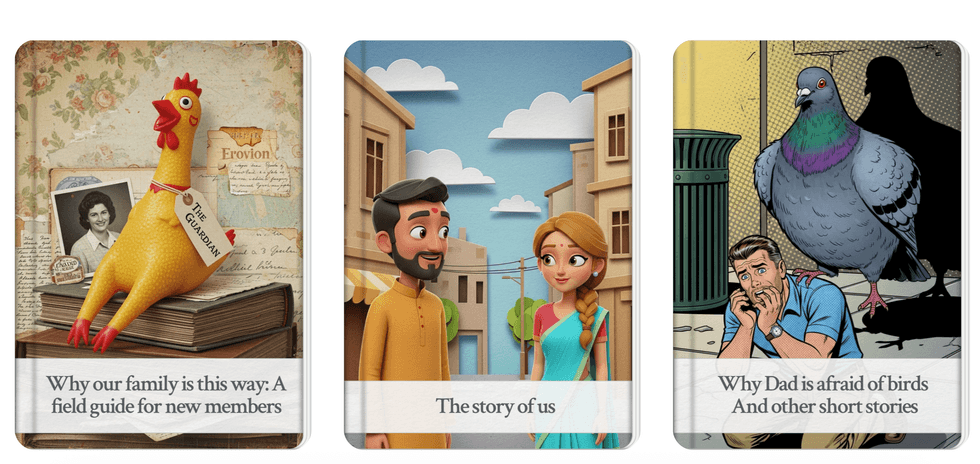
Credit: Google Gemini
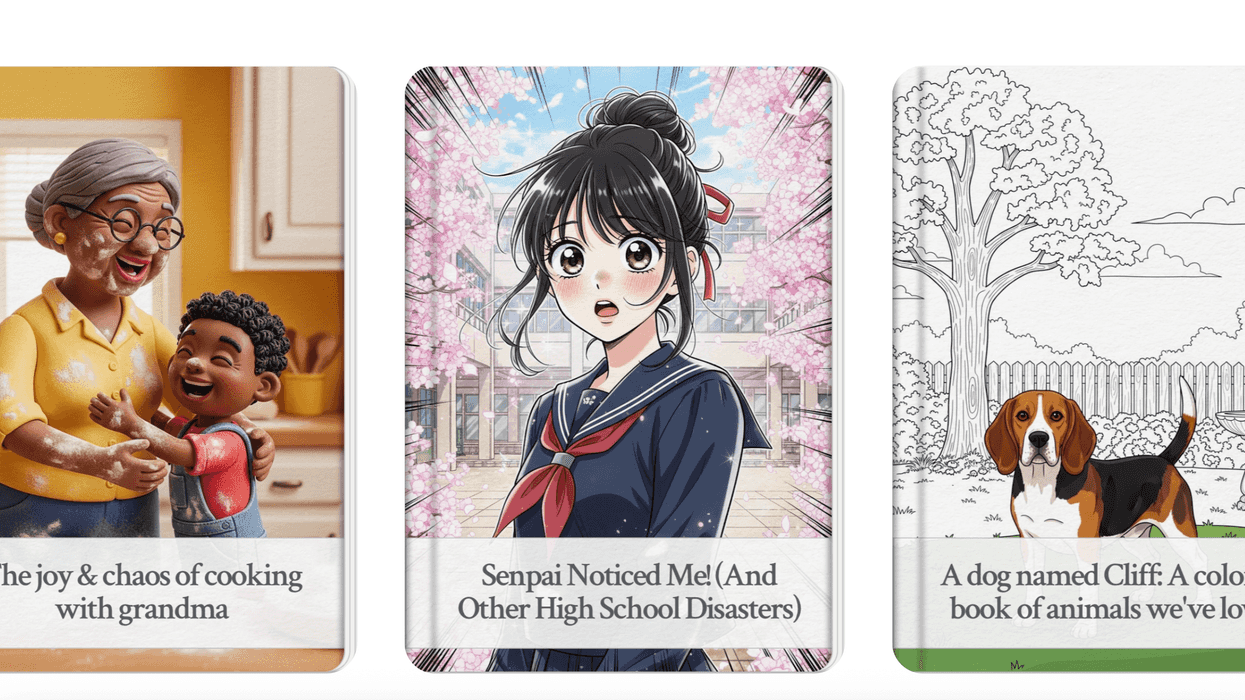
Google's new generative AI tool, Gemini Storybook, is a tool that transforms simple text prompts and user-uploaded images into illustrated, narrated stories.
One of the first things that struck us about Storybook was the fact that you can use images, words, and even PDFs of stories to generate a children's book. All you have to do is upload the supporting material, and Gemini will spit out a story.
These can be stories that teach lessons or explain the universe or that are just funny. It gives anyone the ability to spit one out.
But unfortunately, it does not export them as PDFs. And you cannot change the text or edit the text on the pages. You can only prompt it to try different things.
If you want to export it, you can only do so via a link you generate in the program or print off a hard copy.
These feel like things that will change after this test program, but for now, we found those to be frustrating circumstances.
Another issue we found was that some of the characters did not look consistent across the books. So your main character might change their face or body across the ten pages.
And if you wanted a long book to explore more, the program was capped at 25 pages, and even if you asked it to write 25, sometimes it would not.
Since this is a pilot program, we didn't expect all these things to be figured out, but it was annoying to not be able to edit them or get what you wanted on the first try.
Why Would A Filmmaker Use This?
There are a few reasons filmmakers might be interested in this program. The most obvious one is making your own intellectual property.
Adaptations will always be all the rage, especially in the family space. If you can create a popular story and share it online, or find a way to export it from Gemini, either by using the link or just taking screenshots, you can generate your own IP that is easily adaptable into a larger film or TV project.
The other real use is to define a look for a lookbook, pitch deck, or concept art.
Storybook offers a streamlined and cost-effective solution for developing and visualizing cinematic ideas, especially if you are trying to confirm a look in animation or define a style for an animated pilot.
The program allows you to upload lots of references and images in order to really nail the look and feel of a story. That way, when it comes time to sell or to collaborate with animators, you have a strict visual language for them to follow.
And execs don't have to pretend to know what it looks like, you can show them the characters and even parts of the story upfront.
You can also use it for storyboarding.
This is a little more difficult because you can only prompt it in certain ways, and when we tested it, you basically had to hope it got it right. But a filmmaker can input scene descriptions from a script, and Storybook will generate a sequence of illustrated panels. This allows for rapid iteration on shot composition, character blocking, and overall visual flow. The addition of AI-generated narration can even create basic animatics, providing a rudimentary sense of pacing for a scene.
Summing It All Up
Right now, Storybook is a gimmick that we think filmmakers would probably play with, but not use on a regular basis until they can actively change text, get character consistency, or see direct integration with editing software.
Still, those feel like things just around the bend, and we'll keep our eye on what Google produces moving forward.
Let us know your thoughts on the program and if you have tried it.