Here’s a Free App That Can Turn Your iPhone Into a Focus Monitoring and Control System
A look at the LidarAC app, which extends Tilta Nucleus M and N setups for modern focus workflows by turning your iPhone into a handheld control and monitoring interface for the LidarAC system.
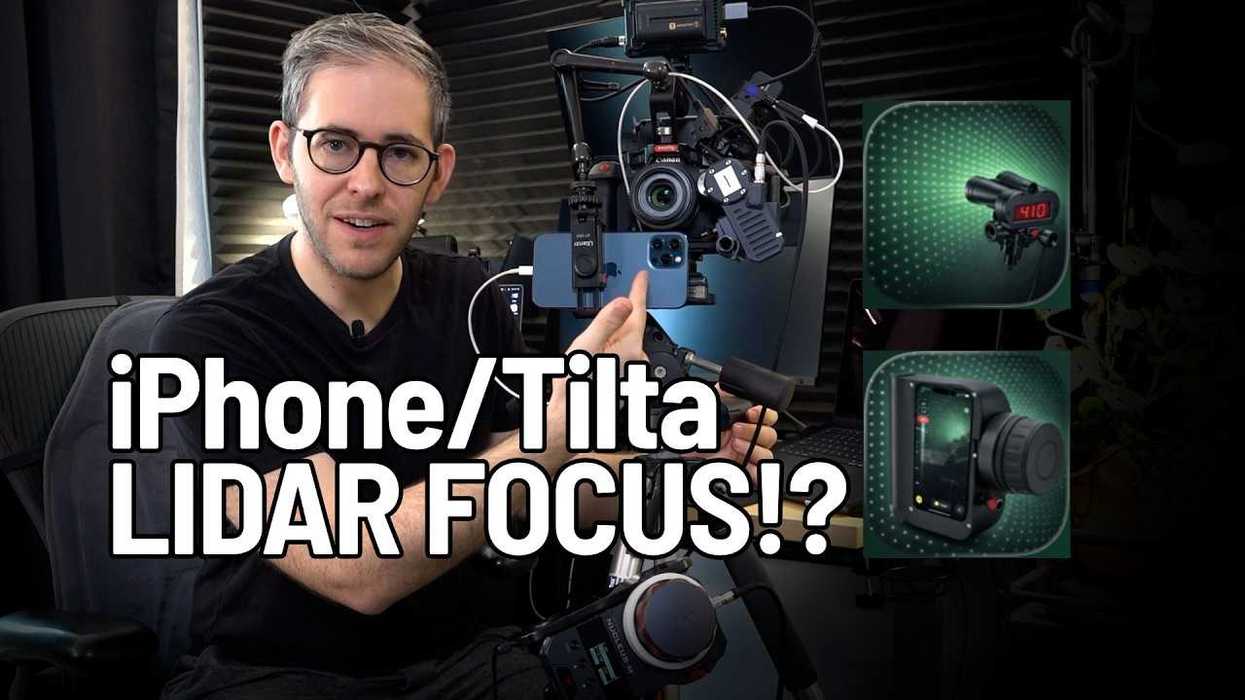
LidarAC App
For those looking to better streamline their focus-pulling workflows, whether it's for a gig you’re on or a project you’re managing, this new app could be a nice option to consider. The idea is simple, according to the company: the new LidarAC app aims to bring tools normally found on high-end handheld units to the Nano by using the item already in your pocket.
The LidarAC app is designed specifically to extend Tilta Nucleus M and N setups for modern focus workflows by turning your iPhone into a handheld control and monitoring interface. Let’s check out how it works and what it could offer for your focus workflows.
LidarAC Focus Pulling iPhone App
So, on the LidarAC app page, which is free to download and use, the system consists of two modes. The first RX mode acts as a handheld interface and can connect directly to your Nucleus Nano II models via Bluetooth. The TX mode can run on a second iPhone mounted on your camera and provide LiDAR-based distance data.
What’s cool about the RX mode is that it can enhance the Nucleus on its own with custom lens profiles, focus scaling options, and other marker tools. However, its full potential is unlocked when paired with TX models, as it can add real-time distance data directly into your focus workflows.
Overall, this is helpful because, instead of relying on raw motor values, the system can translate focus into usable distance context to support depth-of-field calculations, which can then be visualized in real time. Something that can vastly help focus pullers work more quickly and make more confident decisions on set.
Price and Availability
While this is an iPhone app, so it could have its own issues depending on what model of iPhone you have (the company recommends using iPhone 12 Pro or newer), it is worth exploring and possibly trying out just to see if it could offer the type of support and reliability you would need on set. Worse off, it could just be a nice backup too.
Here’s a full list of the key features:
- Real-time LiDAR distance data for people, faces, and eyes
- Spot distance measurement
- 2D and 3D tracking points
- Top-down LiDAR scene view
- Custom lens profiles with depth of field visualization
- Multiple focus scale modes (linear, lens matched, logarithmic)
- Marker-based focus assistance with haptic feedback
The best news here, though, is that the app is free to download and use. You can find more info on its page on the Apple App Store here.
- How to Rack Focus With an iPhone ›
- DJI Announces a New Drone, But It’s Not For Shooting Video ›
- Here’s How This Free iOS App Can Turn Your iPhone Into a Mini Virtual Production Studio ›
- FXHome's Free Virtual Production App Now Has Chroma Key Filters ›
- The Best Apps for Scanning 3D Objects with Your Phone ›