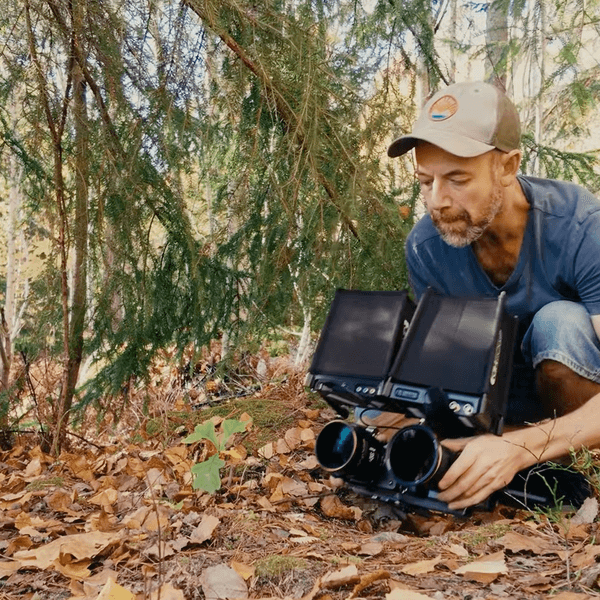
In today's day of digital cinematography, most filmmakers will default to the recommended ISO settings set forth by the camera's manufacturer — but is this always the best starting point?
I would argue that it depends on what you are filming and, more importantly, what type of image you are trying to craft.
The International Organization for Standardization (ISO) is responsible for creating the ISO standards for camera sensitivity, and it’s often what is used by filmmakers. The recommended ISO for most digital cinema cameras is 800; this means that, on average, your camera will record the cleanest image with the highest dynamic range. Therefore, this is, of course, the setting often relied upon by filmmakers. You want the cleanest image with the most information without sacrificing dynamic range, right?
Not necessarily.
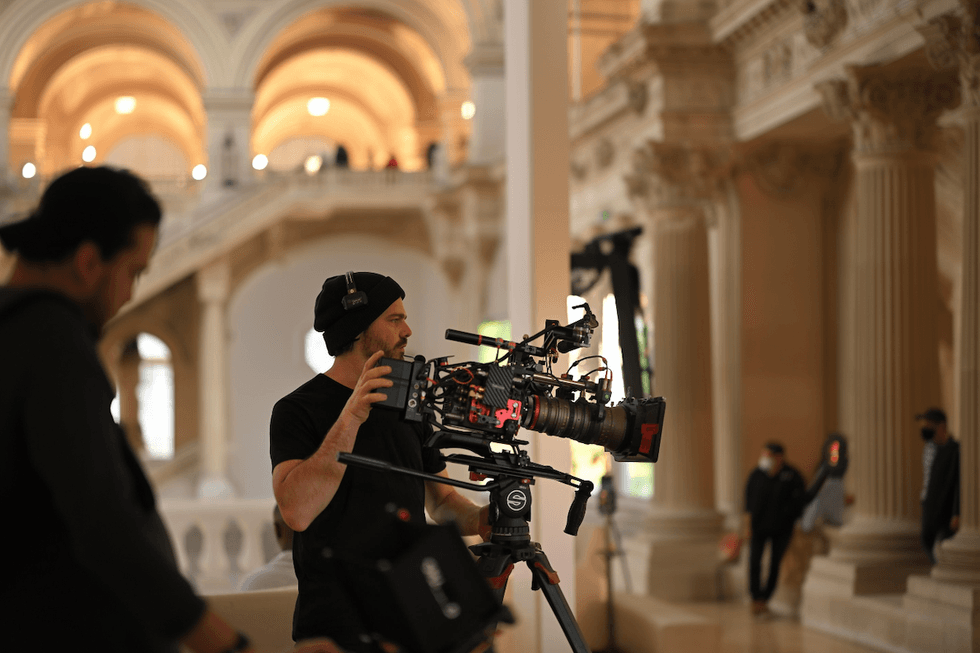 Chris Haggerty
The Latitude Shifting Technique
Let’s look at the Arri Alexa, for example, which has a set number of stops of dynamic range. With the ISO set at 800 and having 14 stops of dynamic range, this gives you 7 stops of latitude in the highlights and 7 stops of latitude in the shadows. This is how you get those nice, clean images that we’re all familiar with in modern digital media.
However, this is not always what images (particularly film) have looked like. In the past, before digital media, film often struggled to capture details in shadow, while retaining highlight information in even the brightest environments. Many cinematographers prefer the rich and realistic look film offers to media (myself included!). Therefore, using the native ISO settings won’t always allow you to craft a look similar to film. To do so, you’ll have to employ a technique called “latitude shifting,” which means straying away from the native ISO settings. But, in doing so, you open your craft to new ways of capturing images.
 Credit: Johannes Blenke
With several of the higher-end digital cinema cameras (in this case, the Arri Alexa LF), when you shift into a higher ISO, you gain latitude in your highlights while sacrificing it in your shadows. You double the ISO, in effect doubling the amount of light. This will give you one additional stop of latitude in your highlights while sacrificing one stop in your shadows.
So, you would have 8 stops of dynamic range in your highlights and 6 in your shadows. Doubling it again would add another stop of latitude in your highlights while sacrificing it in your shadows (9 in highlights, 5 in shadow). This is commonly done in very bright environments (desert, snow, sunny day outside, etc.) because there is very little shadow detail to begin with, while having loads of highlight information. It protects your sensor from clipping the image and blowing out your highlights with virtually no loss in shadow detail.
But what if you did this in a “normal” scene or location?
How to Create a More Filmic Look With Digital
If we moved to a scene with less light, this is when most cinematographers might shift the ISO back to native or maybe even lower, but I argue this is where we miss out on crafting magic.
I have found that maintaining a 1600 ISO (sometimes pushing to 2000 or its max of 3200) in dark environments gives you a more filmic image, as previously discussed. What we are doing is essentially forcing a digital cinema camera to react in a similar way to motion picture film emulsions, with even more information in the highlights, while allowing your shadows to clip a bit sooner.
 Courtesy of Chris Haggert
Dealing With the Noise Problem
Of course, shooting at higher ISOs will introduce digital noise to your image, which some may find distasteful. My personal view is that a bit of digital noise isn’t hyper distracting, so that will be to taste. Additionally, there are many programs, such as Black Magic DaVinci Resolve, with fantastic noise reduction tools, should you choose to clear some of that digital noise.
A simple technique to clean up an image while maintaining that film look is to remove Chroma noise (the colorful speckles in your digital image) while leaving Luma noise unfiltered. Luma grain looks more like film grain — keeping the image feeling organic.
A more advanced technique is using custom-built subtractive LUTs. This would allow you to shoot a much brighter image while viewing a much darker image. You retain all the digital cinema camera’s sensor information, which allows you to push the introduced noise into more of the shadows — making it less distracting.
Conclusion
In filmmaking, we’re always learning new ways to craft images. I hope that if you are looking to make your digital pictures look more filmic that you’ll consider shooting at a higher ISO. It's always good to try new things and learn what feels right for you. Find your voice and make the type of art you want to see!