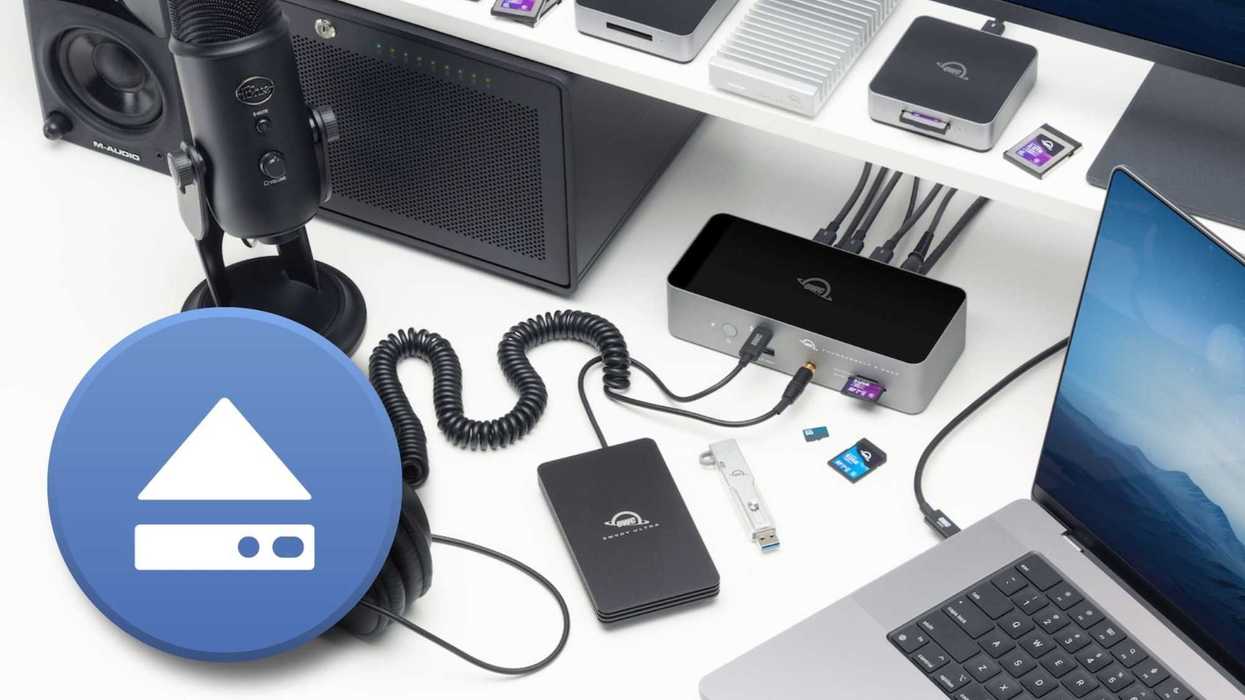
It’s a problem everyone deals with eventually. If you work in film and video, whether that be in production, management, or editing, you’re likely dealing with lots of devices, drives, displays, and other tools that are all necessary, but also quickly become a lot to handle
When you’re trying to disconnect, whether it's for a simple rearrange or you’re taking your work on the road, it can be tricky to manage all these devices, and safety can become a concern.
One solution to make disconnecting easier is the Dock Ejector app from OWC, a free Mac or Windows utility that safely ejects all connected devices at once with a single click. The app just got a new Mac release (version 2.1.1) that updates its charging support and adds reliability improvements.
Let’s check it out.
The OWC Dock Ejector

Credit: OWC
So, again, this is a free app that kind of just does one thing. It helps you safely disconnect all of your storage, displays, drives, and other tools in a single click. It’s notable because it handles not only drives plugged directly into your computer, but also external drives connected to your dock.
When you do disconnect, the app checks that any data being written has been fully completed before unmounting all storage volumes in one quick swoop, which should help prevent corruption that can often occur when disconnecting your drives too soon.
This app also includes SoftRAID and AppleRAID volumes and should work with other third-party docks and hubs.
Dock Ejector 2.1 Update
While not a major update, the company released version 2.1 of the Mac app, which further simplifies enabling high-power charging on supported OWC Thunderbolt docks when used with a Mac.
The update also introduces a new charging driver extension that keeps System Integrity Protection enabled. On top of that, users can now install and approve the extension without going into Recovery Mode to lower macOS security.
If you’re curious about what charging support is specific to some of OWC’s docks, check the company’s download page compatibility note here if you use the OWC Thunderbolt 3 Dock.
Price and Availability

Credit: OWC
This is a free app available for Mac or Windows users, but the recent charging and maintenance updates described here apply only to the Mac release.
To download and install it, visit the company's website here.
- OWC Launches My OWC App to Easily Set Up, Monitor, and Keep Your Gear Up-to-Date ›
- Seamlessly Connect All Your Devices With This All-in-One OWC Thunderbolt 5 Dock ›
- Keep Your OWC Media Cards Up-to-Date With This Helpful OffShoot Update ›
- Edit 8K Footage On the Go With The World’s First and Fastest Thunderbolt 5 Portable SSD ›
- Are You Ready to Handle the Rigours of 8K+ Video Editing With Your Storage Solutions? ›