Your Edit Isn’t Finished Until It Sounds Right
A great visual can pull someone into a story. Sound is what makes them stay there.
Think about a scene you remember vividly: footsteps getting louder as someone approaches, the sudden drop in music before a reveal, or the crunch of leaves under someone’s shoes. These details might not be what you notice first, but take them away, and the scene immediately feels different.
For years, sound has often been treated as one of the final steps in the creative process. You get the picture right, lock the edit, and then figure out the music, dialogue, and sound effects.
But what if there was a simpler way for sound to be part of the creative process from the start?
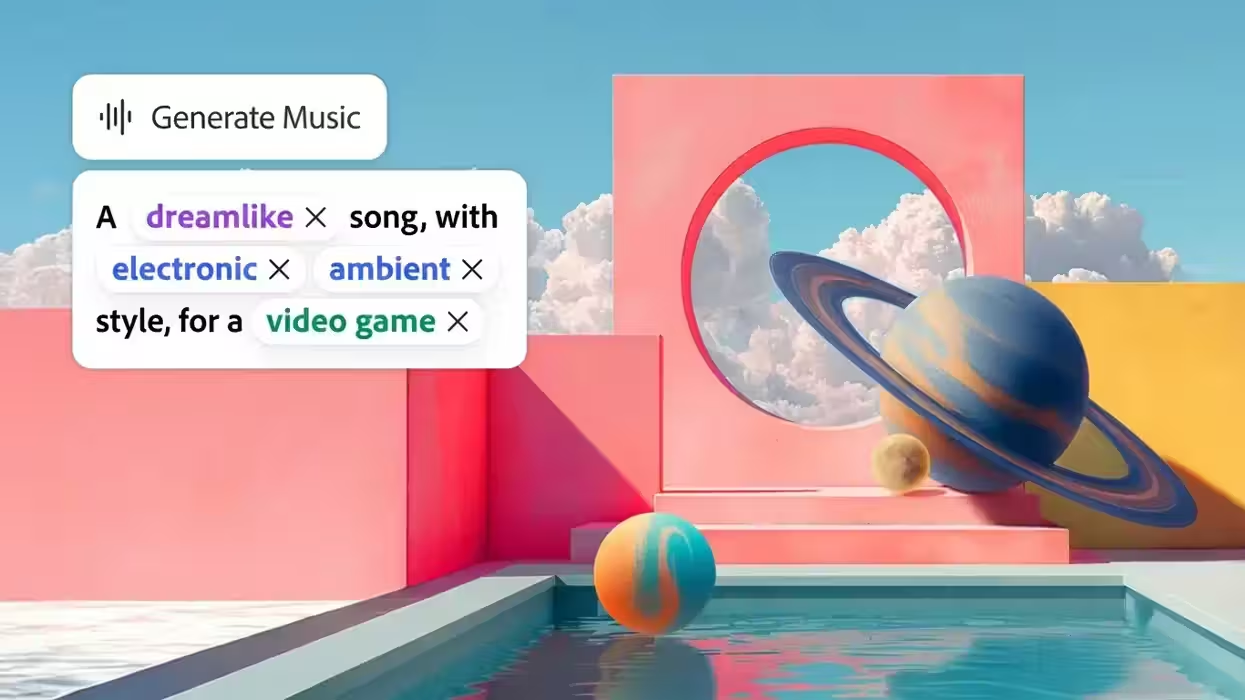
With Firefly's popular audio tools including Generate Music, Generate Speech, and Generate Sound Effects, creators can experiment with sound earlier, using it to shape pacing, test an idea, or understand how a scene feels before everything is locked.
Using Sound to Shape a Story
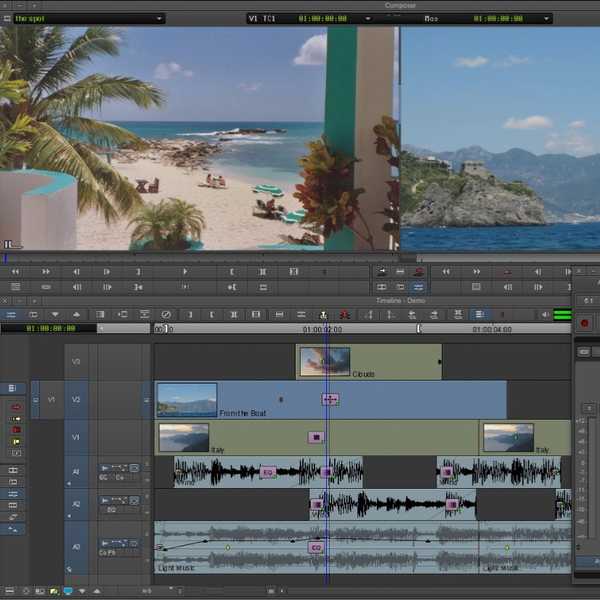
That's the idea behind Adobe Firefly's new audio capabilities. With Generate Music, Generate Speech and Generate Sound Effects, creators can experiment with sound while an edit is still taking shape, using it to test creative directions, shape pacing and get a better sense of how a scene feels before everything is locked.
With Generate Music, creators can generate original, fully licensed tracks based on the mood and length of their video. Instead of waiting until the end of an edit to find the right music, an editor can try a few different directions early on and see how each one changes the tone of a scene. A podcaster might generate original intro, outro, and transition music, while a wedding or event videographer can explore a track that follows the emotional arc of a highlight reel.
Generate Speech offers a similar opportunity with voiceover. Creators can turn a script into natural-sounding narration, with options from Adobe's Firefly speech model and ElevenLabs. A producer can use a generated voiceover as a temporary track to test pacing, while a gaming creator can experiment with a distinct voice for a new character before committing to a final recording.
Generate Sound Effects can also become part of the editing process, creating custom sounds based on the action, timing, and energy of a scene. A travel vlogger can add the crunch of leaves to a camping sequence, while a motion designer can test a subtle whoosh or click to give a product animation more movement.
The point isn't simply to make sound faster. It's to make it easier to experiment with sound while you're still making creative decisions. A music cue can change the pace of a scene, a voiceover can reveal that a sequence needs more room to breathe, and a well-placed sound effect can change the rhythm of a transition. With Firefly, those decisions don't have to wait until the very end of the edit.
From First Idea to Final Sound
Audio is one part of Firefly's broader approach to creative AI: giving creators tools to explore an idea across different types of media in one place.
Instead of moving between different apps and services to find an image, video, music track or sound effect, creators can explore different creative directions within Firefly, using Adobe's own models alongside a growing selection of industry-leading models from Adobe, Google, Kling AI, Luma AI, OpenAI, Runway and others.
That flexibility matters because creative work rarely happens in a straight line. An idea changes as you see it, hear it and start to put the pieces together. And sometimes the best way to figure out what a story needs is to simply try it.
When sound can be part of that experimentation from the beginning, it becomes more than the final layer on an edit. It becomes another creative tool for figuring out what the story wants to be.