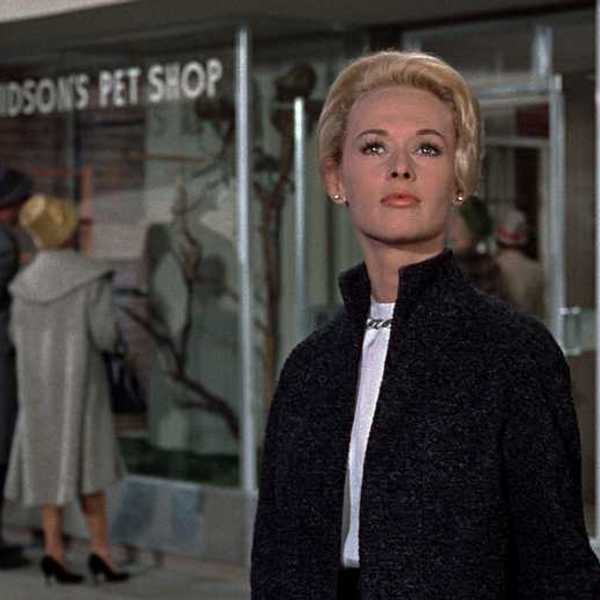
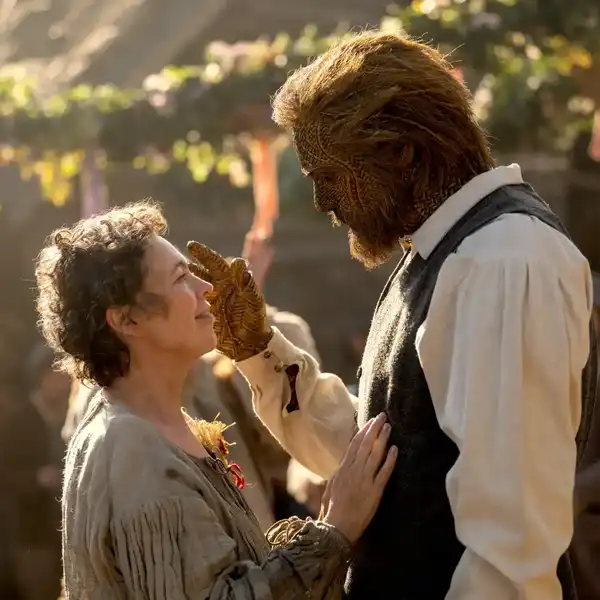
In addition to the free official Technicolor CineStyle picture style, there is now a paid picture style for trying to get a narrative film look with Canon DSLRs. The CINEMA picture style is priced at $19 and promises to retain highlight detail while providing a more "analog" aesthetic than the default settings. Here are its selling points:
- Great perceived latitude, but with a nice contrasty image
- Keeps details on shadows and highlights while remaining quite contrasted.
- Vivid colors on low saturated areas, no greyish or monochromatic casts
- Analog like colors on high saturated areas
- Sharp image,
- Film colorimetry
- Doesn't need color correction, but feel free to grade it
That's all well and good, but the proof is in the pudding. So here are a couple tests from CINEMA creator John Hope:
There are a couple more tests from @MikeSpins at planet5D. At first glance, it looks good to me. Seems like a more contrasty, "no grading necessary" version of the Technicolor picture style. Then again, there is no such thing as "no grading necessary." I haven't used it myself -- anyone out there have hands-on experience?
UPDATE: Chris Marino at Wide Open Camera compares the plugin to CineStyle in a screencast.
Link: CINEMA Picture Style
[via planet5D]