You Can Now Create YouTube Shorts Directly From Adobe Premiere Mobile
The Adobe Premiere Mobile app has introduced a new content creation space for YouTube Shorts, allowing creators to edit and share their videos quickly.
Adobe Premiere Mobile YouTube Shorts
It’s a creator economy world, baby—and we’re all living in it. Sure, we’d all love to stay focused on serious filmmaking and high-end commercial work, but we all have bills to pay. And the social content industry has never been bigger or more lucrative.
So, regardless of how you may classify your skillset, if you’re at all interested in staying up on the latest tools and features shaping this new, popular, vertical short-form social format with platforms like YouTube Shorts, then you might want to check out this update.
Adobe Premiere Mobile is adding a new YouTube Shorts space in the app that will allow creators to tap into trends and quickly create and export content. Here’s what you need to know.
Adobe Premiere Mobile YouTube Shorts Space
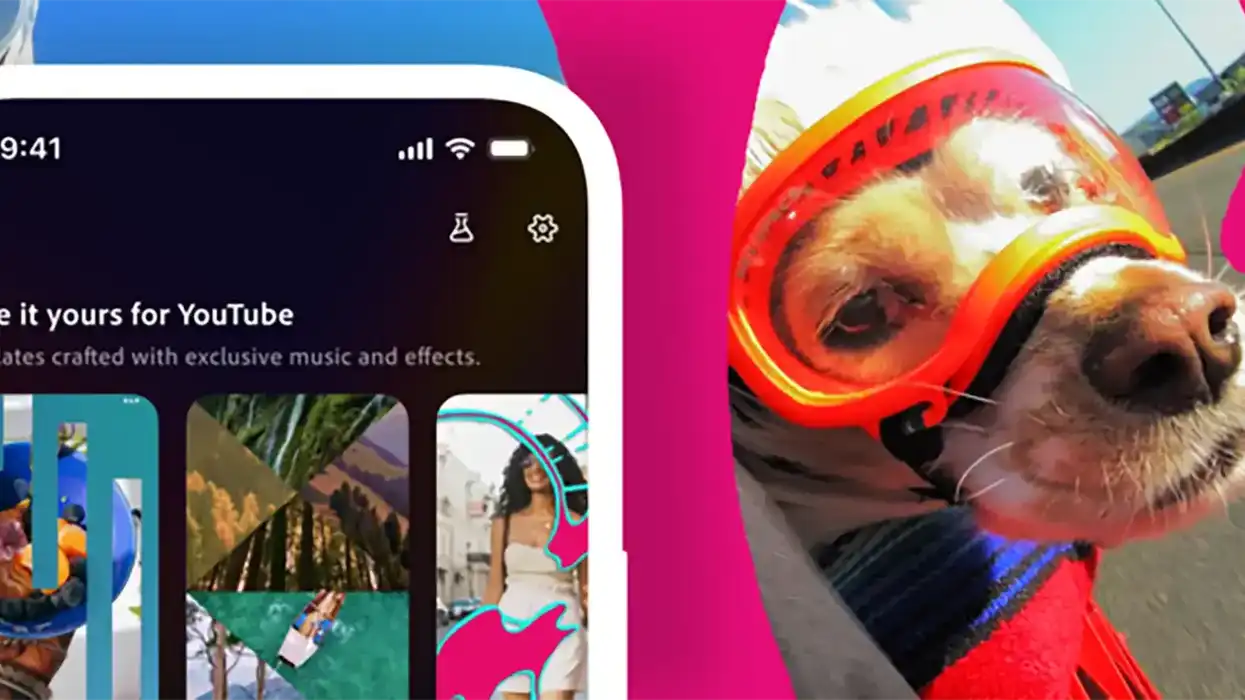
Added as a new create for YouTube Shorts option in the app’s content creation space, Adobe Premiere Mobile is aiming to bring its smartphone video tools to creators on the run who might be looking to tap into trends and quickly edit and share content from the app.
This new dedicated YouTube Shorts space in Premiere Mobile will include the following content-specific features:
- Access exclusive effects, transitions and title presets to make every video pop
- Explore and customize ready-to-use templates with stand-out transitions and effects for polished content
- Create and allow reuse of your own original templates to help inspire others and spark new YouTube trends
- Share finished videos to YouTube Shorts in just a few taps
And the full app itself will also include these helpful tools for all your other creative needs:
- An unlimited, multi-track timeline that delivers precision, speed, and creative control
- Studio-quality voiceover and dialogue with Enhance Speech and perfectly timed AI sound elements created using your own voice with Generative Sound Effects, to make your videos more engaging.
- Firefly-powered AI features to generate unique assets and elevate your content
Adobe has also shared that the Premiere Mobile app is adding new ways to find inspiration from the Template Gallery to remix your content, as well as new ways for users to customize their own templates and share by using the following steps:
- Tap the Create for YouTube Shorts icon to access exclusive effects, transitions, and editing tools
- Edit your content with full control to easily cut and trim clips, layer in video and audio tracks, adjust color and brightness, add text overlays, captions, and more
- Turn your creation into a template when uploading to your YouTube channel with a quick tap, so you can start a trend and have other creators build upon your idea
Try it Out Today
If you’re curious about this new tool or Adobe Premiere Mobile itself, you can check it out today, as the app is free to download here on the Apple App Store.
- It’s Here! You Can Now Start Using Adobe Premiere on iPhone Beginning Today ›
- How Digital Media Is Changing The Way We Tell Stories ›
- Is The Future of VO AI-Powered Celebrity Voices? ›
- How the Most Affordable Short Film I Ever Made Landed on Max ›
- Adobe’s Legacy NLE is Coming to Your iPhones, Available for Free Later This Month ›
- Adobe Announces That Its Premiere Mobile App Will Finally Be Available on Android | No Film School ›