Unlock the Full Potential of Your Apple iPhone Log2 Footage With This Free Rec 709 Conversion LUT
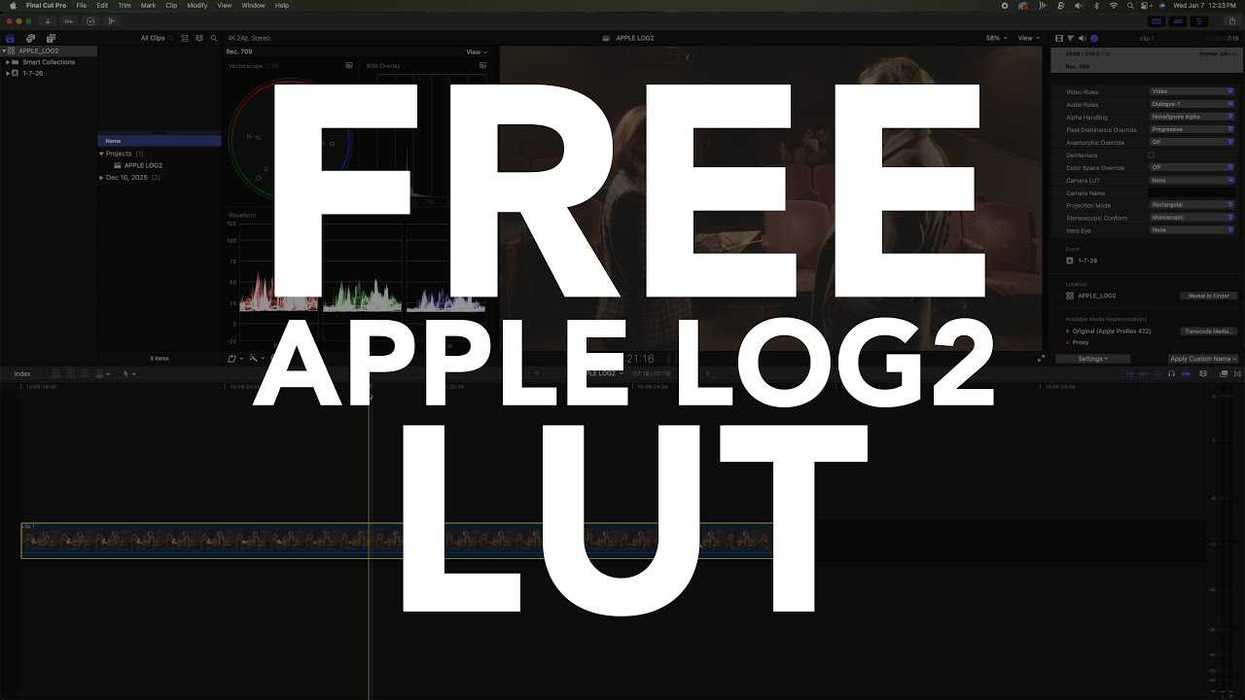
Looking to get perfect colors with your iPhone video footage? This Apple Log2 LUT is worth checking out as a helpful (and free) option to consider.
Apple Log2 LUT
If you’re a pro videographer (or aspiring filmmaker) who knows a thing or two about getting cinematic footage with your high-end mirrorless (or cinema) cameras, then you might be someone who’s always felt a bit weird shooting video with your iPhones.
Whether those videos are for fun or for professional projects, it’s always been a bit of a problem to try to convert iPhone footage into more usable video files and formats to better edit and work with the colors. Luckily, there are solutions available to help with this conversion—and free ones at that.
Let’s look at CINECOLOR’s new Apple Log2 LUT, which is free to download and use.
Unlock the Full Potential of your Apple iPhone Log2 Footage
Offering a free-to-download option for an Apple Log2 to Rec 709 conversion LUT (which have always been difficult to find and use), the team at CINECOLOR has developed a new solution that should be much better than even the built-in color space transformation offered in Apple’s Final Cut Pro software.
Ideally, this solution should be quick, easy, and—best of all—free to use. The team has put together a helpful video going over the free Apple Log2 LUT download and how you can use it to get perfect colors on your iPhone.
The video also offers a quick comparison showing how the company’s Apple Log2 LUT can be applied to a sample shot captured on iPhone 17, plus some bonus workflow tips to watch through.
Download Here
If this is something you're at all interested in checking out today (or possibly in the future), the price is right to at least take a flyer on it and try it out whenever you get a chance. You can download the free Apple Log2 LUT on CINECOLOR’s website here.
- Here's How to Upgrade Your iPhone Cinematography With Open Gate and Custom LUTs ›
- View Content in HDR and Increase Speed for Noise Reduction in DaVinci Resolve 19 Beta 3 ›
- Advanced Open Gate Recording With Apple Log Comes to iPhones With the Latest Blackmagic Camera App Update ›
- Capture Log-Encoded HEVC Video With the Upgraded Final Cut Camera 1.1 ›
- How to Import Third Party LUTs in Final Cut Pro X ›
- The New Apple iPhone 17e Features an Advanced Camera System and 256GB of Storage ›
- Apple Releases Final Cut Pro 12.2 Update With Reduced Startup Time and Bug Fixes ›
- This New 3-Tool HDR System for DaVinci Resolve is a Solid Option for Your SDR-to-HDR Workflows ›