Blackmagic Streaming Encoder Models Can Now Automatically Resume Streaming After Restarts
Never lose coverage again: Blackmagic Design releases a new firmware update for its 4K streaming decoder, adding auto-resume and other new features.
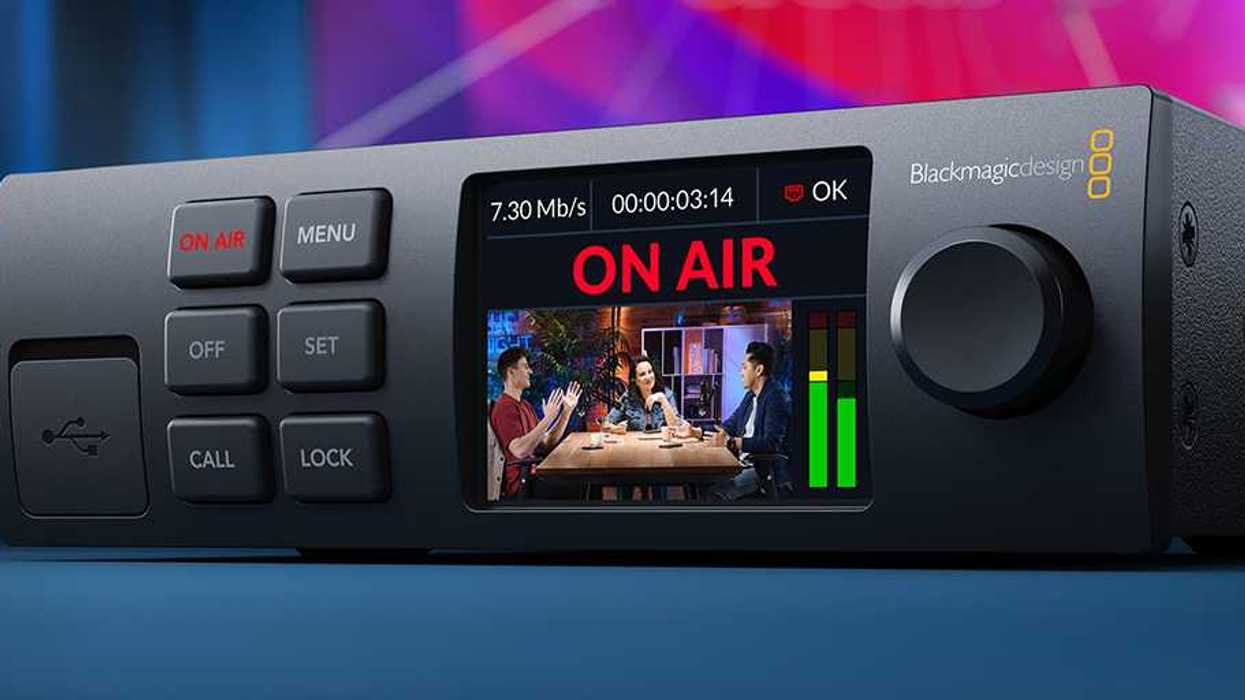
In a win for not stressing out, Blackmagic Design has announced that its latest Blackmagic Streaming (4.2.2) update is here, ensuring that its Blackmagic Streaming Encoder models will automatically resume streaming after restarts.
This means you’ll never lose coverage again, at least in these circumstances, thanks to this latest update.
Let’s take a quick look at everything new in the Blackmagic Streaming 4.2.2 update, how to download and install it, and what it could mean for your streaming setups and workflows.
Blackmagic Streaming 4.2.2 Update
While not the most major update of all time, this is a big win for reliability and capabilities for your Blackmagic Streaming Encoder models. Along with the aforementioned automatic resume after a restart, streaming capabilities are being added. The update also adds the ability to select a local port on the Streaming Decoder.
Here’s a full list of everything new in Blackmagic Streaming 4.2.2:
- Added the ability for local port selection on the Streaming Decoder
- Added the ability to restore on-air status after a power cycle on the Streaming Encoder
- General stability and performance improvements
How to Download and Install
As with most Blackmagic Design updates, the company provides an installer that contains the Blackmagic Streaming Utility software, which allows you to update or change settings on any Blackmagic Streaming and Web Presenter product via the USB port.
Some Streaming models have Ethernet, which can also be used to update software or change settings if you have previously connected via USB and enabled the Ethernet software updates setting.
Here are some of the different minimum system requirements for different OS versions:
Minimum system requirements for Mac OS
- macOS 15.0 Sequoia
- macOS 26.0 Tahoe or later
Minimum system requirements for Windows
- Microsoft Windows 11
Additional Information
Please check Blackmagic's website for additional information on third-party software compatibility and minimum system requirements.
- Blackmagic Camera for Android Adds Support for Custom Live Streaming ›
- Blackmagic Supercharges the Broadcast Space with Updated 4K Studio Camera ›
- You Can Now Live Stream to YouTube, Twitch & Vimeo Directly from the Blackmagic Camera App ›
- Blackmagic Introduces ATEM Mini Pro, Pocket 4K and 6K Are Now Studio Ready ›
- Upgrade Your Direct Streaming Setup With This New Blackmagic Design Streaming Encoder HD ›