The latest DaVinci Resolve update is here, and while it’s not as major as a few updates we’ve seen recently in the past, this new version release (21.1.1) from Blackmagic Design should be quite appealing to video editors looking to speed up their workflows and declutter their timelines.
The big news is several improvements to the trim editor, including how it works with audio clips and multiple edit-point controls. Users will also get USAC audio decoding on Windows 11, plus improved controls for clips with multiple Fusion effects.
Here’s what you need to know.
DaVinci Resolve Update 21.1.1
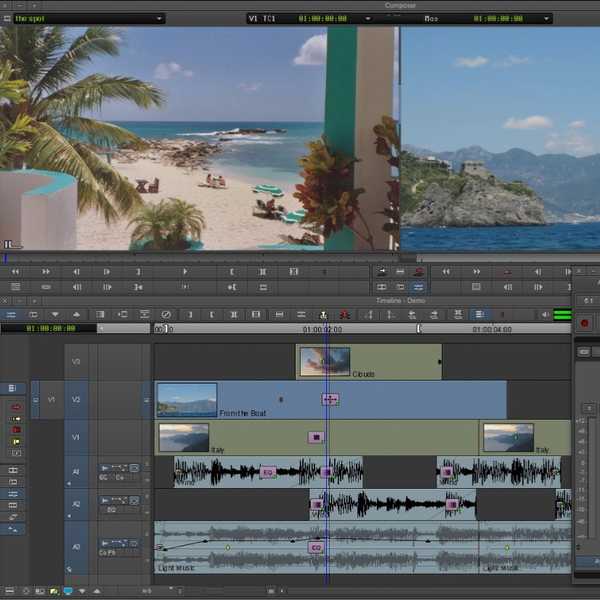
As mentioned above, the trim editor viewer and mouse are getting improvements: they will now include audio previews, support for audio-only clip editing, and actions that affect all selected edit points.
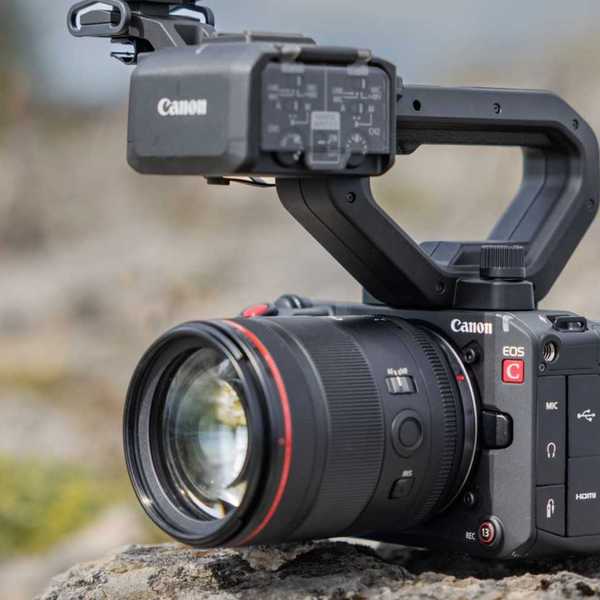
DaVinci Resolve is also adding support for CR3 RAW decoding for the Canon EOS R8 Mark II camera and support for USAC audio decoding on Windows 11. There are also a handful of updates and fixes for working with Fusion effects, which should be enticing to those who work more in composite mode.
Here’s the full list of all the features that have been added or updated:
- Trim editor viewer actions affect all selected edit points.
- Trim editor mouse-based edit actions now include audio previews.
- Trim editor viewer now supports audio-only clip editing.
- Support for CR3 RAW decodes for EOS R8 Mark II.
- Support for USAC audio decode on Windows 11.
- Data burn options to show source feet and frames.
- OGraf animation improvements for duration-aware sizing and outro.
- ApplyGradeFromDRX API option to apply changes to all node layers.
- Addressed inspector combining multiple Fusion effects for a clip.
- Addressed transitions on clips with foreground composite mode.
- Addressed looped play around selection issues in dynamic trim.
- Addressed original media aspect ratio not honoring orientation.
- Addressed issue adding plain Text+ or MultiText to a subtitle track.
- Addressed OGraf caching and path relinking issues.
- Sync bin multi-angle view now displays record timecode and frame.
- Multicam actions are now available in single viewer mode.
- Addressed issue with Halation controls in Film Look Creator.
- Addressed multi-user collaboration connectivity issues.
- Improved NVIDIA decode memory usage for some R3D NE clips.
- General performance and stability improvements.
Credit: Blackmagic Design
How to Download and Install
If all of the above sounds good, or if you’re simply looking to keep DaVinci Resolve running as smoothly and up to date as possible, you can find more info on downloading and installing the latest version on the company’s website here.
- DaVinci Resolve Gets AI Assistant Integration and Other New Features With Latest 21.1 Update ›
- DaVinci Resolve Gets 21.0.1 Update With More Accurate DNG and Apple ProRAW Decoding And More ›
- DaVinci Resolve 21 is Finally Here: Here’s How to Get Access to Hundreds of New Features and AI Tools Today ›
- DaVinci Resolve 21 Gets New Beta 4 Update With Major Improvements Across All Pages ›
- DaVinci Resolve 21 Beta 3 Update Fully Integrates Photo Editing and Adds More Improvements ›