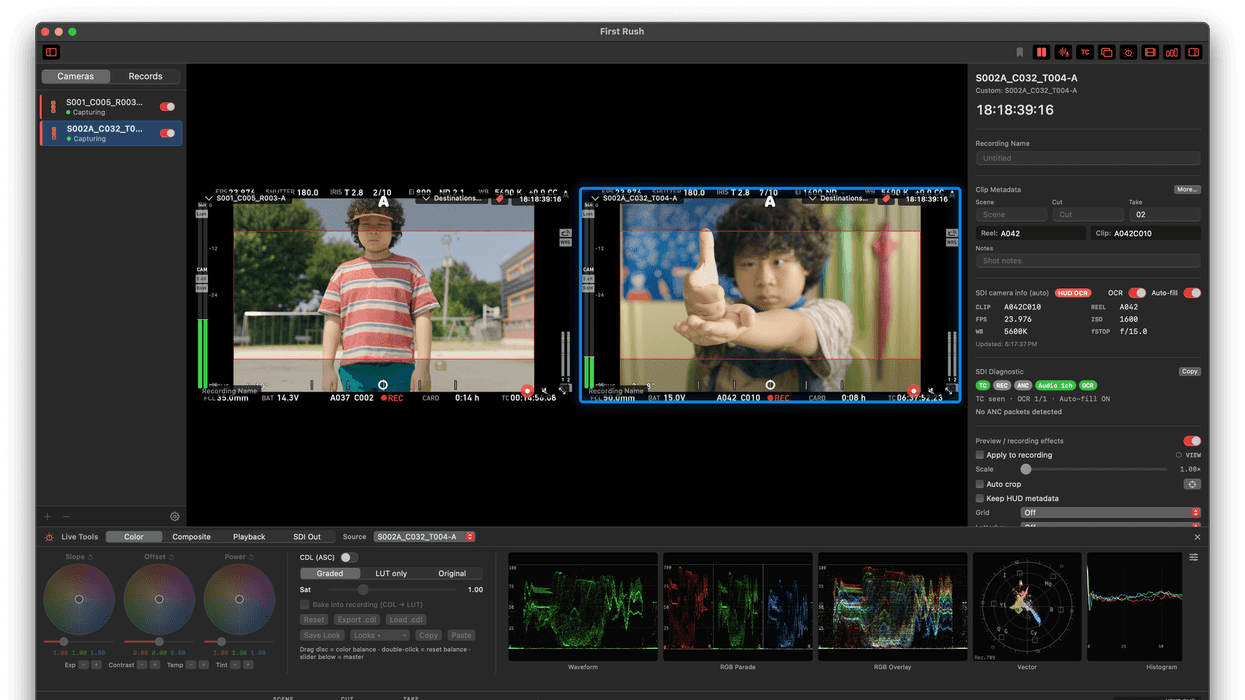
Designed for professional film and broadcast workflows, this new multicam SDI-to-ProRes recorder app is now available for macOS. Developed by Editor Han and available on his website, and now on the Apple App Store, this app is called First Rush and looks quite robust and potentially very helpful for on-set editors.
While not the workflow for everyone and every production, if live color grading, scopes, instant proxies, and a companion viewer all sound appealing, then this native macOS multicam SDI-to-ProRes recorder could be a nice solution to explore.
Here’s what you need to know.
First Rush Multicam SDI Recorder
Credit: Editor Han
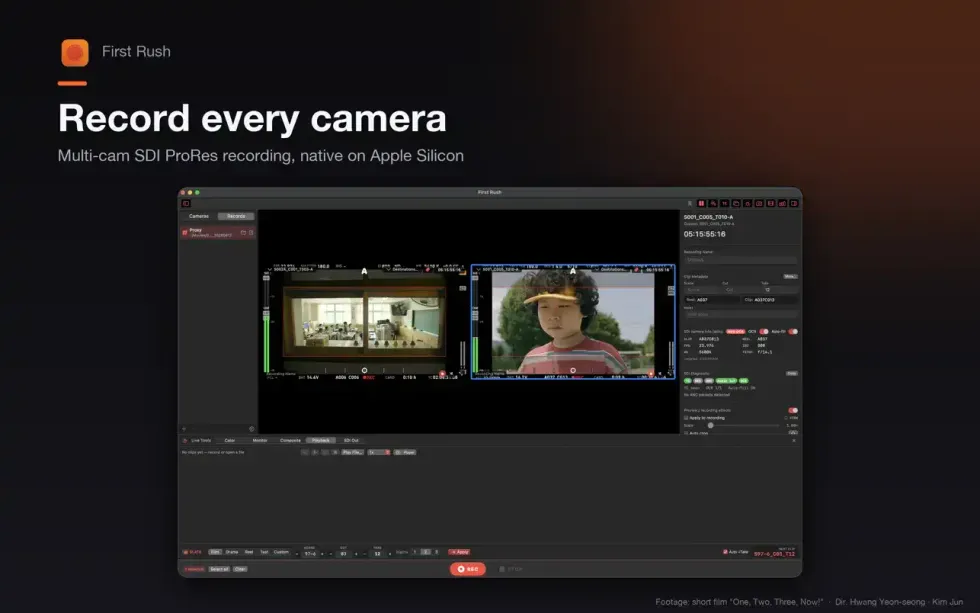
On its surface, First Rush is a native macOS multi-camera SDI recorder for professional film and broadcast workflows that can capture directly from Blackmagic DeckLink, UltraStudio, or AJA hardware.
It can then record Apple ProRes and read SMPTE RP 188 timecode, record flags, and even prepare metadata for use in Final Cut Pro or DaVinci Resolve pipelines.
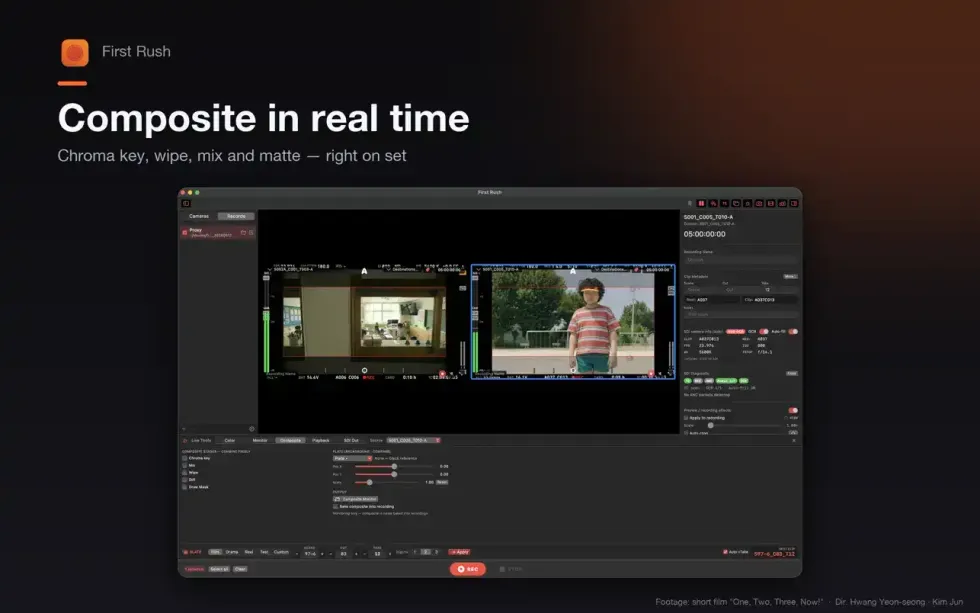
Ideally designed for on-set assistant editors and DITs, First Rush adds live color tools like wheels and LUTS, as well as features waveforms, vectorscopes, histograms, and CIE chromaticity scopes, plus provides HDR monitoring, real-time chroma-key compositing, processed SDI program out, and a peer-to-peer companion viewer.
The app further offers multi-camera grids, embedded audio metering, SDI diagnostics, camera HUD OCR fallbacks, slate naming presets, and ProRes proxy recording — all native and available on Apple Silicon Macs.
Price and Availability
Credit: Editor Han
As mentioned above, First Rush is available on the website for Editor Han and is free to download and try via a 7-day trial. It does cost money, and it’s a bit tricky to figure out, as it has to go through some conversions and possibly VAT.
However, it’s quite unique and intuitive, and it looks like an option worth checking out. For more info, head to its website here, or check it out on the Apple App Store here.
- Now Mac Users Can Take Advantage of Cinamaker's Live Stream App ›
- Atomos Samurai Combines an HD-SDI External Recorder and 5 Inch Monitor into One Small Package ›
- Sony FX6 Receives ProRes RAW via Atomos Shogun 7 ›
- The Panasonic BGH1 Might Be Small but It Packs a Big Punch ›
- Multicam Recorder/Switcher Apollo is a 'Production Studio in the Palm of Your Hand' ›
- New Atomos Update Gives Shogun 7 Multi-Camera Switching ›