New to LUMIX? Here’s Everything You Need to Know About Getting Started With LUMIX Cameras
Have you recently purchased a Panasonic LUMIX camera for the first time? A new three-part series has been released that covers all the basics of working with LUMIX cameras.
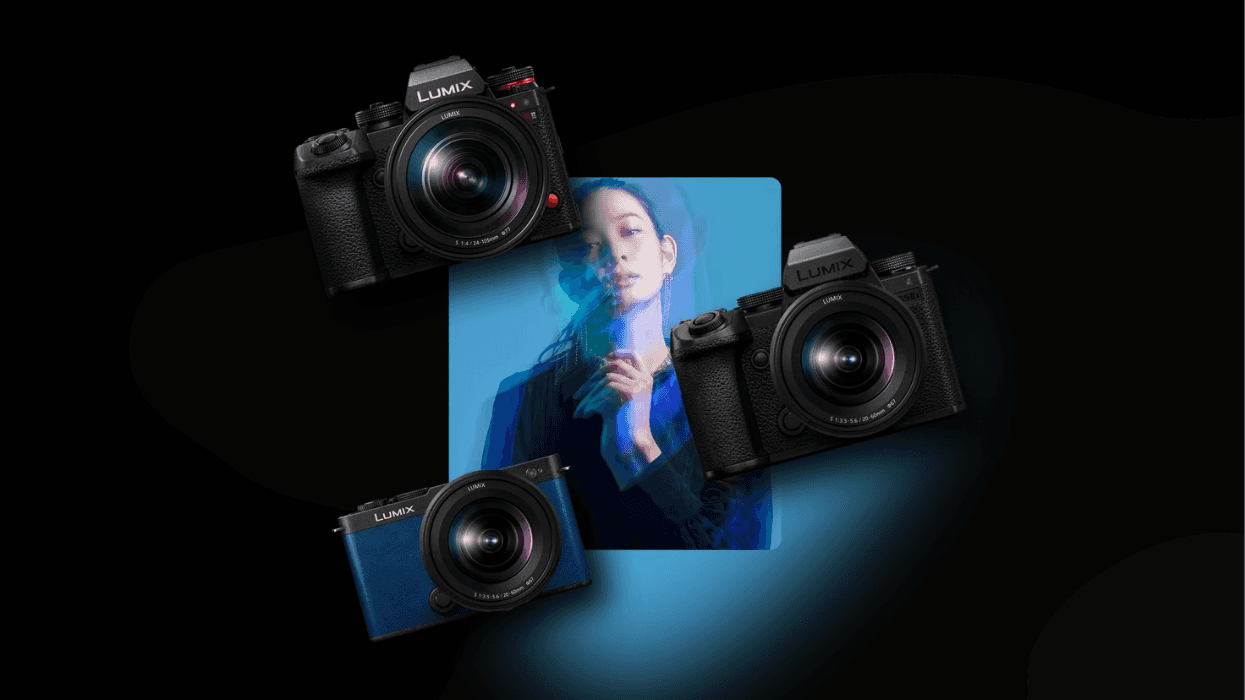
Whether you’ve just recently purchased a Panasonic LUMIX camera for the first time or if you need a quicker refresher in case you’ve been away for a bit, LUMIX USA has put out the first episode in a three-part series devoted to covering the basic functionalities, settings, and controls found in LUMIX cameras.
This first episode is well over an hour and goes over a huge range of details and insights, exploring everything you need to know to go “back to the basics” with LUMIX cameras. Let’s check out this first episode and preview what’s to come with the rest of this helpful new series.
LUMIX Back to Basics Part One
Released on the official LUMIX USA YouTube channel, this Back to Basics is a new series that covers the basic functionalities, settings, and controls found in LUMIX cameras. This first video, featured above, is about an hour and a half long and goes over the general info you need to know about camera controls and settings.
This includes, but is not limited to, discussions on the monitor and EVF settings, shortcuts for various tools, menu configurations and customizations, power saving settings, playback settings, function button configurations, and Real Time LUTs.
The rest of the series is set to drop over the next couple of weeks and will cover the following:
- Week 2: Photography Specific Settings — High Resolution Shot, Live View Composite, Burst mode selections, Exposure tools, Stills framing and exposure tools, Dual Native ISO settings, Image format selections, Crop Zoom / Hybrid Zoom.
- Week 3: Video Specific Settings — Framerates, Resolutions, Proxy Settings, Color profiles, Crop Zoom / Hybrid Zoom, Image Stabilization, Anamorphic Settings, Focus Transition, Live Cropping, Dual Native ISO Settings, and Audio Settings (32bit Float).
You can follow along and find more info on the LUMIX USA channel here.
- Getting Bored with Traditional Ring Lights? Try This Triangular DIY Alternative ›
- Watch: How to Create Smoke Effects with a Vape and a Baby Nose Sucker ›
- This Simple Tutorial Will Show You How to Add Filtration to Any Lens Ever Made ›
- How to Create, Edit, and Transfer Custom LUTs Directly to Your Panasonic LUMIX S9 ›
- Here’s How to Unlock ARRI LogC3 Cinematic Recording With Your Panasonic LUMIX Cameras ›