How to Create Your Own Micro Short Film Using Topview’s Film Studio
In the third and final part of our series, we show you how to use Topview’s Film Studio to create your own AI micro film from start to finish.
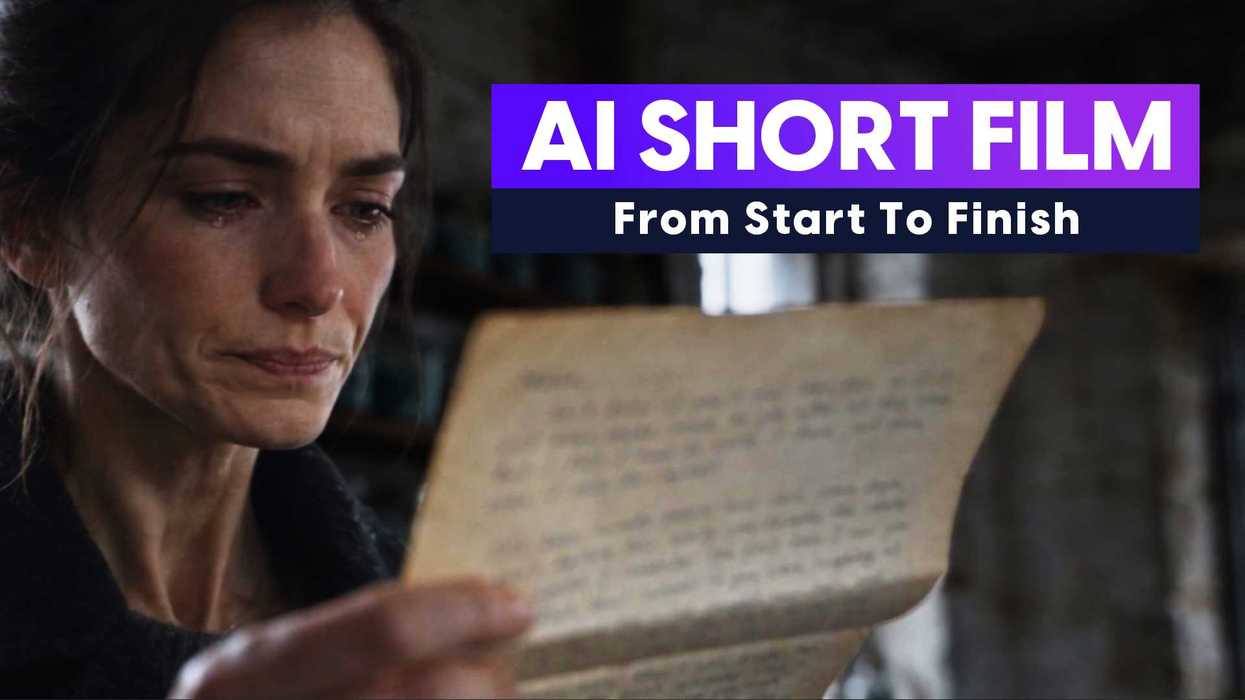
In this final installment of our series introducing filmmakers to Topview and its powerful Film Studio 2.0, we’re ready to pull everything together and make an AI micro short film from start to finish.
Keep in mind, while we’re using this as an example of how to create a short film with AI, that’s hardly the only use case for Topview’s AI platform and Film Studio 2.0. This is purely an educational exercise that can simply help you choose to decide how you might want to use a platform like this and tools like these for your filmmaking and video production workflows.
So, with that in mind, let’s take a look at what we put together and re-explore how we got here.
Topview AI Micro Short Film
In our final video for the series, we’re taking everything we learned in our original intro and combining it with some of the tools we explored in our favorite skills from the Cinematic Suite contained in the Film Studio 2.0.
For this last video, we chose to create an AI micro short film from start to finish. Like, literally from start to finish, you can watch us begin with a blank canvas, enter a prompt, and create all the elements of the short film as we go. Some elements we create along the way include:
- The rough concept
- Mood boards and assets
- The main character
- The location and setting
- The important props
- Story beats and elements
- Voice-over and dialogue
- Soundtrack and sound design
And all the other intangible elements in between, which come together for the final short you can check out in the video above.
How to Use AI Tools Like Topview
To circle back to our point from before, this was purely an exercise in Topview and what its Film Studio 2.0 can offer. For most filmmakers and video professionals, it’s understandable if you’re not going to create many AI films from start to finish.
Still, the tools, skills, and interfaces in Topview’s Film Studio 2.0 can help with many different aspects of your filmmaking process. From ideation to mood boards to asset design to workshopping the blocking, action, and dialogue of your own scenes, you can explore and tweak all these elements with these AI workflows before you go to shoot or finish your edit.
Topview’s Film Studio offers many other skills in its Cinematic Suite, which we explored more thoroughly in our second video, which you can check out above, but to recap, some of our favorite tools include:
- Actor Expression Enhancer: Lets you fine-tune subtle reactions, eyelines, and emotional beats to tackle one of AI video’s most uncanny areas: the performances.
- Clip Edit: Lets you revise just the part of a clip that needs fixing, including with masks, instead of regenerating the whole thing.
- 3D Builder: Lets you rearrange scenes, block subjects, and move the camera in 3D before you generate, so you can plan the shot instead of relying on trial and error.
- Storyboard Preview: Lets you sequence and lay out your shots early, which makes it a good first tool for beginners since images are cheaper and easier to control than full video generations.
- Film Genre Skills: A library of 200+ built-in style presets you can use to explore a genre, look, and overall aesthetic, whether for final projects or just inspiration.
Give it a Try
If any of the above sounds interesting or potentially helpful for your filmmaking process or projects, we encourage you to check out Topview’s platform, Film Studio 2.0, and its cinematic suite of skills on thecompany’s website here.