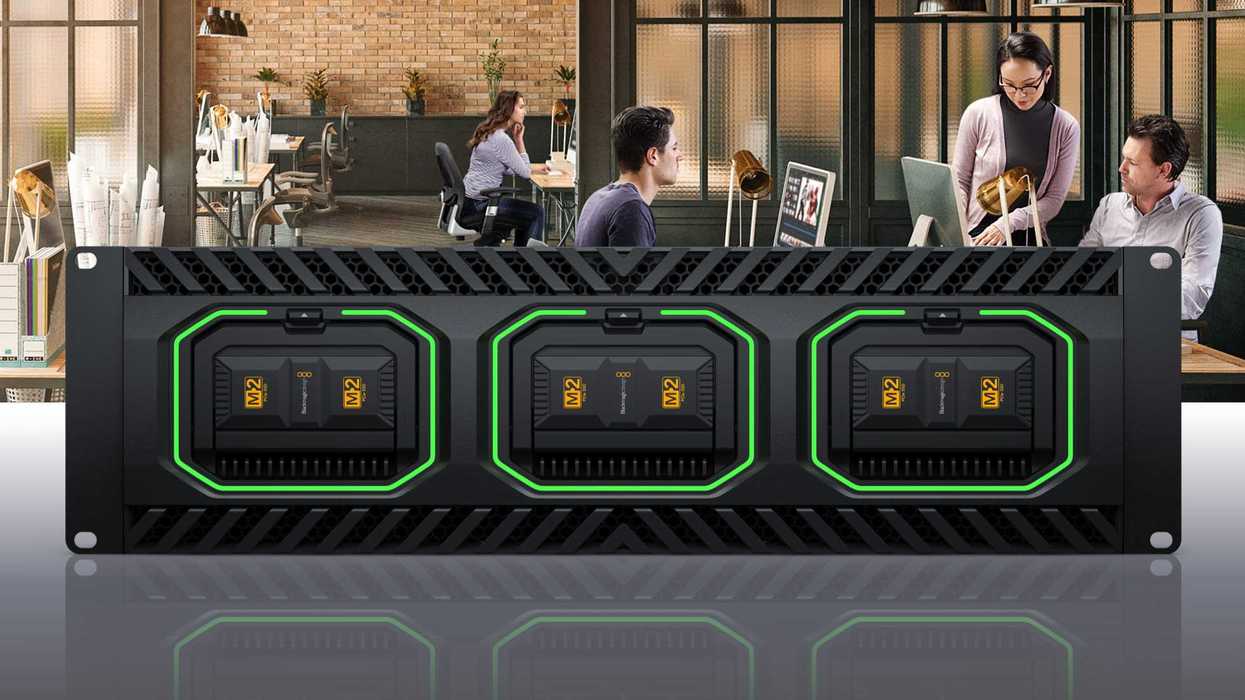
Looking to start editing your camera footage immediately—like immediately—after shooting? Then this might be news you want to check out: Blackmagic Design has introduced its new Media Dock Ultra here at NAB 2026.
This new high-performance dock for Blackmagic Media Modules is set to feature two fully independent 100G Ethernet ports, SDI and HDMI status monitoring, and Blackmagic Cloud sync. All of which will ultimately let users use Blackmagic Media Modules as extremely high-performance removable storage and as a way to begin editing projects immediately after shooting.
Here’s what you need to know.
Blackmagic Design Media Dock Ultra
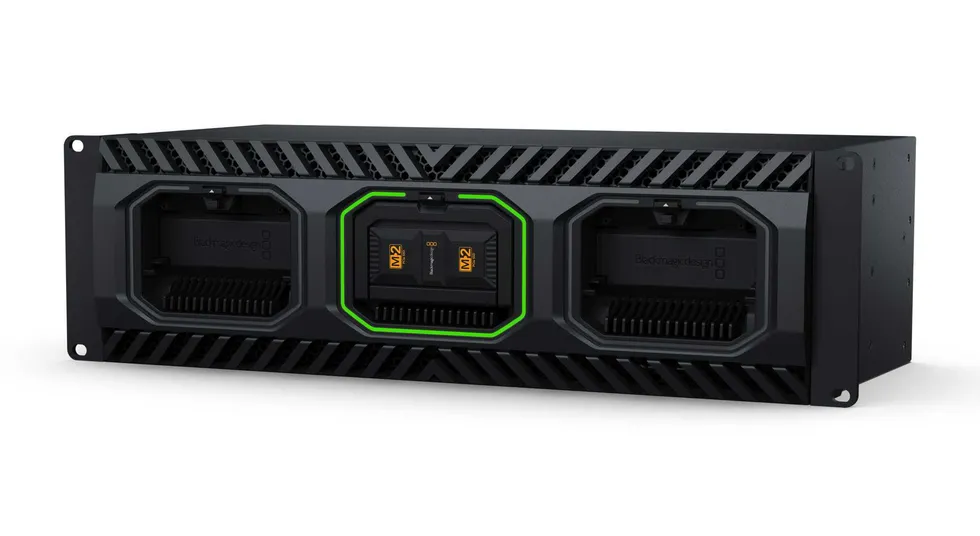
The goal of the new Media Dock Ultra, just introduced by Blackmagic Design, is to let filmmakers and crews get to editing their camera footage immediately after shooting. The Media Dock Ultra fits three Media Modules at the front of the unit and provides high-speed access to media from multiple sources. It will also feature two 100G Ethernet ports for connecting to separate workstations for quick turnaround editing and color correction.
"Sometimes you need to be able to walk away with the storage, and you don’t have time to hang around after a job is completed. The Media Dock Ultra solves that problem, as after a job you can just power down and unplug the storage module, it will be great for broadcast trucks. It’s incredibly high performance, specifically designed for film and television, and I think this will be a great storage solution for live production and replay!" — Grant Petty, Blackmagic Design CEO.
What’s cool about this Media Dock Ultra is that it uses the same high-speed media modules as Blackmagic URSA Cine cameras, so shooters will be able to get access to high-performance storage that can be instantly removed and be a perfect fit for editing media from said URSA Cine cameras directly from the modules without copying files.
Credit: Blackmagic Design
Price and Availability
The Blackmagic Design Media Dock Ultra is also a nice option to consider pairing with the HyperDeck ISO Recorder 100G, as it lets users instantly unplug and take the media module with them as soon as their live productions end.
If you're curious to find out more, here are the specs and purchase options.
- Extremely high-performance rack-mount dock for Blackmagic Media Modules.
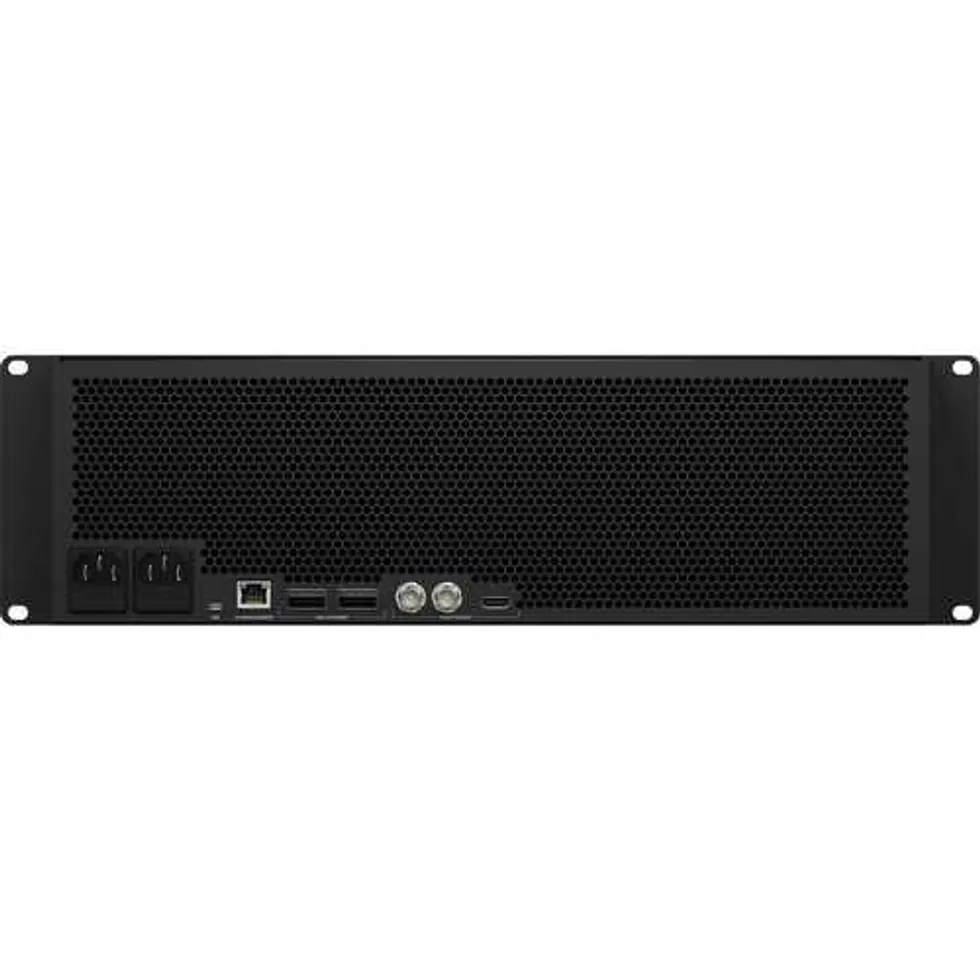
- Two independent 100G Ethernet ports for simultaneous recording and editing.
- Blackmagic Cloud sync for global media collaboration.
- Includes SDI and HDMI monitoring output with live storage status.
- Front-to-back cooling with multiple fans for quiet operation.
- Dual redundant AC power supplies for broadcast reliability.
- Localized for 13 popular languages allowing international use.
Blackmagic Design Media Dock Ultra
Get to editing your camera footage immediately after shooting with the Media Dock Ultra from Blackmagic Design. The Media Dock Ultra fits three Media Modules in the front of the unit, and it provides high-speed access to media from multiple sources.
Check out more of our NAB 2026 coverage!
- Blackmagic Design’s DeckLink IP 100G is Now Available and Offering Capture and Playback Support ›
- This Revolutionary New Camera From Blackmagic Design Could Change Cinematic Live Production Forever ›
- Blackmagic Design’s New 16TB Media Module Can Help Shooters Record, Store, and Transfer Faster ›
- Blackmagic Cloud Store Adds New Disk Formatting and Access Capabilities With Latest Update ›
- Here’s How the Blackmagic Camera ProDock Can Turn the New iPhone 17 Pro into an Actual Pro Camera ›