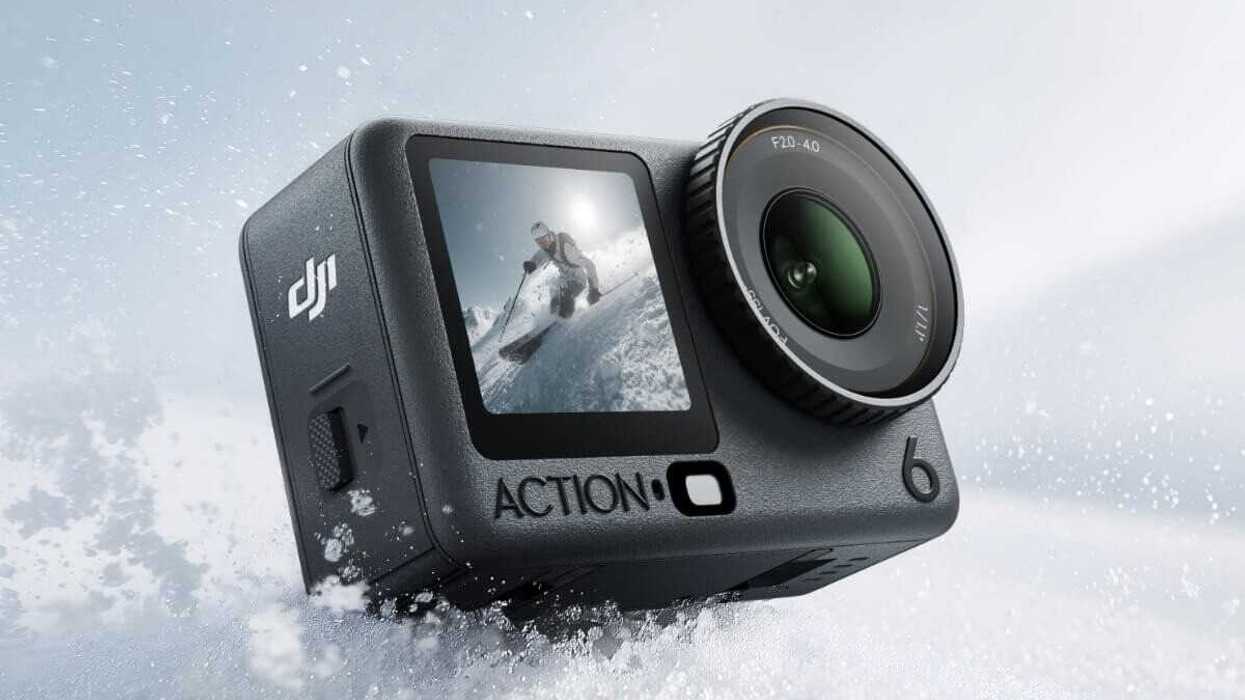
Well, would you look at that, Christmas (or your seasonal holiday of choice) has come early as DJI is rolling out a new firmware update that should make all Osmo Action 6 owners (or interested parties) quite happy.
With this new firmware update (version v01.02.052), the DJI Osmo Action 6 will now be able to record 8K UHD video at up to 30fps. A major boost that could change the appeal of this already popular action camera to make it even more enticing over its action cam competition.
The DJI Osmo Action 6 will also get the ability to upload footage wirelessly to cloud or NAS storage options, as well as some new button customizations, focus perks, and film-style tone presets.
DJI Osmo Action 6 Firmware Update
So, the biggest news here is the addition of 8K video recording. This is a huge boost that should help the Osmo Action 6 stand out against its GoPro and Insta360 action camera competition.
The Osmo Action 6 will also get a new upload feature that will enable footage upload to Baidu Netdisk, Quark Netdisk, OneDrive, Google Drive, and NAS. The action cam is also getting new film-style tone presets in its Photo mode, as well as QS button customization options for “screen off” or “zoom”.
Here’s a full list of everything new coming to the DJI Osmo Action 6 with this latest firmware update:
- Added support for recording 8K video.
- Added Upload feature, enabling footage upload to Baidu Netdisk, Quark Netdisk, OneDrive, Google Drive, and NAS.
- Added film-style tone presets in Photo mode, allowing direct output of stylized photos.
- Added QS button customization options: Screen Off and Zoom.
- Added support for Custom mode in Aspect Ratio when using a macro lens or FOV Boost lens.
- Added Focus Peaking assistance feature when a macro lens is attached. • Added support for Gesture control in scenarios such as webcam usage, live streaming, and DP Output.
- Optimized the grid overlay in the Custom mode by removing edge vignetting.
- Enhanced image quality under Image Quality Priority mode.
- Fixed some minor bugs.
How to Download and Install
As is usually the case with most cameras and gear these days, updating to the latest firmware is quite easy. You can find more info on DJI’s website here, or directly on your device or app.
DJI does share some more info, though, about what to do if the update doesn’t start automatically or fails to upload on your first try. Here are some troubleshooting steps to follow:
- Restart the camera and DJI Mimo.
- Enable Wi-Fi and Bluetooth on the mobile device.
- Connect the camera to DJI Mimo and try the update again.
- Contact DJI Support if the update fails again.
DJI Osmo Action 6 Standard Combo
Capture steady, pristine video footage in up to 4K120 resolution wherever you are with the Osmo Action 6 Standard Combo from DJI.

- Insta360 Takes Their Biggest Swing Yet at GoPro ›
- DJI Goes for Extended Range Stability with New Transmission and Video Receiver Combo ›
- Get Your DJI Osmo 3 Moving with This New Adapter ›
- Unlock Wireless Drone Recording With the New DJI Mic Mini ›
- New FCC Filling Sheds Light on a Possible DJI Osmo Nano Camera’s Development ›
- DJI Mic 3 Adds Lossless Audio Icon and Other Improvements ›