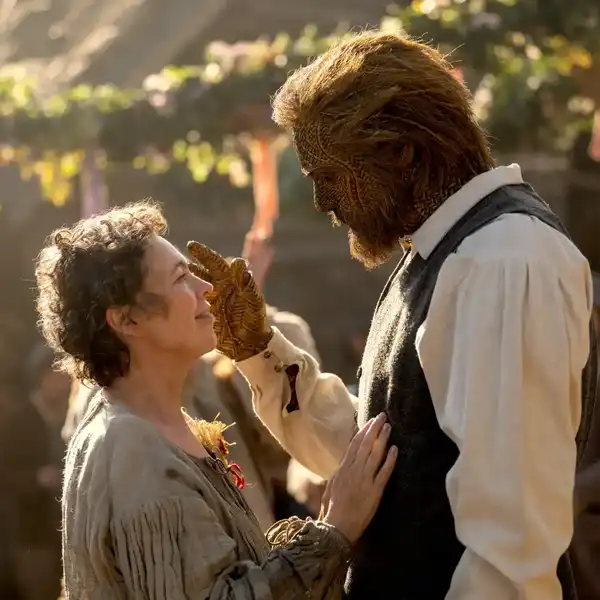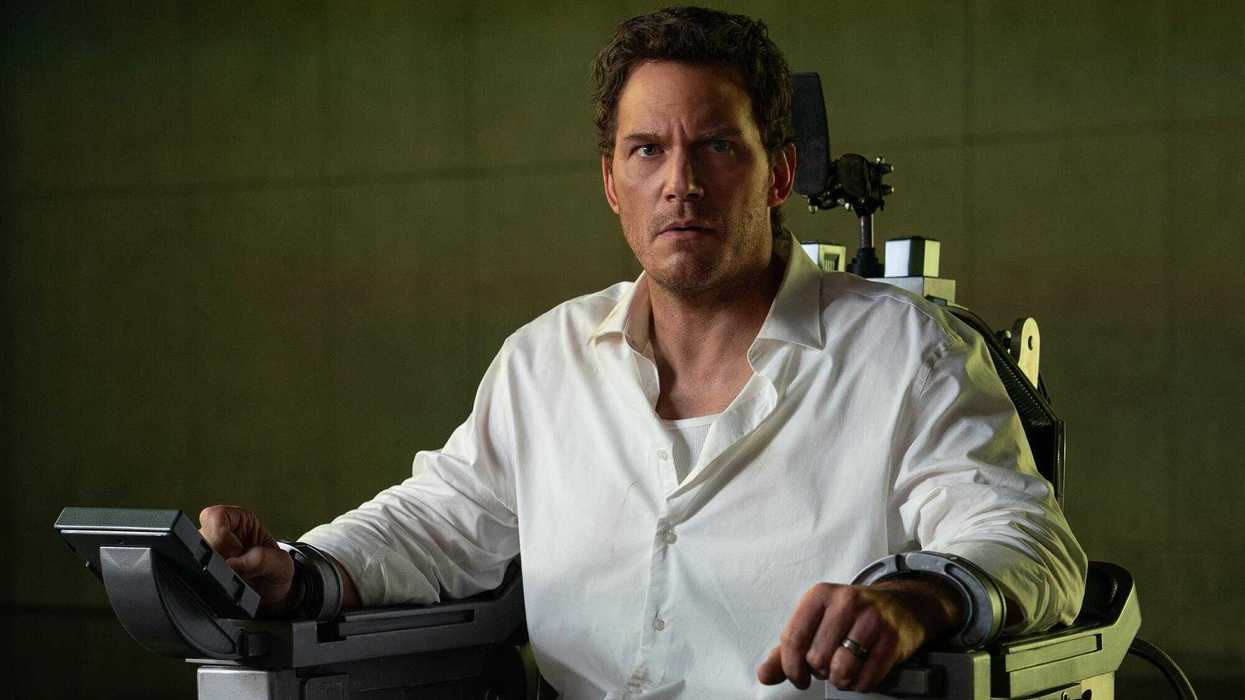
Directed by Timur Bekmambetov and starring Chris Pratt, Mercy pushes the boundaries of both traditional filmmaking and the screenlife genre. The sci-fi crime thriller follows a detective racing to prove his innocence before an advanced AI judge, seamlessly blending blockbuster action with digital interfaces that exist within the film's world. Achieving that ambitious vision required an editorial approach unlike any other, with editors Lam T. Nguyen, ACE, and Austin Keeling working hand-in-hand with Bekmambetov and the visual effects team from the earliest stages of production.
Using Adobe Premiere and Productions, Nguyen and Keeling built a collaborative workflow that allowed them to edit simultaneously, move seamlessly between one another's timelines, and create sophisticated visual effects directly within the edit. Together, they previsualized the film before production began, developed complex multi-layered VFX sequences, and crafted everything from high-octane chase scenes to immersive AI-driven investigations long before shots were handed off to the visual effects team. Their editorial decisions became the blueprint for the finished film, with many of the final visuals matching what audiences first saw in Premiere.
We spoke with Nguyen and Keeling about building such a unique editorial workflow and bringing this technically advanced film to life. Read the full conversation below.
Start by telling us about Mercy. What is it about, and what made each of you want to get involved in this project?
Lam T. Nguyen: Mercy is a sci-fi crime thriller about a detective accused of murdering his wife, who has 90 minutes to prove his innocence to an advanced AI judge. I had previously collaborated with Timur Bekmambetov and Majd Nassif on a different feature film where both served as producers. They approached me with Mercy, and after reading the script, I couldn’t resist the opportunity to work with Timur as a director. Timur had an exceptional visionary plan for the film, presenting numerous technological challenges that required meticulous attention to bring his vision to life. This format, combining traditional film with screenlife, was unprecedented. I couldn’t have achieved this without the invaluable support of my co-editor, Austin. The producers assembled an incredible team, and I am grateful for their collaboration.
Austin Keeling: Having worked on screenlife films in the past (“Searching” and “Missing”), I was really excited by how this script took the conventions of the genre and pushed everything further. It takes the screen elements from those prior films and incorporates them into a three-dimensional space, creating a hybrid of screenlife and traditional blockbuster films, which was a challenge I was very interested in tackling.
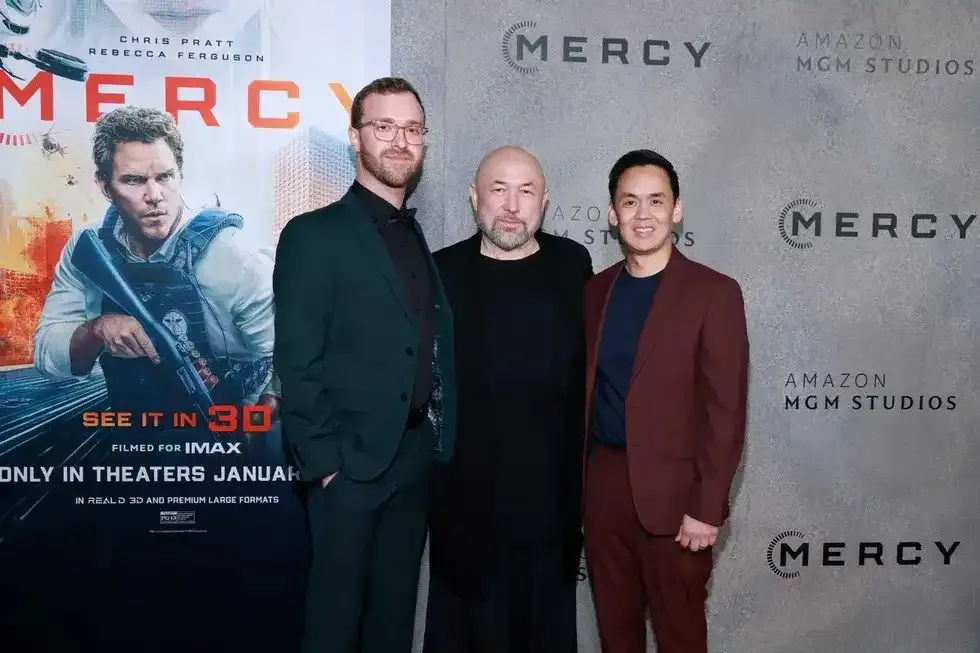 Austin Keeling, Timur Bekmambetov and Lam T. Nguyen Source: Lam T. Nguyen
How do you typically begin a project and set up your workspace? Did you do anything differently when setting up your workflow for this project?
LTN: This was one of the first things Austin and I discussed. We shared our workflows and were open to trying each other’s techniques and styles. Fortunately, our workflows and approaches to editing were very similar. Once we established that, we could easily switch between each other’s sequences and pick up where either of us left off. This was my first collaboration with a fellow editor, and it was an incredible partnership and a seamless experience.
AK: We used Productions in our editing so that both of us could work at the same time and eventually trade sequences back and forth. Because we had discussed the workflow so in-depth at the very beginning, we were able to hop into each other’s timelines without issue and collaborate seamlessly.
What conversations did you have with your director, Timur Bekmambetov, to align on the creative vision for the film? What did your collaboration look like throughout production and post?
LTN: Timur is a highly visual storyteller, and he meticulously sketched out every detail to convey his vision. Austin and I conducted extensive research to ensure the visual elements we created were authentic and accurately represented our world. Our initial step was to develop a pre-visualization of the film using storyboards, found footage, and an exceptionally performed table read by Chris Pratt and the majority of the cast. We were on the production set daily to coordinate with Timur, making sure we got all the shots needed to synchronize with our pre-vis.
AK: Once we got into the actual post process, we would work with Timur every day to try out new things and fine-tune edits. Each scene went through so many iterations through the collaborative process, leading to discoveries in the editing room every day.
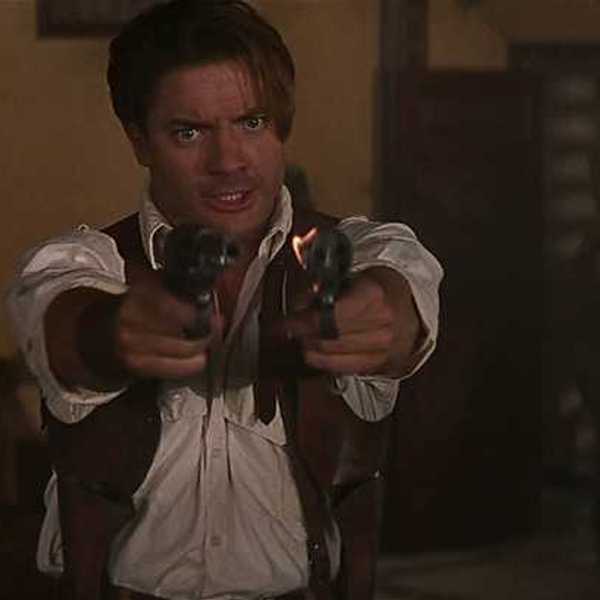
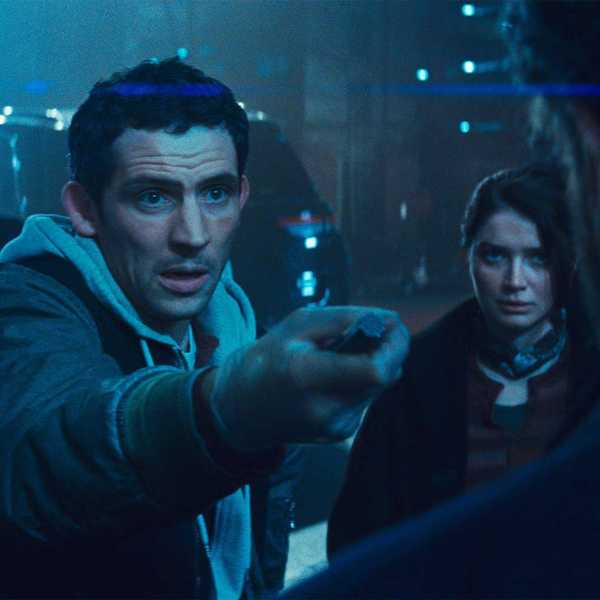
 'Mercy'Credit: Amazon MGM Studios
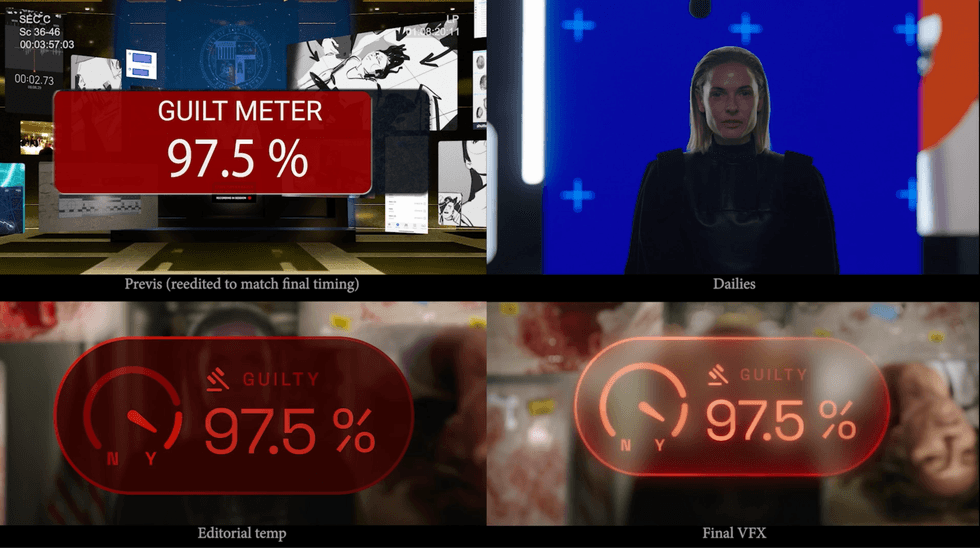
Behind the scenes of a shot, from pre-vis to final VFX. Image Source: Lam T. Nguyen.
Can each of you tell us about a favorite scene or moment from this project, and why it stands out to you?
LTN: One of my favorite scenes is the house investigation scene. We worked closely with the VFX team at every stage of the edit. Timur shot some extreme macro footage of the house, capturing all the evidence. He wanted to blend digital technology with practical footage, so he envisioned going in and out of what the AI is doing to interpret the footage. Austin and I did a lot of that in the edit using stock visual effects, and animated these effects in the edit to express the visual experience. Axel Bonami, our amazing VFX supervisor, and the entire VFX team elevated the entire scene to be interactive and cinematic. It was so awesome to see that sequence come to life, making it a truly immersive moment for the audience.
AK: The truck chase toward the end of the movie was a really fun challenge. This was a huge action sequence with police chasing a speeding truck through downtown Los Angeles, cut simultaneously with an investigation sequence happening in the Mercy courtroom. We had a ton of information to juggle and piece together in a way that would keep audiences on the edge of their seats, while also making sure they were following the clues along with Chris. And on top of this, we had dozens and dozens of cameras – from helicopters, dash cams, body cams, security feeds, and more – and we had to make sure this onslaught of visual sources was constructed in a way that would feel high-pressure and intense but not overly chaotic. This scene went through so many variations in the editing room (at one point, the sequence was around 27 minutes long), and I’m really proud of where it ended up. Definitely one of the most challenging scenes I’ve ever worked on as an editor.
What Adobe tools did you use on this project, and why did you choose them?
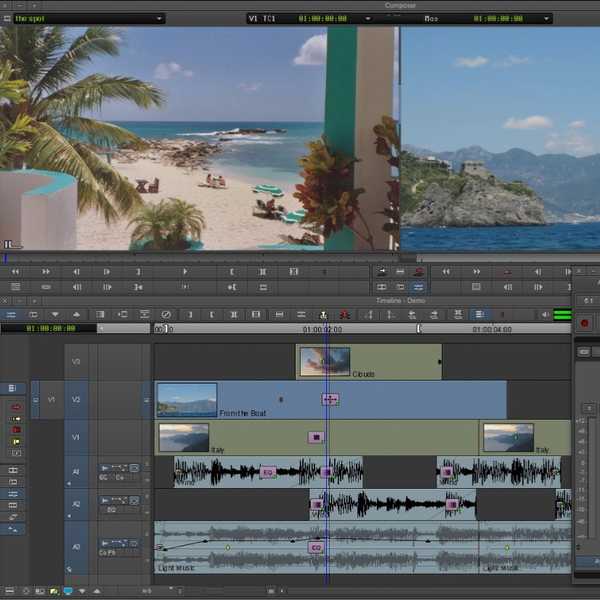
AK: We edited the entire film in Premiere, using Productions to easily access the edit across our entire post-production team. When Lam and I first started discussing the film, there was no question in our minds about using Premiere. We knew that we would have to work fast and create complex VFX comps in the edit, with the ability to make quick changes and create visuals that were as close to Timur’s vision as possible, and we knew that this would only be possible with Premiere. Using simple tools like keyframe animation, blur effects, and adjustment layers with transform effects applied, we were able to create complex shots with multiple layers, a moving “camera,” and even rack focus between elements. Every decision was painstakingly dialed in in the editing room before being turned over to the VFX team, and what you see in the final film was created to match our edit as it looked straight out of Premiere.
What were some specific post-production challenges you faced that were unique to this film, and how did you tackle them?
LTN: The most challenging aspect we encountered was the Edit-VFX workflow. We had to make sure we were collaborating seamlessly with the VFX team at every stage of the editing process. Testing the workflow involved a lot of trial and error, as shots and animations had to align precisely with our edit. To address this, we developed a unique turnover workflow, where each shot comprises 10 to 18 screens. While VFX for a single shot was manageable, replicating the visuals of the entire edit presented a significant challenge. Eventually, we established a workflow that became a true synergy for us. Our VFX Supervisor, Bonami, VFX Producer Bryony Duncan, and the entire VFX team were incredibly collaborative.
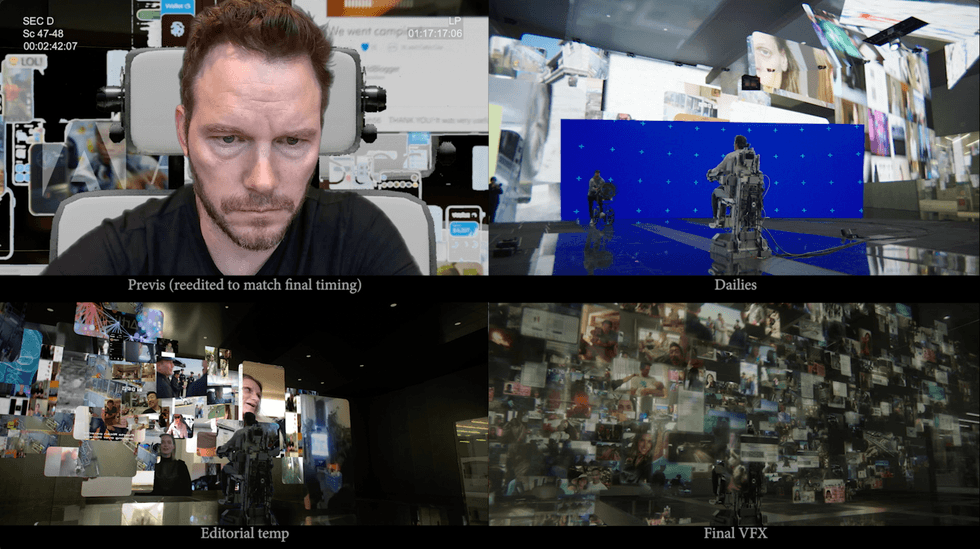 Behind the scenes of a shot from 'Mercy', from pre-vis to final VFXCredit: Lam T. Nguyen
What's your favorite Premiere shortcut, and why?
LTN: My Razor Blade shortcut is the “V” key, which I chose because it's right next to “F” (for Match Frame), and it's fast for me to toggle to make sure I see the full frame before making a cut. I love using it because I can select any point of the clip (or multiple clips at times), hit the V to make the cut, and quickly restructure and move things around.
AK: I honestly just love that Premiere is capable of creating such impressive results without the need for intense plug-ins and specialty programs. We created this film with Premiere pretty much as it is out of the box, and we were able to use our temp comps in test screenings, directly from our timelines. The fact that our temp, in-progress edits looked good enough to screen in massive theaters in front of audiences is pretty cool.