Here’s a New Way to Easily Add Footsteps to Your Projects in Premiere or Resolve
Looking for an easy way to add footsteps to your projects? Check out this Krotos workflow now available directly in Premiere and Resolve.
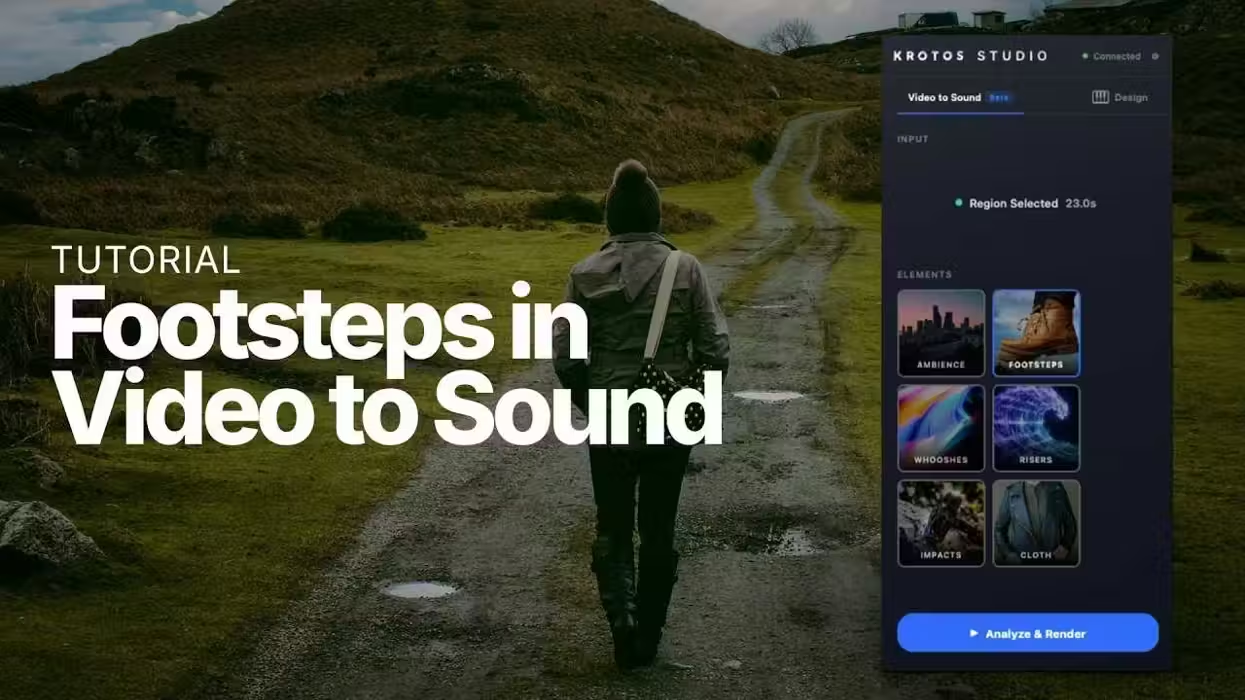
Krotos Studio Footsteps
While we’d all love the time and budget to tackle Foley recording for footsteps and other sounds for our films and projects, many editors often end up adding sound effects with royalty-free assets or other easy-to-find options.
If you’re an editor looking to add elements like footsteps to your projects, it is getting easier these days with new options like this Footsteps workflow in this Krotos Studios plugin, which is now available directly in some of the top NLEs like Adobe Premiere and DaVinci Resolve.
Here’s what you need to know.
Krotos Expands Footsteps Workflow
This new option comes from an expansion of Krotos Video to Sound, adding the Footsteps workflow directly to Adobe Premiere and DaVinci Resolve through Krotos Studio plugins. Footsteps is neat because it reads movement in a video clip, figures out where each step lands, and then builds a synchronized pass against the edit.
In Premiere and Resolve, users can review the results inside the Krotos Studio plugin and change things like the suggested surface or footwear, adjust the levels, or move individual steps around.
Here’s a breakdown of the steps:
- Select the clip. Mark the section of footage where someone is walking or running.
- Choose Footsteps. Krotos analyses the movement in the picture and finds where each step falls.
- Review the pass. The steps arrive against the movement, with a surface and footwear already suggested.
- Shape it. Change the surface, adjust levels, or move and delete individual steps.
This should be one of the quicker, easier options for editors and sound designers looking to add elements like footsteps and tweak timing, while staying in place when handling trickier aspects like switching surfaces or uneven gaits or paces.
Price and Availability
This feature is part of Krotos Video to Sound. If you’re interested in learning more about the plans and pricing, you can find more info on the company’s website here.