As someone generally wary of AI, having models run locally is surprisingly useful. Apple has now rolled out the pro models of their fifth generation of Apple Silicon, the M5 Pro and the M5 Max. We got some hands-on time with the system and were able to test it for the features filmmakers care about. That's right, render speed.
Hardware "Solved"

The 2012 and 2016 MacBook Pro side by side.
Credit: Charles Haine
My first major review was for the 2016 MacBook Pro, which I had mixed feelings about. As a longtime Mac user, I felt like that model had missed the mark, and I was frustrated that it didn't feel that much more powerful than my 2012 machine. The hardware was a mess, losing the Magsafe we all loved, and adding a Touchbar that we didn't need. But the internals felt frustrating as well; the Intel processors kept getting “faster,” but the limitations of how software works meant that renders were the same speed they had been 8 years earlier. Also, the keyboard was loud, and everyone hated it.
By 2018-2019, Apple had sorted out the keyboard, and they eventually gave up on the Touchbar, and we entered a strange phase in writing reviews of Apple Hardware where the form factor was sort of settled. The design of a laptop reached "perfection," and it felt like a solved problem. With the introduction of Apple Silicon, we started to see real performance improvements again.
The MBP sort of reached a strange place in its physical form, where they aren’t really notes to give there. We have Magsafe back. We have enough ports. The keyboard is sweet. So we ended up doing render tests over and over of how fast a specific thing would run in Premiere or Resolve, which was amazing. 1080p renders would break 200fps in Resolve. It ruled. But it also felt like there wasn’t a ton to talk about.
Render Speeds Are Insane

Thats 17K RAW footage rendering at 15fps. Wild times.
Credit: Charles Haine
However, with the new M5 Max MacBook Pro, for the first time in a long time, I found myself having new things to talk about after spending time on it. So, let's get the new thing out of the way first; it renders like lightning. I brought up the 17k project I’m using for testing now, and it ran at 3fps, rendering down to 1080p H.265 when working on a normal M5. On the M5 Max, it was rendering 12-15fps. It is just wildly fast for what we use it for.
And honestly, it’s just such a joy to see something where the hardware and software work so well together that you really see the benefit. A lot of times, 3x the cores or 3x the memory doesn’t mean 3x the performance, but here it is. Your 17K Blackmagic RAW render just screamed. This is absolutely the machine to get if you have any Blackmagic 17k or Spatial projects coming towards you.
The New Studio Display XDR

You can see richer blacks that still hold detail on the left XDR monitor.
Credit: Charles Haine
The other big hardware announcement for filmmakers is the Studio Display XDR. It's slightly pricier than the plain old studio display (which also gets a refresh), but not nearly as pricey as the original Pro Display XDR from 2019, with the breathtaking price and the stand that cost more than many standalone monitors.
As a Studio Display user, I will admit that the monitor is already pretty amazing. I was kind of surprised that Apple brought out the XDR; the last generation Studio was great, and you could still get a Pro Display for the great things they did. But we have an XDR display, and it is impressive. I only got a few hours with it, but it definitely does have a wider dynamic range than the standard studio display.
This is a hard feature to photograph, but you can sort of see it in creased black shadows on the XDR on the left.
The Stand

The stand that lets you set height cleanly.
Credit: Charles Haine
On top of that, it has a nifty stand that is well enegineered to raise and lower the monitor.I do think that proper ergonomics matter, and I usually stack up a few books under my monitor since I'm tall and want the height. It always looks messy, and having the extra height is worth it.
Thunderbolt Daisy Chain

That left cable goes to the computer, the right into the other monitor.
Credit: Charles Haine
Apple added a second Thunderbolt to the new XDR, which allows daisy chaining. That's right, one T5 cable runs to the XDR, then another to the second Studio Display, powering them both together at the same time. It's mighty nifty, and a real demonstration of all the things the bandwidth in T5 lets you do.
No word yet on whether or not we'll get support for SDI input through a Blackmagic UltraStudio as we did with the Pro Display. While I loved that feature on paper, I honestly don't know anyone who actually used that workflow. If it happens, that will be exciting, but if it doesn't, I won't be surprised.
Local Model AI

ComfyUI does all its work locally.
Credit: Charles Haine
Now that that is out of the way, let’s talk about the interesting thing that is happening here, and that is local model AI. I’m kind of on the “AI is overrated and will never replace writers or actors” end of the AI spectrum. I’m deeply, deeply suspicious of the big AI companies that are scraping data. I do a lot of client work, and I don’t feel great uploading assets to an online platform to work with AI that might scrape a client's data. I’m also very wary of having to budget for “tokens” to run the models; it feels hard to budget and estimate for when scoping out a job.
But I am open to the idea that AI is useful for things like pre-visualization, prep, and VFX. But how to engage with AI as a tool without engaging with the remote models I’m worried about?
Apple is pushing local model AI. To be clear, some of those are “Apple Intelligence,” which mostly runs locally on your system, but it’s also building a tool-set and hardware that makes other AI models and tools run much faster on your local machine, and works for a variety of vendors.
All Developers Can Use the Power

The Voice Convert tool in Resolve runs like butter on the M5 Max.
Credit: Charles Haine
This can include things like the new “voice changing” tools in Resolve. Those are not only super fascinating for demo reels and prep work, but they also run entirely locally on your system. I don’t think you can, or should, do finals of your projects with them; you should work with real human performers. But we’ve all had to temp in a quick bit of VO to make an experiment with in an edit, and it will absolutely be a powerful tool to have this just built into the system now and not have to bounce clips through the web. On countless jobs, I’ve had to rough in a line for a voice that is nothing like mine to make sure the edit times out, but you want to get it closer to final before sending to the client, but you also want to pay voice talent until the VO is locked. This tool is perfect for that, and it’s natively integrated.
And it all runs locally, on your local hardware. This means you can do it without even being on the web. But the bigger thing is being able to do it without feeling like you are sharing your private data with companies that you don’t know how to trust. Even things as simple as your local scratch VO, it feels better, as a creator, to keep that local. And faster.
Making AI Actually Fun

Having all this power in a small unit is freeing.
Credit: Apple
I will say that this machine managed to do something that almost nothing else has done; it made me want to play with AI. I don’t use ChatGPT, I search with Kagi with AI off, and I use Firefox with AI off. I’m not into AI. When I use it, it’s using tools for things like voice changing.
But having it local somehow made it feel more fun, and more free. I had heard about ComfyUI, which lets you run models on your local system, but my personal MBP (an M3) wasn’t fast enough to feel fun. You hit the render button, and you wait a bit, then see something, but it isn’t right, and you need to iterate. The slow speed sapped the fun out of it. In the office, we had a normal M5, and it felt fun, but not revolutionary.
But with the M5 Max, it just felt like a true creative tool. Have a visual idea, write it up in plain language, click the render button, and you get something. It’s AI, it feels weird, it’s not something you use for a final, but it would be great for a storyboard or animatic. You didn’t need to burn any tokens, and on the M5 Max, it worked.
Doing this kind of freeform riffing and having it be fast enough to not be annoying, while not even connected to WiFi, is absolutely a delight.
Conclusion

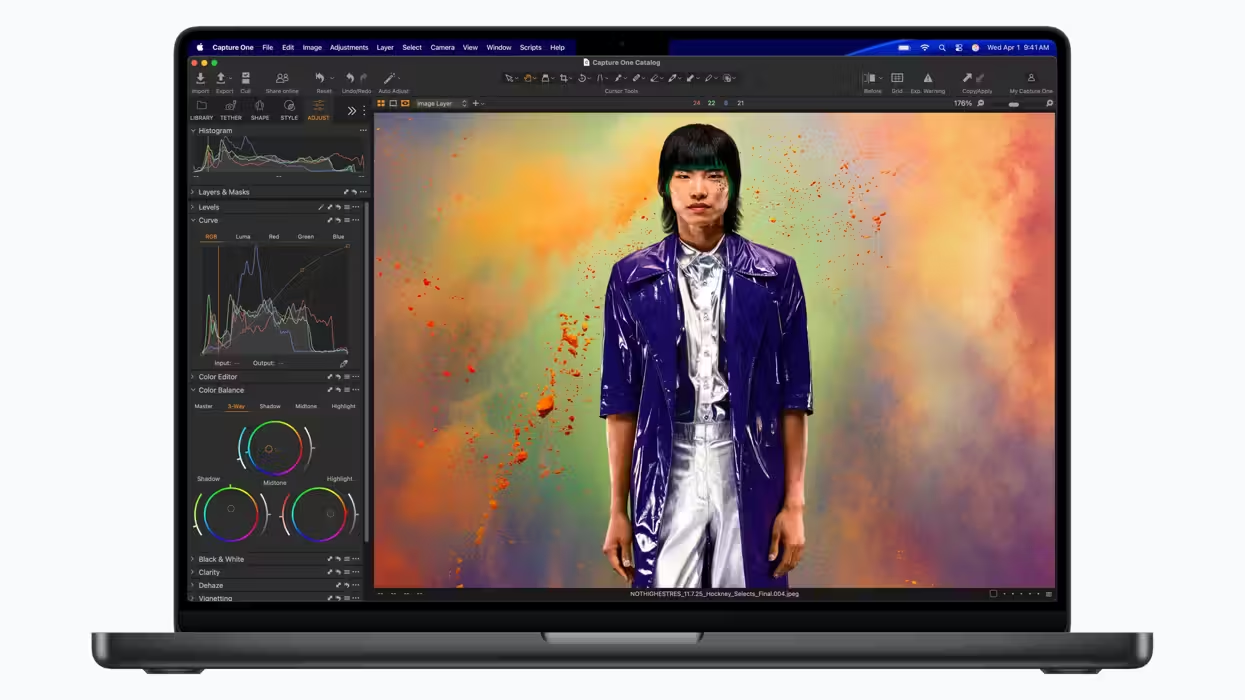
You get both a big canvas and a very high quality image.
Credit: Apple
Obviously, Apple is a hardware company, so it makes sense for them to build machines that let you run that AI locally; that’s how they make their living. But in this case, I think that focus works out better for filmmakers. I’d rather have someone in the race who is promoting models that protect privacy and run locally. Video is probably beyond the capability of a local model anytime soon, but as we saw with the Resolve voice changing tool, I think we’ll see powerful video manipulating AIs taking your source and refining in that filmmakers will get a lot from. And let’s be real, most fully AI video feels pretty dead at the moment anyway.
After several years where the hardware on the MacBook Pro felt like a “solved problem,” I can say there is something new that is also pretty exciting about the new MacBook Pro. And it’s the hardware inside the box. It is genuinely kind of fun.
- How the New MacBook Air With M5 Could Sneakily Be Apple’s Best Value Laptop ›
- The Apple MacBook Pro Gets Major Performance Boosts, 2x Faster SSD Speeds, and 1TB of Starting Storage ›
- Apple’s New M5 Pro and M5 Max Chips Are Designed for AI, But Actually Could Boost Video Editing ›
- Need a Video Editing Laptop? Apple’s New MacBook Pro Just Got a Sweet Discount ›
- Apple Unveils Its New Mac Studio With M5 Max and M5 Ultra Options Aimed for On-Device AI | No Film School ›
- All In on AI? This New NVIDIA RTX Spark N1X-Powered Laptop Could Be For You | No Film School ›