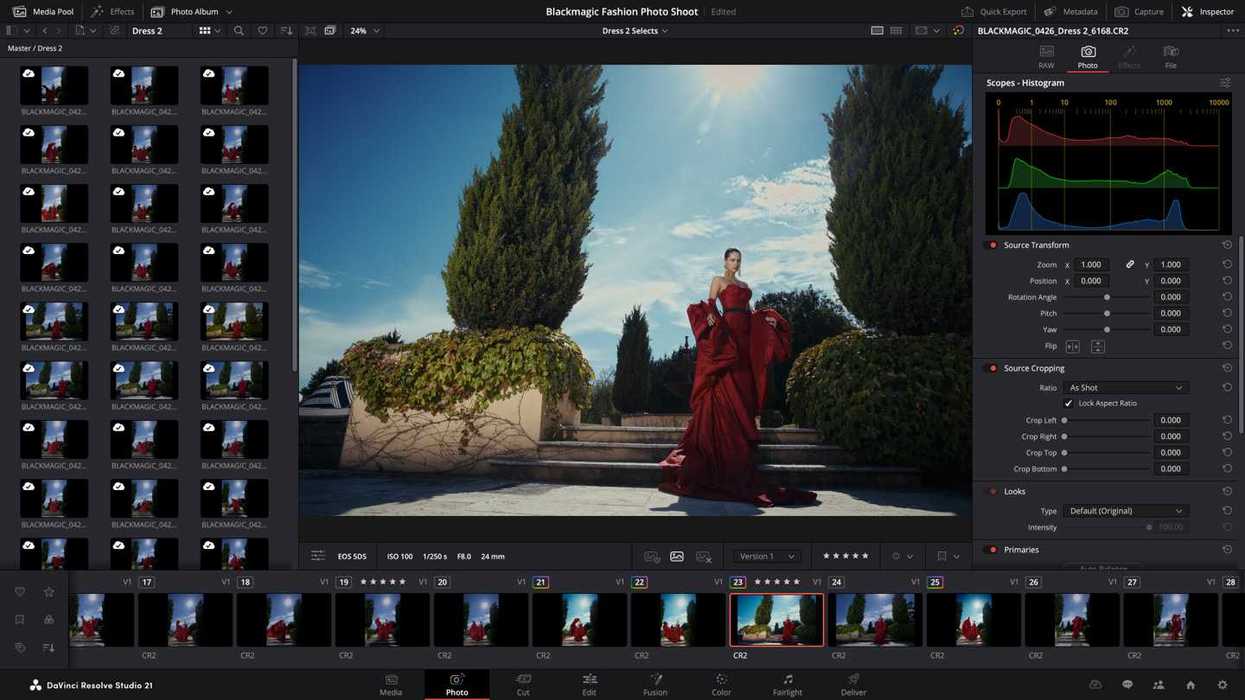
It’s been around a week since Blackmagic Design released a new update for DaVinci Resolve, so we figured we’d be due for an update here soon. And, as we expected, we have another minor but important update for DaVinci Resolve.
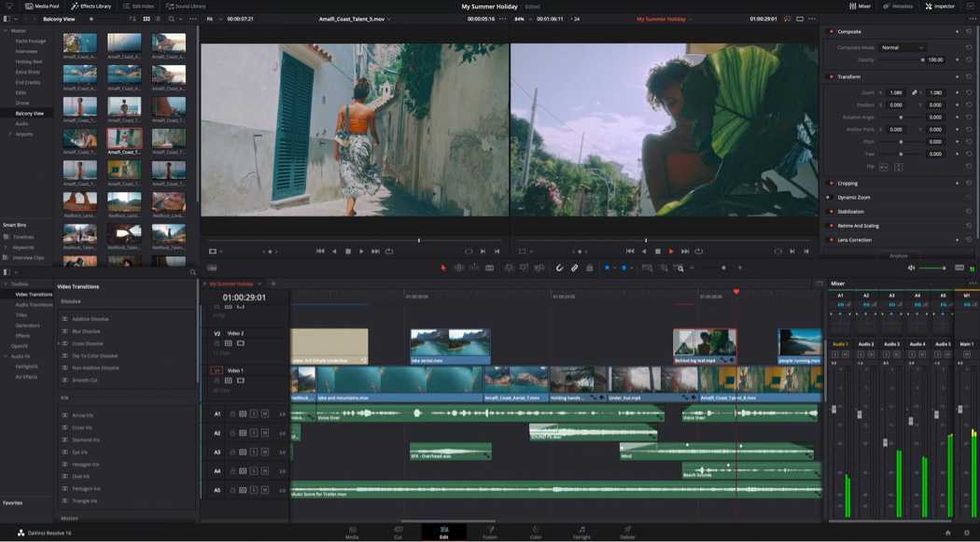
DaVinci Resolve 21.0.2 is here to follow up on its 21.0.1 update, which we covered last week. This new update adds new playback performance features, better text display in the inspector, and faster image bypass switching.
Let’s take a look at everything new.
DaVinci Resolve Update 21.0.2
As mentioned above, this isn’t a huge update, but it’s not an insignificant one by any means. The headlines here are the faster image bypass switching, improved H.265 playback performance on NVIDIA GPUs, and better text display in the inspector model.
The update also addresses a handful of minor yet notable issues, including slower IntelliSearch performance, inconsistent selection of the source tape, and other bugs that required quick fixes.
Here’s a full list of everything that’s been added or updated in DaVinci Resolve with this 21.0.2 update.
- Addressed thumbnail preview when bypassing color or Fusion.
- Improved display of retime speed curve.
- Addressed issue with pasting copied keyframes between clips.
- Addressed issue with video inspector zoom minimum values.
- Addressed issue with slower IntelliSearch performance.
- Addressed bit depth when exporting current frame as TIFF still.
- Addressed inconsistent selection of source tape.
- Addressed inspector unicode display issue with spell check.
- Addressed some Fusion transition defaults for vertical timelines.
- Addressed media pool custom sort persistence issue.
- General performance and stability improvements.
Credit: Blackmagic Design
How to Download and Install
As always, downloading and installing the latest updates for DaVinci Resolve is quite easy in-app or by heading to Blackmagic Design’s website here.
You can also review the minimum system requirements below.
Minimum system requirements for Mac OS
- macOS 15 Sequoia or later.
- 8 GB of system memory or 16 GB when using Fusion.
- For monitoring, Blackmagic Design Desktop Video 12.9 or later.
- Apple Silicon-based computer.
Minimum system requirements for Windows
- Windows 10 Creators Update.
- 16 GB of system memory or 32 GB when using Fusion.
- For monitoring, Blackmagic Design Desktop Video 12.9 or later.
- Integrated GPU or discrete GPU with at least 4 GB of VRAM.
- GPU that supports OpenCL 1.2 or CUDA 12.8.
- AMD/Intel official drivers from your GPU manufacturer.
- NVIDIA Studio driver 581.57 or newer.
Minimum system requirements for Windows for Arm
- Windows 11 for ARM.
- Qualcomm Snapdragon X Elite series processor.
- 16 GB of system memory or 32 GB for 4K or when using Fusion.
Minimum system requirements for Linux
- Rocky Linux 8.6.
- 32 GB of system memory.
- For monitoring, Blackmagic Design Desktop Video 12.9 or later.
- Discrete GPU with at least 4 GB of VRAM.
- GPU that supports OpenCL 1.2 or CUDA 12.8.
- AMD official drivers from your GPU manufacturer.
- NVIDIA Studio driver 580.119.02 or newer.
- DaVinci Resolve Gets 21.0.1 Update With More Accurate DNG and Apple ProRAW Decoding And More ›
- DaVinci Resolve 21 Gets New Beta 4 Update With Major Improvements Across All Pages ›
- DaVinci Resolve 21 is Finally Here: Here’s How to Get Access to Hundreds of New Features and AI Tools Today ›
- DaVinci Resolve 21 Gets First Beta Update With Bug Fixes and More Intuitive Photo Crop Tools ›
- DaVinci Resolve 21 Introduced With Hundreds of New Features, AI Tools, and a Photo Page ›
- DaVinci Resolve Gets New Ease Modes for Retime Speed and Frame Curves Plus Other Updates ›
- DaVinci Resolve Adds Support for Sony FX5 X-OCN and API Scripting With Latest Update | No Film School ›