Rian Johnson and Steve Yedlin Just Dropped an iPhone Camera App—Here’s Why Filmmakers Should Care
You can now shoot raw on your iPhone.
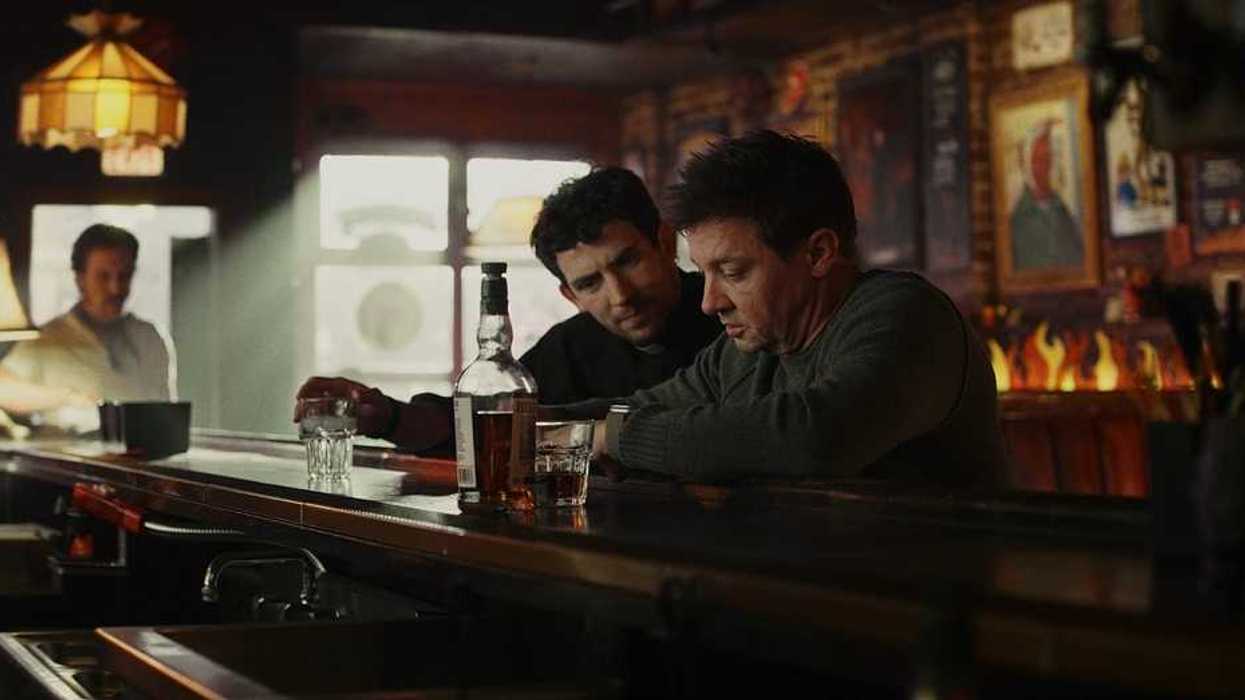
If you’ve followed Rian Johnson and his longtime cinematographer Steve Yedlin (Knives Out, Glass Onion, The Last Jedi) over the years, you know they care a lot about the moving image. Their movies have fantastic visuals that stick to your bones.
But I think very few readers understand the science behind image pipeline processing. And look, I barely do, too.
That's why I am so happy those two savants built an app for that.
Today, on X, Rian Johnson announced the launch of Chromagraph Camera, an iPhone camera app built by Yedlin and color science coder Eric Cameron.
The goal is to help you shoot the way they do.
It only does stills for now, but it's worth getting in early and learning how to use it before it develops further.
Let's dive in.
The App
For years, directors and cinematographers have struggled with smartphone image processing. You, like me, have probably tried shooting on your phone and gotten frustrated in post by limited options for certain looks and the inability to capture raw data to mess with later.
We can all agree that while iPhone hardware is useful, Apple needlessly bakes in aggressive sharpening, tone mapping, and digital noise reduction that gives photos a distinctly "digital" sheen that you may not want when filming something.
Especially if you want to emulate 35mm or another feel.
Johnson explained the origin of the project in a series of posts on X, which you can link to above.
"So I recently badgered my cinematographer @steveyedlin into making my ideal iPhone still camera app. It shoots RAW, bypasses the iPhone's look processing and instead uses the same image processing we use on our movies."
He continued:
"I've messed with plenty of good 3rd party tools but this is an elegant one-stop-shop, it just takes beautiful shots with Steve's special sauce processing. You can fine tune the image in the app (with color, exposure, grain and halation tools) and export it to your camera roll."
"I honestly just asked Steve (and our genius color science coder friend Eric Cameron) to make it because I take a ton of pics with my phone and wanted to have it for myself, and they figured hey, let's put it out
there. Hope you enjoy!"
There were also a few caveats for now:
"A few caveats: it's stills only, it doesn't do video, we may pursue it in the future but it likely would only be possible on the last few generations of pro model iPhones. And huge apologies to my Android friends but it's iPhone only. Hardware consistency across Apple devices is part of what allows us to do this with confidence. Android devices are much more varied, and there's no way with our small team we could dial it in for every device."
What The App Means for Filmmakers
I think that third-party apps that mess with the iPhone are awesome. They take what we already have in our pockets and make it more useful.
Here are the key takeaways I have from checking the app out myself.
- Not Too Expensive: The app itself is $12.99, which is fairly cheap for what it does.
- Bypassing the Native Computational Look: Chromagraph captures unadulterated RAW sensor data that you can then play with later.
- Feature-Film Color Science: The app applies Steve Yedlin’s proprietary color transform algorithms directly to the captured RAW data.
- Analog Emulation Tools: Built-in controls for film grain, halation, color-transform curves, and exposure let you grade shots natively before exporting them to your camera roll.
- Pre-Visualization & Location Scouting: I think filmmakers will use this most before they actually shoot. Having a pocket camera that accurately reflects feature-film color science and tone mapping can help you visualize your locations and see what they could potentially look like on screen.
Summing It All Up
This is a brand new app, so forgive me if I don't have the most extensive review. But I figured it might be easiest to tell you about it and challenge you to try it yourself.
Whether you're scouting your next project, capturing reference stills, or bypassing smartphone post-processing for personal photos, this was designed to give you the ability to tweak and adjust as needed.
You can download Chromagraph Camera on the App Store.
Happy shooting.