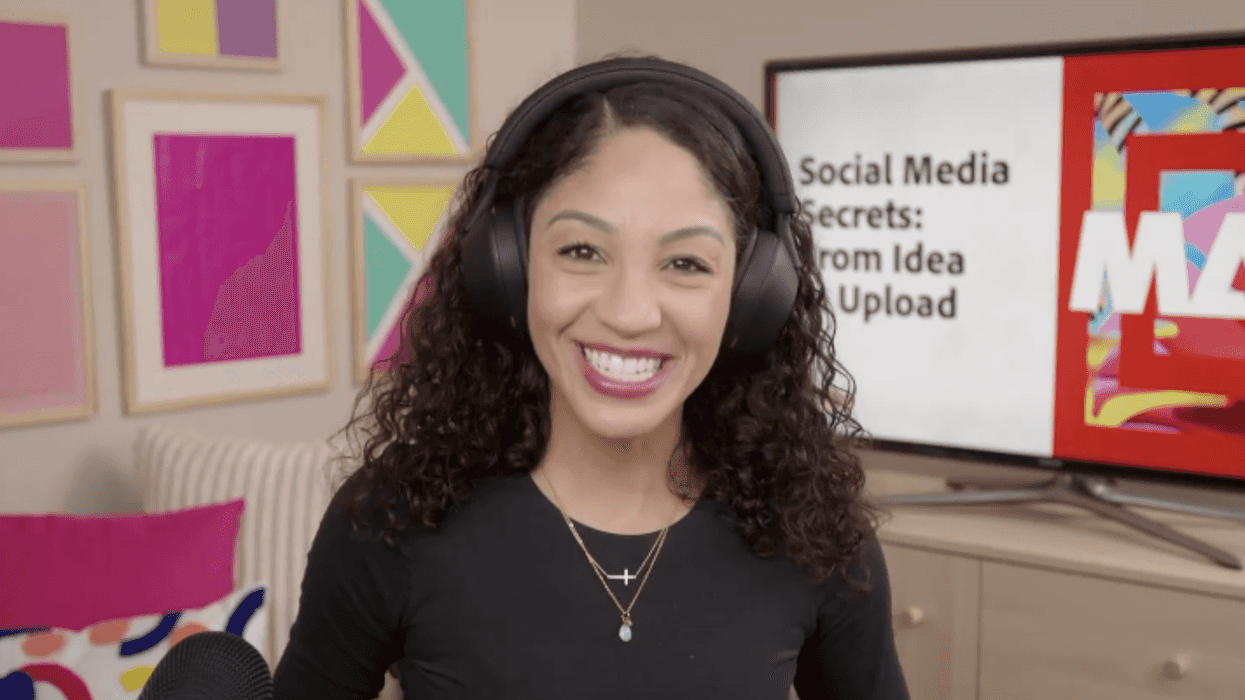
If you’ve ever recorded something you liked, opened your editor, and then… watched the momentum disappear, this is for you. In this Adobe MAX session, Karina Anglada walks you through a practical way to take a vertical video from “I have a clip” to “it’s uploaded,” using Adobe Premiere features that remove friction, such as social-first templates, automatic transcription, text-based editing, automatic captions, and a clean export path that can publish directly to TikTok.
 Watch the full video on Adobe’s website to follow along with the exact clicks and panels.
Learn How to Reduce Friction When Editing for Social Media
Karina takes you through the steps of designing a social media workflow around how your content is going to be published. She starts by working in social-first formats and leverages reusable project templates, so setup time is minimized, and platform constraints are visible from the start.
From there, Karina shows you how Premiere's transcription tool can become the backbone of your edit, allowing your social story to be shaped through editing text rather than manual timeline scrubbing. She shows you how to adjust pacing through automated cleanup—removing pauses and unnecessary moments in dialogue—before adding light visual variation and emphasis to keep vertical video engaging. Captions are generated directly from the transcript and styled quickly to support how audiences watch on social platforms.
Finally, the workflow ends with export settings optimized for social media and the option to publish directly to platforms like TikTok, closing the loop from idea to upload without unnecessary handoffs.
If you want to see how Premiere brings all of this together into a single, streamlined workflow—helping you move faster, stay creative, and publish with confidence—watch the embedded video on Adobe’s website.