Why Your Edit Feels Off (And How to Fix It)
Master the four factors that separate amateur cuts from professional editing.
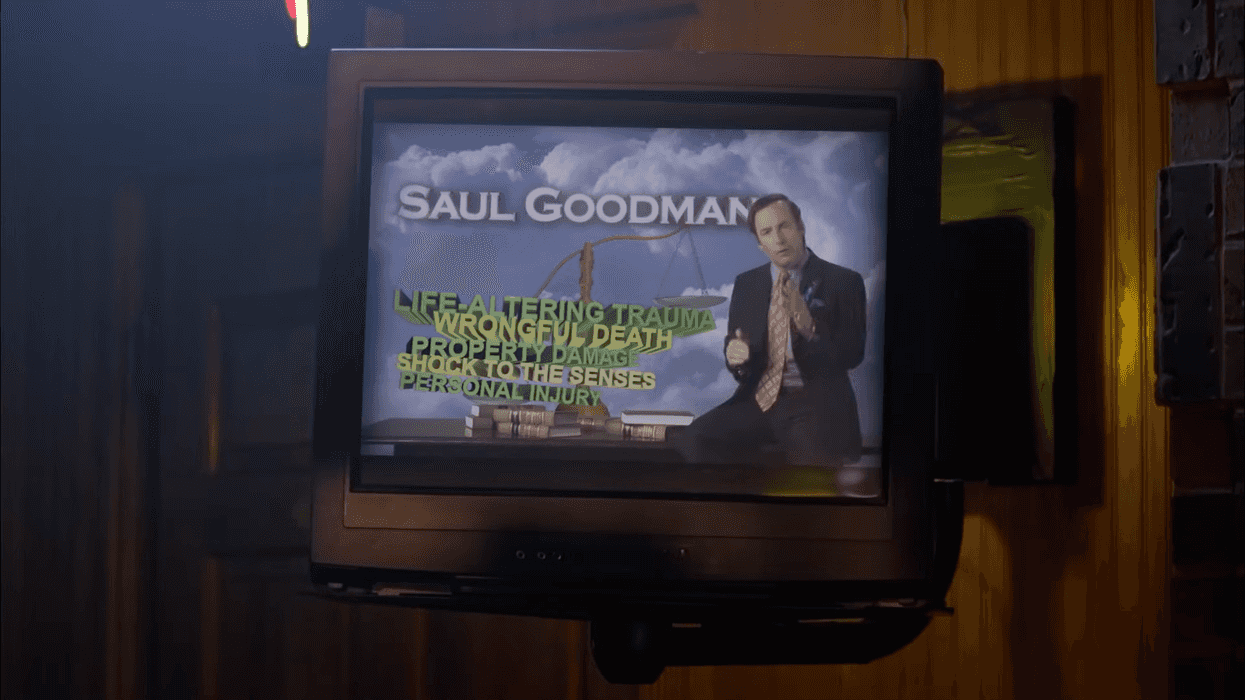
Breaking Bad
I've been watching local TV stations over the holiday season and have spotted a couple of commercials with terrible pacing. One has a breakneck pace and no air, so there's barely any time to register what's happening on screen as images flash by. The other is one wide, long shot of a person just talking at the screen. It draaaags.
You've probably experienced bad pacing, too, in anything from a commercial to a film. It's one of those invisible elements of filmmaking that audiences rarely notice when it's done well, but they absolutely feel when it's wrong.
Pacing is the difference between a sequence that builds tension and one that drags. It's what makes action scenes exhilarating instead of confusing.
Paddy Bird and Inside The Edit give us a quick lesson on the importance of pacing in editing.
Pacing is the speed and rhythm of your project and how it unfolds, including emotionally. How do you think tension gets created? It takes dialogue, action, and scene structure—and editing. But why is it important to understand pacing?
As Bird says, "As human beings, we love variation in all its forms. Our brains are wired for novel stimuli."
Monotonous pacing at any speed will disengage your audience because our brains crave novelty and reward us with dopamine when we experience something new. Editors must learn to control the speed of their story at different points via their craft so that audiences stay hooked.
- YouTube www.youtube.com
Think Like a Roller Coaster Designer
Compelling pacing isn't about always being fast or always being slow.
Scenes, like stories, need variation, like the hills and valleys of a rollercoaster. Sometimes the most fun is that enormous climb before you know you're about to go down a huge, fast fall. In writing, that's your rising action before the big finale and the denouement. You see it literally represented as a hill in story diagrams.
Why would it be any different in editing?
Bird frames editors as "entertainment engineers" who control the curves, gradients, and duration of emotional peaks and valleys. Your timeline might look flat, but it should contain a dynamic ride of ups and downs that keeps viewers engaged.
Give the audience slower, tense sequences to build toward the faster, more frenetic moments of action. A whole movie should not be all fast cuts that last less than a second. How would the viewer be able to follow anything, much less catch their breath?
Know Your Emotional Destination
Each scene is a building block of the story. In good writing and direction, characters will often enter a scene feeling or believing one thing and leave it feeling or believing something else. That's how the story actually progresses, right?
As an editor, you should understand what the goal of each scene is as you sit down to cut it.
"I'm starting off with the emotional destination of the scene first and then asking myself what pacing best reflects these emotions," Bird says.
Before making any cuts, identify what emotion you want the audience to feel. A reflective scene about a difficult memory might need slower pacing so the emotional impact hits harder. A tense, rushed scene needs faster cuts to amplify the anxiety already present in the footage.
Learn how to edit for emotion.
Ask the Right Questions
Bird suggests asking yourself five specific questions as you start editing.
"Does the scene have one overall tempo? What is that tempo? Does the tempo change? When does it change within the scene? And why does it change?"
This is important because Bird says that random pace changes make you look like an amateur. Every tempo shift needs narrative justification. You'll give the audience whiplash if you speed up or slow down for no reason.
Map out where pacing changes occur in your timeline and why each change serves the story.
The Four Factors That Drive Pacing
So how do you actually control pacing once you're sitting in front of your editing bay?
"In order to change pace, we need to know what drives pacing in a sequence," Bird says.
He identifies four factors:
- The speed of cuts. How many edits you make and how much action you compress.
- Action and movement. What's happening in front of the camera (someone eating lunch versus fleeing a murderer on foot).
- Framing and shot size. Distance from subject to camera (wide shots feel slower than extreme close-ups with small movements).
- Camera movement. Static versus moving shots, pans, tilts, or crash zooms.
"These factors are accumulative. Lots of cuts, plus lots of whip pans, all on mid- or close-up shots is going to create faster sequences than just lots of cuts alone."
However, the reality is that action/movement, shot size, and camera movement are largely determined before you ever open the project.
If you need to increase the pace, but only have slow, static footage, you can:
- Choose the tighter coverage over wider shots
- Use shorter shot durations
- Find any moments with more movement or camera motion, even if they're brief
- Layer these elements—cut faster on the close-ups that have camera movement
Part of professional editing is recognizing when your footage limits pacing options. If you only have wide, slow shots of someone calmly talking, you probably can't create a breakneck pace, no matter how many cuts you make. It's going to feel wonky. Knowing this helps you set realistic expectations and might influence how you approach the scene.
Check out some free resources for learning editing.
Practice with Purpose
You can only get better if you practice and see what trips you up. How can you do that?
Bird suggests, "Take the raw footage of a scene you've already cut. Write down the emotional destination you want the audience to feel. Choose a tempo."
Try cutting one scene with different tempos (slow, medium, or fast). See how you can create a different feel using different techniques. Practice this until manipulating pacing becomes reflexive.
Another thing you can do (for yourself only, of course) would be to take an existing scene from, say, a slow-paced horror movie and try to cut it in a more light-hearted tone or at a faster pace.
Want to keep studying? Learn from editor Walter Murch.
- If You Want to Learn How to Tell a Story, Edit a Documentary | No ... ›
- 5 Editing Techniques You Can Use to Make Better Travel Videos ... ›
- How I Built (and Rebuilt) a Professional Video Editing Career | No ... ›
- 13 More Useful Video Editing Tricks You Can Do In CapCut | No ... ›
- Why the Best Documentary Editors Follow the Footage ›
- The 2-Second Edit That Changed Cinema: The Genius of the Lawrence of Arabia Match Cut ›
- 6 Editing Secrets That Will Help Your Story Flow ›
- Screenwriting Advice: Feed the Audience Every 5 Minutes | No Film School ›