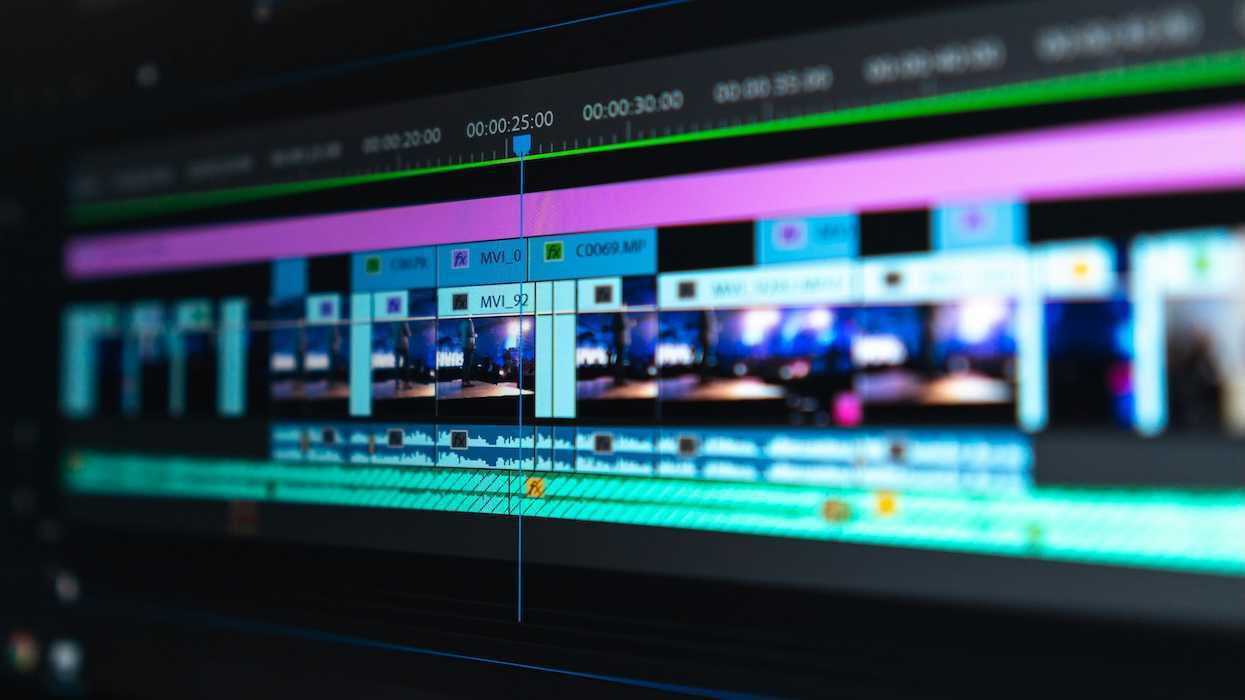
Congratulations, you put a project together, actually shot it, and you’ve reached the editing stage!
You feel good about things… until you get started.
Maybe you got so much coverage, you’re cutting all over the place and can’t find your focus. Maybe you can’t land the rhythm. Maybe something just feels unbalanced. The story feels off and never flows.
Tim Runia knows the struggle. A Dutch filmmaker and director, he co-founded production agency Tante Tini in the Netherlands for seven years before leaving to pursue independent work and YouTube.
He’s put together five editing tips that can help diagnose the issue and get you moving again.
Check out his video here. And if you have any go-to editing tips, let us know.
- YouTube www.youtube.com
Start with Audio, Not Footage
This is the tip that will feel the most counterintuitive, so try it before you knock it. Before Runia touches a single clip for, in this case, a YouTube video, he lays down his voiceover, finds music that matches the energy he has in his head, and drops in a few sound effects.
Why? Because the audio blueprint exposes problems immediately. He might note a voiceover section that's too long or clunky, a beat that doesn't land. If you haven't shot anything yet, you can still fix it. And you can add the shots you're missing to your list before you start.
By the time filming wraps, the pacing is set, the music is in place, and you're basically just filling in the pictures.
If you’re not working with online content and you’re in narrative instead, this tip can still work. We always recommend that you do rehearsals or table reads. Try this audio edit with a scene that's giving you trouble. Do a rough cut of just that. It won't tell you everything, but it'll expose dialogue pacing and rhythm issues before you're locked into the footage.
If you've been diving straight into footage and wondering why your edits feel off, this might be why. Start with sound.
Pacing Is Your Storytelling Pulse
About that rhythm…
The speed and tempo of your story create your pacing, and it’s one huge issue you might run into during the edit.
Runia breaks it down into three elements:
- Shot length
- Shot motion
- Music and sound
You have to vary your pacing so your story doesn’t become one-note. You don’t want all fast, half-second shots, because that’s impossible to track. You also probably don’t want all long, static takes (unless you’re making an art film). The mistake Runia sees, even among experienced editors, is staying in one gear for too long.
Those short, snappy cuts build tension and energy. Longer shots let the audience breathe and create emotion. Handheld footage puts the audience in the action, while locked-off frames calm things down. A driving beat pushes the story forward; silence can hit hard, too. None of those tools work if you pick one and park there.
The goal with pacing is to modulate. It has to be intentional. Mark your big moments and your quiet ones before you start cutting, and let your choices flow between them.
Learn more about using pacing for dramatic effect.
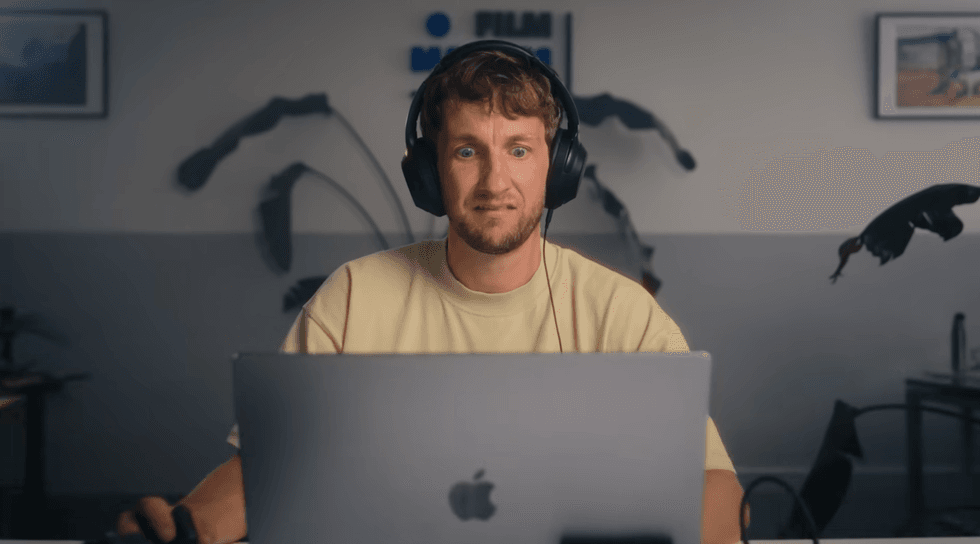 Tim Runia Credit: Tim Runia/YouTube
Build an Assembly Edit First
The assembly edit is exactly what it sounds like. It’s a rough sketch of the full story before you polish anything, and it allows you to be an efficient editor.
If you’re a writer, you probably outline before you get into the nitty-gritty details of every scene. Or you do your rough draft before you refine.
The point is not to get mired in the minutiae of your story before you try to sketch the big picture.
Runia spots his footage first, meaning he cuts out what he won't use and keeps what he might, then drags clips into a rough story order, drops in his voiceover if he has it, and finds music. Then he plays the whole thing back and watches.
Just like his other methods, this tip allows him to spot issues early. He doesn’t fixate on a moment until it’s perfect, instead seeing the whole and refining from there.
Cut with Intention
Cutting on the beat feels good. It's also kind of a trap. It gets repetitive fast, and once your audience clocks the pattern, you've lost the element of surprise. Plus, you’re probably not only making TikTok edits, especially if you’re working in narrative.
Runia advises you to think about where the audience's eyes are in the frame and how their gaze travels from one shot to the next. Is there a motion leading the audience’s attention? How can that lead into the next shot? He uses beat accents instead of beat cuts, meaning the action itself lands on the beat.
He also leans on audio transitions. A sound effect that bridges two shots can glue them together more effectively than any visual cut.
Do you know the five cuts you should always have in your editing arsenal?
Use Contrast and Surprise to Grab Attention
A predictable edit loses people. This is especially true for online content and commercials, which is Runia's home turf. His fix is to deliberately break his own rhythm.
This could be a moment of silence. A freeze frame. A cut that seems too early and cuts off dialogue. A change in point of view. You don't need many of these moments. One well-placed surprise can keep the audience hooked.
In narrative, the same principle applies, but the surprise has to come from the story, not the edit. A freeze frame or sudden silence that isn't earned by what's happening dramatically will just feel like a gimmick. You don't want it to seem like you got bored and threw something in.
Kill Your Darlings
Early in his career, Runia tried to use every shot he filmed. He'd spent time getting it; it looked good, and he wasn't going to waste it. We get it.
But, as he says, the faster you learn to cut what doesn't serve the story, the more energy you have left to shape the story and make it better. The assembly edit tip helps here by forcing you to make decisions quickly.
So be ruthless! And get cutting. Hopefully, you'll find the flow in your edit more easily now.