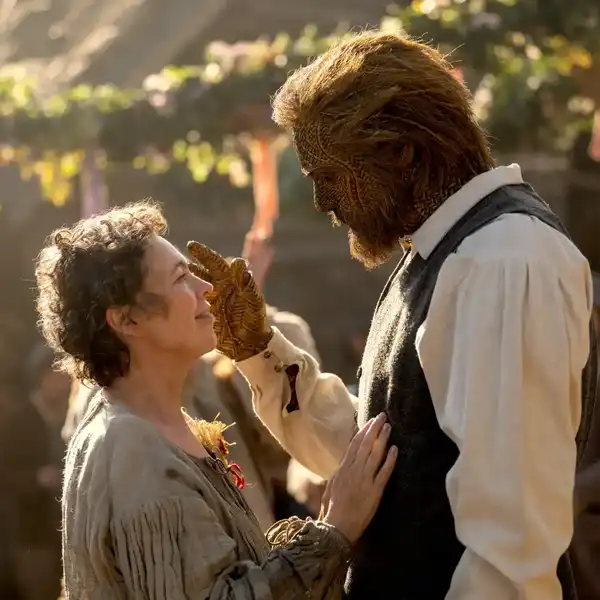
How to Edit Trailer Music Like a Hollywood Pro
A trailer editor breaks down must-know techniques.
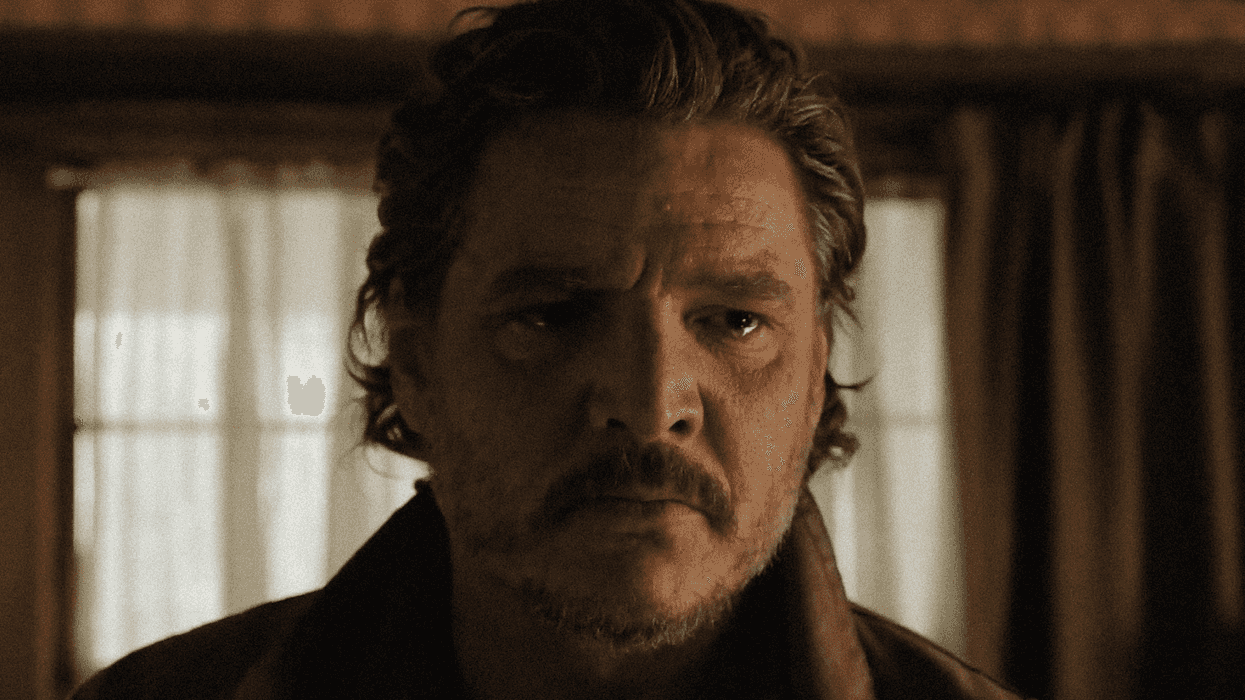
The Last of Us
When my cousins and I got hold of my parents' camera, one of the first things we did on our journey as filmmakers was to shoot and edit fake trailers for fake movies. I was like, 8 years old at the time, so of course, I had no idea what I was doing, and I have learned a lot since then. I still want to continue learning.
Which is why I was excited when Leonardo Oliveira over at Story Slice put together an interesting video looking at trailer editing and the tricks you can use to cut an exciting preview for your work. (Oliveira is a trailer editor who runs Story Slice, and his breakdown shows how editors transform music for trailers like those for The Last of Us.)
Professional trailer editors know how to manipulate music in ways that make any project feel cinematic and polished. They use techniques that transform familiar songs into something that feels custom-made for the story.
You don't need to be a musician or have access to expensive composers to do this at home. You just need to understand a few key principles about how music works in editing software.
Check it out here and then learn with us!
- YouTube www.youtube.com
Mark Every Beat to Control Your Music
Start by understanding the music you want to use for your footage.
Count the tempo of your chosen track (4:4 time is standard). Sometimes you can find the time signature listed with the song information online.
Then place markers on every beat using your editing software's marker function (for instance, this is the M shortcut key in Premiere Pro). You can color-code the first beat of every four bars differently for visual clarity.
Oliveira says, "Because I've marked the first beat out of every four with a different color, it's very easy for me to identify the music patterns visually. This allows me to know exactly where I want to cut the music whenever I want to either extend it or shorten it."
Learn more tips for cutting a badass trailer.
Master These Five Sound Effects
As you get started editing to sounds and music, Oliveira recommends you get comfortable with five commonly used sound effects to make you a stronger trailer editor. They are:
- Hit: A sound that accentuates a specific beat
- Suckback: Builds up toward a beat
- Whoosh: Smoother transition combining suckback and hit
- Riser: Longer buildup toward a major moment
- Drone: Ambient sound that sets the overall mood
You can use these effects to enhance the existing track and make important moments bigger. For instance, you might use a suckback leading into a hit right when your main character makes a crucial decision. Or layer a riser under dialogue that's building to a reveal, then punctuate it with a whoosh as you transition to an action sequence. Drones can run underneath entire sections to maintain an uneasy atmosphere.
"I'm not a musician, but what I just showed you is more than enough to start playing with the music in the trailer," he says.
We've got free sound effect packs for No Film School readers.
Change the Mood with Reverb and Drones
This is another way to fiddle with the music track you've already chosen. You might want a traditionally upbeat, happy song, but want to turn it upside down for a darker feel. HBO does this a lot with its TV trailers that use pop songs for its edgy shows—Oliveira shows a trailer for The Last of Us as an example.
For instance, you could start with the original song playing normally, then add a reverb effect when you want the tone to shift. (Reverb is an effect that adds echo and makes a sound feel bigger and grander.)
You can layer a drone underneath your track for a more ominous feel. You can also add low-pitch hits or booms at key moments. You might sync natural sounds like thunder to the beat for flow.
You can keep stacking elements like these and end up with a completely transformed song.
Here are 5 more things you should do to make a great movie trailer.
Work with Music Stems to Fake a Custom Score
Oliveira takes it a step further, saying, "What if we didn't just add to the music, but instead started swapping out its DNA?"
What he means is to take an existing song's stems (rather than the full mixed track) to customize it. A stem is one isolated layer from a song, like pulling out just the vocals, or just the guitar, or just the drums. Instead of getting the whole track where the dish is "cooked," you get individual pieces, like ingredients you can manipulate.
This lets you do things like drop the vocals but keep the instrumental, or vice versa, so you can build exactly the sound you need for your trailer.
Again, Oliveira looks at a Pearl Jam song used in a trailer for The Last of Us. He shows how the editors can manipulate the vocals to make them sound like they're coming from a radio.
"It sounds very simple but also cinematic, almost like it was custom-scored," he says.
Learn more about film trailer scores.
Blend Vocal Stems with Instrumental Tracks
Oliveira points out that in some of these examples, the trailer tracks sound totally different from the song that inspired them. That's because they were bespoke for HBO, arranged and recorded just for these uses.
"These were custom-produced music tracks created by musicians working closely with the trailer editors. And unless you have that sort of team, it's very tough to do something like this. But there's a workaround," he says.
Start with an instrumental track that matches your desired tone.
It should have the same tempo/BPM as the other song you want to add to it (like a pop song).
As already seen, use beat markers to align the vocal stem with the instrumental track. Add reverb for blending. If the two songs don't mix well, you can extract specific melodic elements from the original song rather than using the full arrangement.
If you want to keep learning, check out What I Learned About Making a Film Trailer and how a movie trailer editor draws you in.