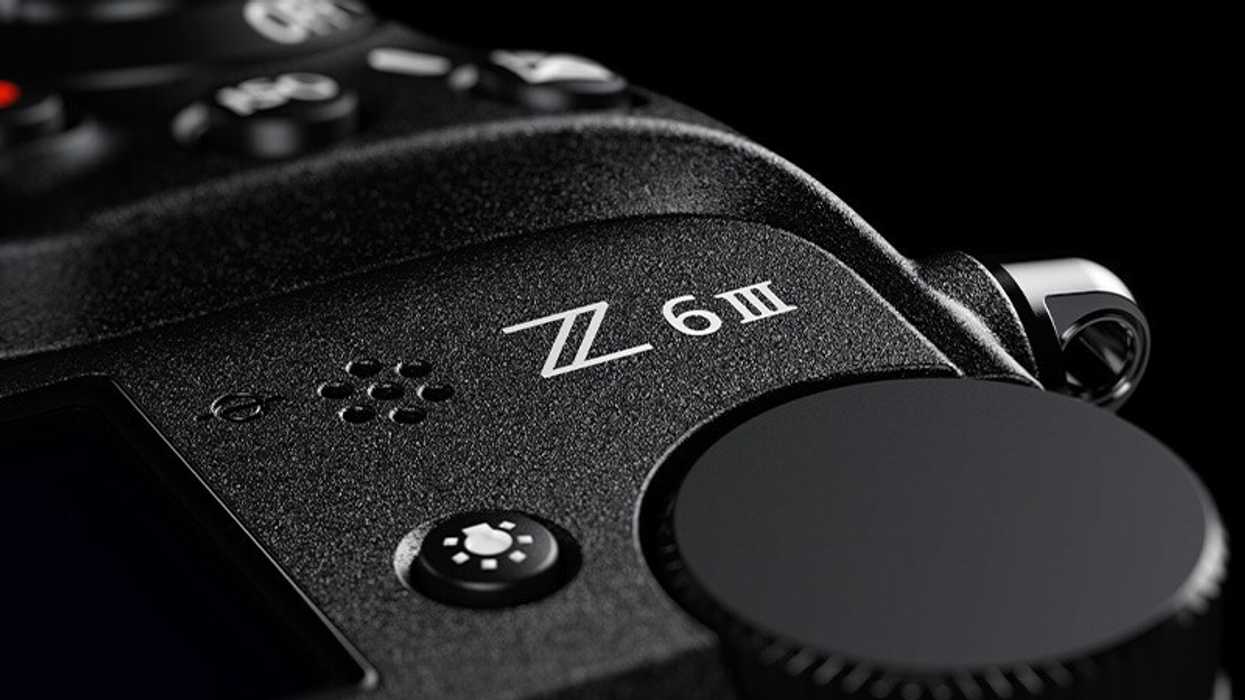
For the first time ever for a Nikon product, the Z6III will support the Nikon Authenticity Service—a solution designed primarily for media organizations and other creators who require a high level of trustworthiness in their work.
This is big news in itself, but this latest firmware update for the Nikon Z6III has some other awesome perks as well, and it will truly upgrade the Z6III to include several features found in Nikon’s most advanced models, like the Z9 and Z8.
Here’s everything you need to know about this latest firmware update for the Nikon Z6III, including how to download and install it today.
Nikon Authenticity Service for the Z6III
So, the most noteworthy news here will be the new Nikon Authenticity Service. The service is compatible with the C2PA (Coalition for Content Provenance and Authenticity) standard, clearly recording provenance information from shooting through to editing to ensure greater transparency and reliability of content.
Here are some points provided by Nikon regarding the C2PA compliance with the image provenance function:
- An image provenance function that supports confirmation of image authenticity to protect individuals and enterprises from any unfavorable results caused by falsification and/or image manipulation.
- Includes an image provenance function that complies with the C2PA standard and is part of the Nikon Authenticity Service.
- By making a prior request through Nikon Imaging Cloud, users can load the digital certificate necessary for recording provenance data onto the Z6III.
![\u200bSample image taken using subject-detection [Birds] mode](https://nofilmschool.com/media-library/u200bsample-image-taken-using-subject-detection-birds-mode.jpg?id=61524915&width=980)
Sample image taken using subject-detection [Birds] mode
Credit: Nikon
Nikon Z6III Firmware Version 2.00
Along with the Nikon Authenticity Service, the Z6III is also set to get a couple of other major updates that will add functions found in more advanced Nikon cameras. Here are the two big ones.
Improved Subject Detection with Dedicated [Birds] Mode
- A dedicated [Birds] mode has been added to the Z6III’s subject-detection options.
- When [Birds] mode is selected, the camera automatically tracks birds in flight with great precision, keeping them in focus even against complex, high-contrast backgrounds.
Auto Capture Function Expands Shooting Possibilities
- Enables automatic shooting with pre-configured conditions.
- Allows users to specify the subject type, direction of movement, and shooting distance range to capture previously difficult scenes, such as those that require shooting in places or positions where photographers would disturb their subject.
To download and install this firmware version 2.00 for free, just head to Nikon’s website here.
- Big Nikon Z8 Firmware Update Boosts Pixel-Shift and More ›
- Nikon Adds Remote Shooting System for Corporate Users with Latest Z9 Firmware Update ›
- The Nikon Z9 Gets Another Major Firmware Update Boost to its Video Features ›
- Nikon Zf Firmware Update 2.01 Fixes Minor Bugs With Certain Picture Controls ›
- Nikon Z8 Latest Firmware Update Fixes Issues With Some Third-Party Lenses ›
- Keep Your Nikon Z30 Up-to-Date With Latest Firmware Version 1.20 ›
- New Nikon Update Supercharges Z7 II and Z6 II with Power Zoom Support ›
- Nikon Z6III and Z8 to Get New Shutter Angle Mode ›
- Get The Latest Firmware Updates for Your Nikon Cameras Including Z5II, Z6III, Z50II, and Zf Models ›
- Uh-Oh: Technical Service Advisory Issued for These Nikon Cameras ›