Nikon Z8 Latest Firmware Update Fixes Issues With Some Third-Party Lenses
A new firmware update (version 3.01) for the Nikon Z8 camera is here to fix any potential issues users might be having with some third-party lenses. Here’s how to get this update ASAP.
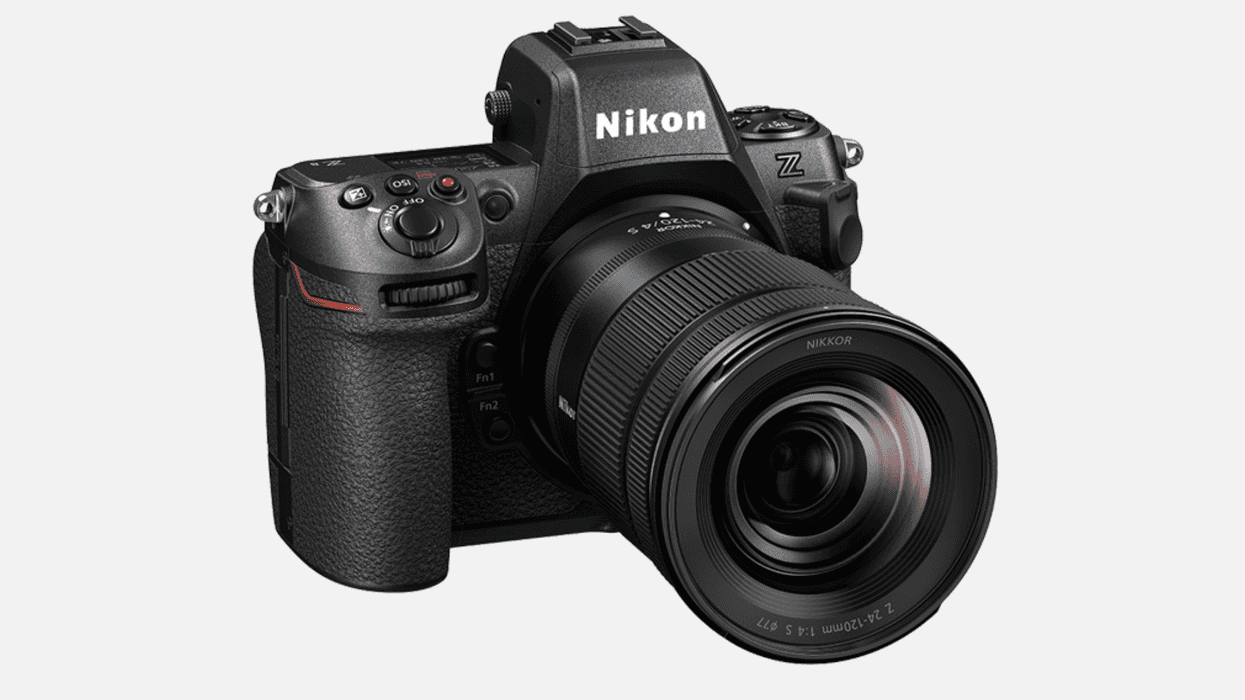
Nikon Z8 Firmware Update
While certainly not the biggest update of all time, a new firmware update (version 3.01) for the Nikon Z8 camera is recommended for all Nikon shooters, especially those who might be experiencing some issues that were preventing their cameras from operating properly with some (likely third-party) lenses.
While the latest firmware update 3.0 for the Nikon Z8 fixed some other minor issues and bugs, it appears that it might have also caused some small issues with these lenses, so this new update—again, while minor—should address these issues quickly and easily.
Here’s how to download and install the update today.
Nikon Z8 Firmware Update Version 3.01
According to Nikon’s Download Center page, where this latest update is housed, it really only fixes one single issue:
- Fixed an issue that prevented the camera from operating properly with some lenses.
Pretty minor stuff, for sure. Yet, if you’re a Nikon Z8 owner or shooter, you’re going to want to get this update asap unless you want to risk having any of these issues muck up your shoots or projects.
How to Update and Install
Updating your Nikon Z8 camera is quite simple; all you need to do is follow the steps below.
- Download the following firmware file to your computer.
Please make sure you have the downloaded firmware file on your computer.
• Z_8_0301.bin (the camera firmware) - Using a card reader, copy “Z_8_0301.bin” to a memory card that has been formatted in the camera.
Note: Be sure to copy the firmware to the root (top-most) directory of the memory card. The camera will not recognize the new firmware if it is placed in a folder under the root directory. - Insert the memory card into Slot 1 on the camera and turn the camera on.
- Select [Firmware version] in the [SETUP MENU] and follow the on-screen instructions to complete the firmware update.
- Once the update is complete, turn the camera off and remove the memory card.
- Confirm that the firmware has been updated to the new version.
For more info, check out Nikon’s website here.
- Upgrade Your Remote Shooting with Nikon Z9 Firmware Update 5.0 ›
- Nikon Adds Remote Shooting System for Corporate Users with Latest Z9 Firmware Update ›
- Nikon Z8 Adds Pixel Shift Shooting with First Major Firmware Update ›
- New Nikon Update Supercharges Z7 II and Z6 II with Power Zoom Support ›
- Nikon Z8 Gets Support for Flexible Color Picture Control With Latest Firmware Update ›
- Nikon Zf Firmware Update 2.01 Fixes Minor Bugs With Certain Picture Controls ›
- Nikon Z6III and Z8 to Get New Shutter Angle Mode ›
- Shooting on Nikon Z6III? This Update Safeguards Your Work From AI | No Film School ›