Get More Consistent Ripple Trimming and Other Improvements With DaVinci Resolve Update 20.2.1
Another new update to Blackmagic Design’s DaVinci Resolve is here. Let’s explore everything new and learn how to download it now.
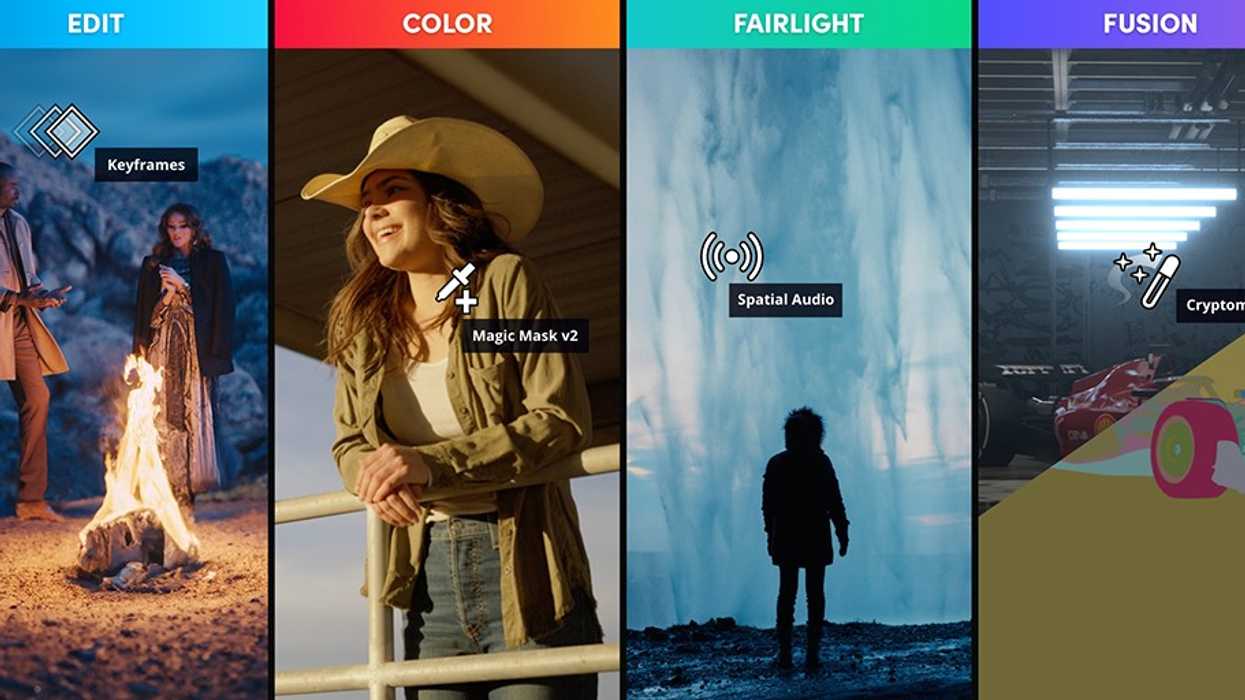
After just releasing DaVinci Resolve Update 20.2 a week ago, Blackmagic Design has released another quick tweak of the company’s popular NLE with some quite equally impressive new features and improvements.
The DaVinci Resolve Update 20.2.1 is now available and features enhancements such as more consistent ripple trimming, improved attribute copy and paste behavior, and enhanced track recognition for timeline source editing, among other improvements.
Here’s everything you need to know.
DaVinci Resolve Update 20.2.1
As mentioned above, the biggest news here might be the more consistent ripple trimming, a nice upgrade that should make the editing process smoother and easier for everyone.
Better copy and paste behavior of attributes and improved track recognition for timeline source editing will also be nice updates that will make your editing tasks more enjoyable with more responsive controls.
Here’s the full list of everything new in DaVinci Resolve Update 20.2.1:
- Paste attributes dialog now retains user selections across copies.
- Addressed paste insert edits not following sync lock state.
- Trim to and extend edits now honor the 1 second J and L edit threshold.
- Addressed insert with in out not honoring source timeline track configuration.
- Addressed jittery playback when scrubbing with go to mouse cursor.
- Addressed issue with live preview on single viewer set up.
- Addressed delays with Shift-click to change edit track controls.
- Addressed issue with detaching audio from synced video subclip.
- Addressed audio marker position when detaching audio from synced video.
- Addressed issue entering Chinese, Japanese or Korean text in MultiText.
- Addressed issue with getting subtitle text via scripting API.
- Addressed a media pool clip context menu crash with split colorspace and gamma.
- Addressed issue with color picker cursor on SDI viewer output.
- Addressed search all effects not returning Resolve FX results.
- Addressed video playback issues in the Fairlight page.
- Addressed slow bounce operations in the Fairlight page.
- Voiceover beeps now follow monitoring gain, mute and dim settings.
- Addressed Fusion viewer guides context menu issue with quad view.
- Addressed decode issues with some Apple ProRes RAW clips.
- Addressed Sony ARW purple artefacts in overexposed areas.
- General performance and stability improvements.
How to Download and Install
Downloading and installing this latest update is quite easy; just follow the steps listed below for your operating system.
Installing DaVinci Resolve Software on MacOS
Double-click the DaVinci Resolve Installer icon and follow the onscreen instructions. To remove DaVinci Resolve from your system, double-click the Uninstall Resolve icon.
Installing DaVinci Resolve Software on Windows
Double-click the DaVinci Resolve Installer icon and follow the onscreen instructions. To remove DaVinci Resolve from your system, go to the Programs and Features control panel, select DaVinci Resolve, click on Uninstall and follow the onscreen prompts.
Installing DaVinci Resolve Software on Linux
Double-click the DaVinci Resolve installer and follow the onscreen instructions. To remove DaVinci Resolve from your system, select the uninstall option after running the installer.
For DaVinci Resolve 20.2.1, we have taken efforts to keep the project libraries compatible with DaVinci Resolve 19.1.4. While this allows you to access the project library with 19.1.4, individual projects created or opened in 20.2.1 will no longer be accessible in 19.1.4. We recommend a full project library backup as well as individual project backups before opening projects in 20.2.1.
You can find out more info on Blackmagic Design’s website here.
- DaVinci Resolve Adds New Flat Mode for Keyframe Easing And Other Updates With Beta 4 Release ›
- DaVinci Resolve 19.0.2 Offers Improved Audio Alignment and More New Support ›
- ProRes Comes to Windows and Linux in DaVinci Resolve’s Latest Update ›
- DaVinci Resolve Adds Support for Apple Immersive Workflows With Major Firmware Update ›
- A Colorist’s Perspective: Practical Comparisons of DaVinci Resolve and Apple Color ›
- DaVinci Resolve 20.0.1 Update Improves Its AI Music Editor and Other Features ›
- A New Hotkey and Major Performance Boosts Highlight Latest DaVinci Resolve Update | No Film School ›