If you’ve used Moment lens add-ons for your smartphones in the past, you’re likely familiar with the brand, which has been a popular option for those looking to achieve higher cinematic quality in their smartphone videos.
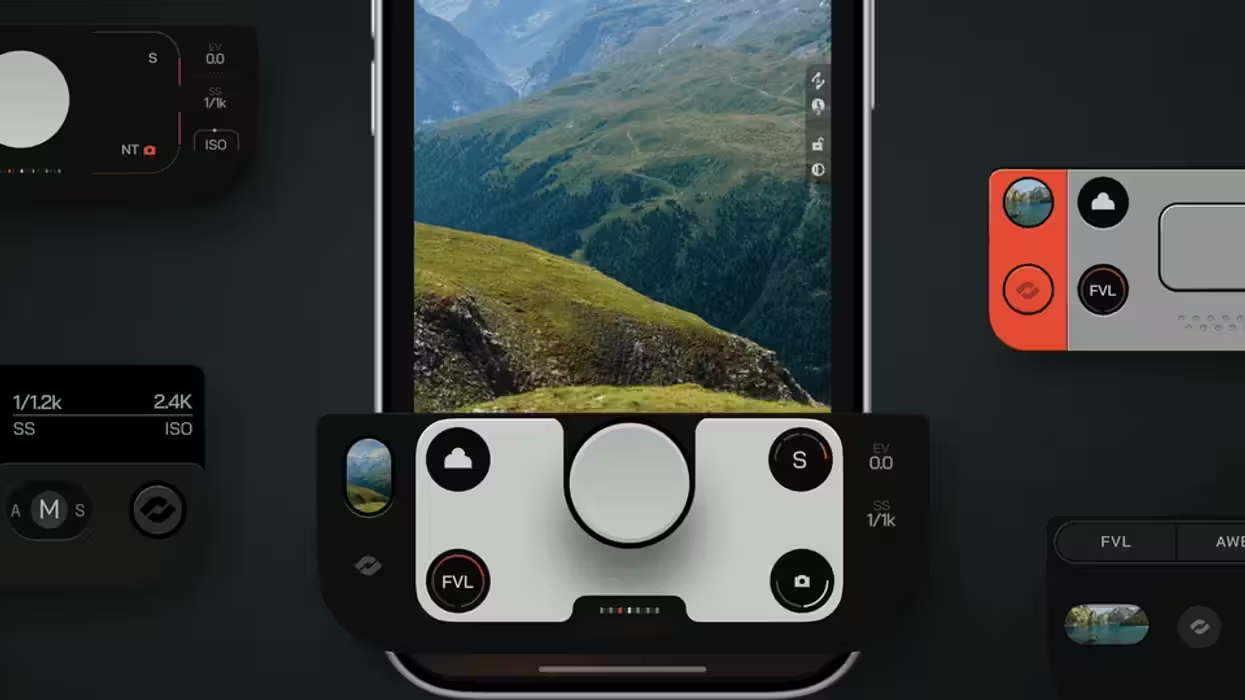
Similar to past offerings, the company has introduced some new Action Plates, a new feature for its Moment Pro Camera II app that basically works like choosing a video game controller for your camera app.
Let’s take a look at these new Action Plates to see what they have to offer and whether they might be worth the investment to take your smartphone videography skills up another notch.
Moment Action Plates
Credit: Moment
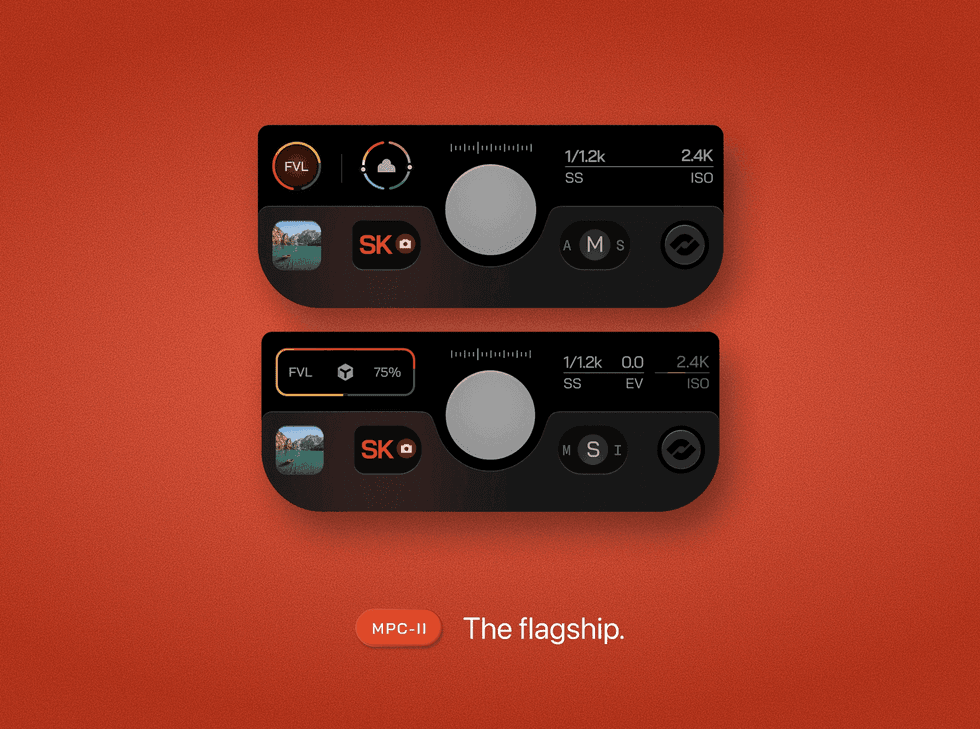
So, these new Action Plates from Moment are basically just swappable control layouts that can be added to the bottom of the Moment Pro Camera II App. Each plate option can give users access to their shutter, camera controls, and exposure information, and provide a distinct look and feel so users can match the interface to how they shoot best.
The Action Plates will include the following options:
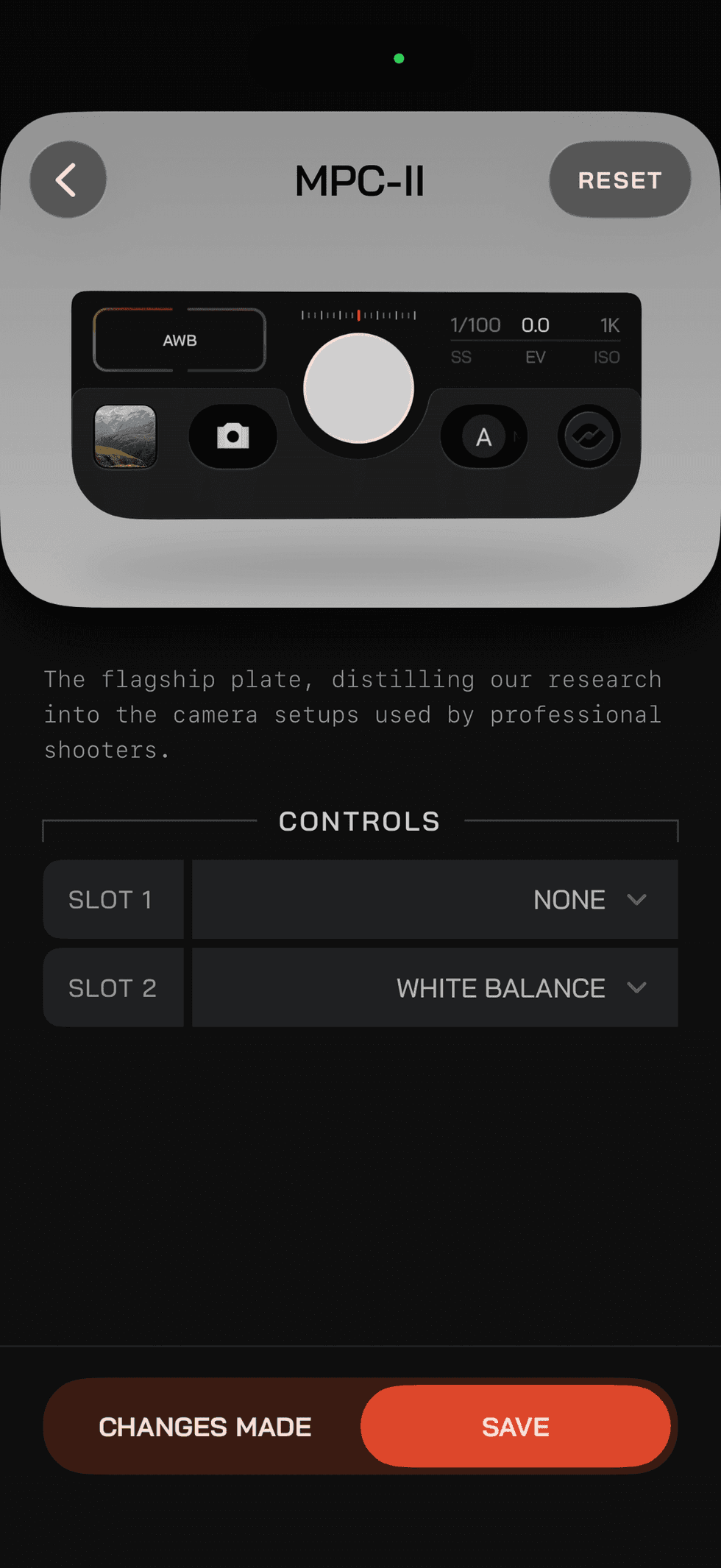
- MPC-II: The flagship Plate and our go-to for almost any situation. MPC-II has two assignable slots and adaptive controls.
- MPC-I: The heritage Plate, inspired by the original Moment Pro Camera interface. Choose between Classic and Modern styles.
- ARC: Built to be invisible. ARC uses four assignable slots, simple arcs, and intuitive gestures to keep your attention on the frame. Its adaptive controls expand when neighboring slots are left empty, creating larger touch target.
- TECHNO: Built for speed. TECHNO places four assignable controls in a consistent grid, so they’re easy to find quickly. Choose between Light and Dark styles.
- SWATCH: Built to be personalized. SWATCH has four assignable slots plus customizable Plate and side colors. It can also match the side color to your Profile.
The ARC and MPC-II options are configured to use adaptive controls so that when a slot is left empty, its vertical sibling expands into the available space. When using the Action Plates, they will remain active across all modes and profiles, and users can also assign their own plates to each profile they use.
How to Choose and Configure a Plate
Credit: Moment
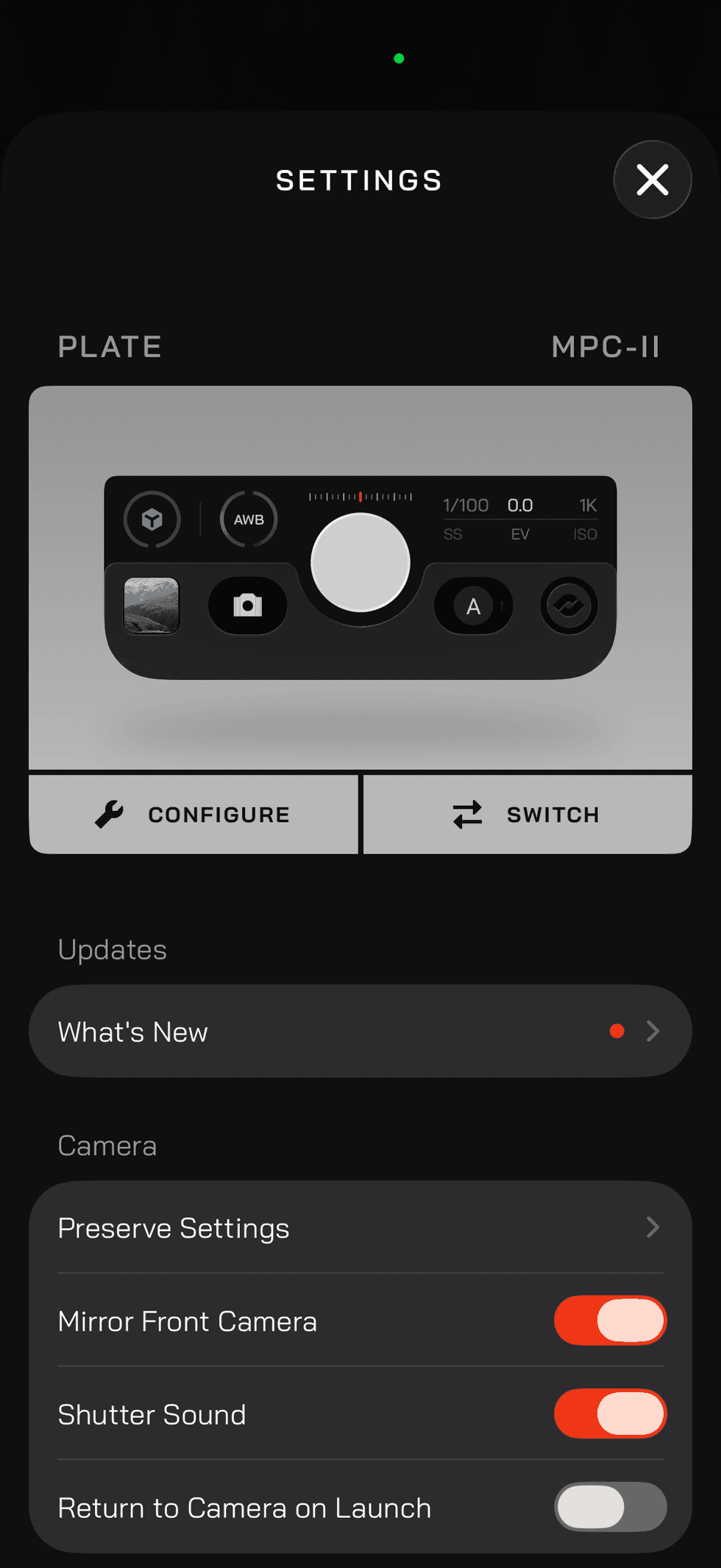
When getting started with these new plates, the process is quite simple to make a selection and add it to your workflow. Just follow these steps outlined by the company below.
- Open Settings, find Plate, and tap Switch.
- Preview the available Plates, choose one, and tap Equip.
- Tap Configure to decide what appears in each assignable slot.
- Depending on the Plate, you can add Capture Mode, Look, White Balance, or Exposure Priority. You can also choose any available style and color options.
From there,, the Action Plates are easy to find more info on, and plenty more reviews will likely come out online here soon.
Price and Availability
Credit: Moment
The overall goal for the company appears to be to inch closer to combining its hardware and software with the idea of making the app feel more like a camera built custom around the way a user actually shoots.
If you’d like to check these Action Plates out yourself, they’re available via an on-time purchase directly in the app for $9.99, and you can find more info on the company’s website here.
- The Moment Pro Camera App Makes Your Phone the Best It Can Be ›
- Moment Pro Camera App Adds Focus Peaking, Zebra Stripes, and More ›
- Will This App Replace Your Smartphone Camera? ›
- Moment's Powerful Pro Camera App Gets Manual Time-Lapse Features ›
- Fully Control Your iPhone 15’s ProRes Log With Moment’s Pro Camera App ›