New to After Effects? These Workflow Tips Can Help Editors Work Faster
If you’re an editor who occasionally opens After Effects, the software can feel like a completely different world.
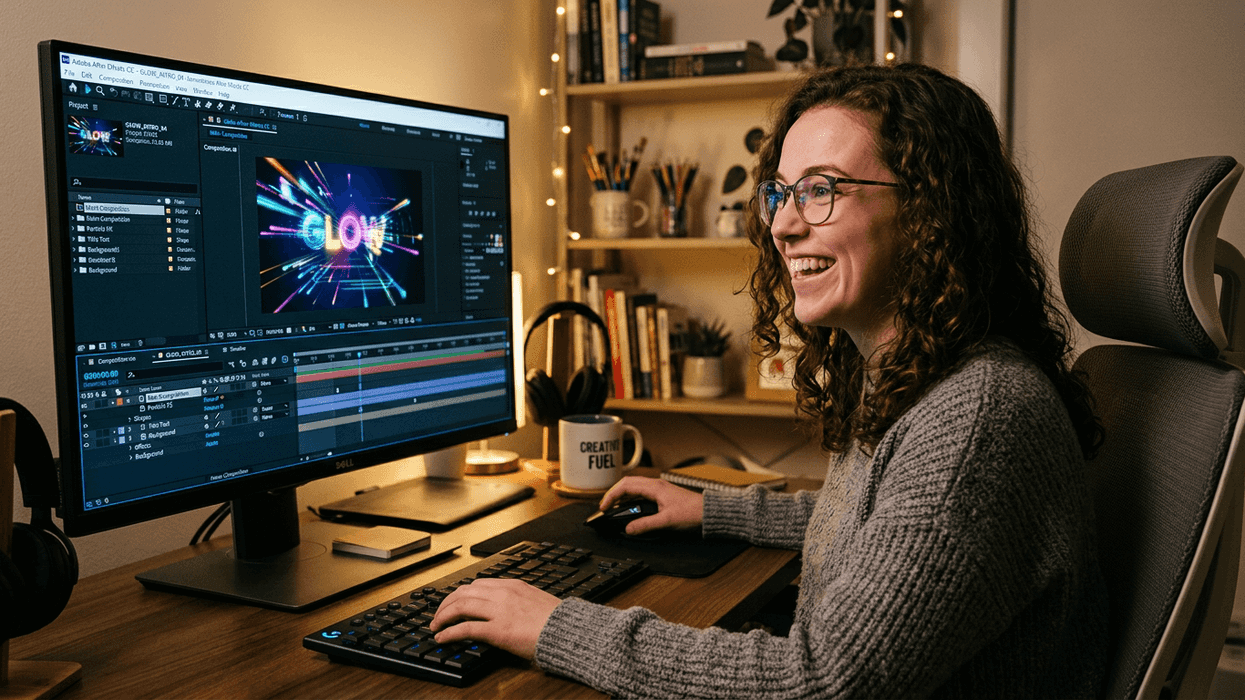
You may know exactly what you want the shot to do—animate a title, add some movement, clean up a graphic—but getting there can mean digging through unfamiliar panels, layers, keyframes, and menus. Even a simple change can take longer than expected.
That’s why practical After Effects guidance matters.
In After Effects Power Moves: Tips, Tricks, and Workflow Upgrades, Emmy-winning motion designer, editor, and educator Kyle Hamrick shares techniques designed to help artists work more efficiently inside the software. Recently recorded at Adobe MAX, the session draws on Hamrick’s more than 20 years of experience working across editing, animation, and motion design.
For editors who are relatively new to After Effects, the value isn’t in learning every feature. It’s in understanding which tools can save you time—and when to use them.
Make After Effects Feel Less Unfamiliar
After Effects is built around layers, properties, keyframes, and timelines. If you’re coming from an editing background, that structure can take some getting used to.
The good news is that you don’t need to become a full-time motion designer to use After Effects effectively. A few foundational workflow habits can make a major difference.
Hamrick’s session focuses on practical ways to navigate projects, organize layers, and make changes without getting lost. These techniques can help editors approach After Effects with a clearer sense of where things live and how different parts of a composition connect.
That means less time searching for the right control—and more time refining the shot.
Spend Less Time on Repetitive Tasks
One of the fastest ways to get frustrated in After Effects is doing the same task over and over.
Maybe you’re adjusting the position of multiple layers, changing timing across several elements, or repeating a setup you’ve already built in another project. Without the right shortcuts and systems, small tasks can quickly become the biggest time drain in your workflow.
Hamrick’s tips cover shortcuts and automation techniques that can help reduce that repetition. Even a handful of simple improvements can make After Effects feel faster and more approachable.
For editors, this is especially useful when working on projects that involve a mix of live action, graphics, titles, and visual effects. You can stay focused on the pacing and storytelling instead of spending unnecessary time managing layers.
Understand the Tools Behind Animated Graphics
After Effects offers a lot of ways to animate text and graphics. That flexibility is powerful, but it can also be overwhelming when you’re just getting started.
The session explores tools including track mattes, text animators, and expressions, with an emphasis on practical uses. You don’t need to understand every advanced feature immediately. The important thing is learning what these tools make possible.
Track mattes, for example, let you reveal or hide one layer using another. Text animators can give you more control over how words appear on screen. Expressions can connect properties and automate changes that would otherwise require a long series of manual keyframes.
These tools may sound advanced, but they can solve familiar editorial problems—like making titles feel more dynamic or creating consistent animation across multiple elements.
Build Projects That Are Easier to Revise
Editing is all about making changes. The same is true in motion design.
A client may want the title to come in earlier. A producer may ask for a different color. A shot may need to be reformatted for another platform. If your After Effects project is difficult to navigate, every revision becomes more stressful than it needs to be.
Hamrick’s workflow advice focuses on keeping projects organized and flexible. Clear layer structures, thoughtful setups, and reusable techniques can make it easier to experiment and respond to feedback.
That flexibility is valuable even on simple projects. When you know where everything is and how the pieces are connected, you can make changes with more confidence.
A Useful Next Step for Editors
You don’t have to learn all of After Effects at once. Start with the tools that solve the problems you encounter most often.
If you’re an editor who wants to create better titles, add more sophisticated movement, or take on projects that include motion graphics, Hamrick’s session offers a practical place to begin.
Bring a project you’re already working on. You may be surprised by how many of the techniques apply immediately—and how much faster After Effects feels once you stop treating every task as a one-off problem.
Watch Kyle Hamrick’s full session from Adobe MAX 2026.