What’s New in After Effects? Here Are All of the Latest Motion Design, Compositing, and Animation Updates
A new update is available for Adobe After Effects, which adds new variable type animations, native 3D Shape Creation, and other new tools and performance updates. Here’s what you need to know.
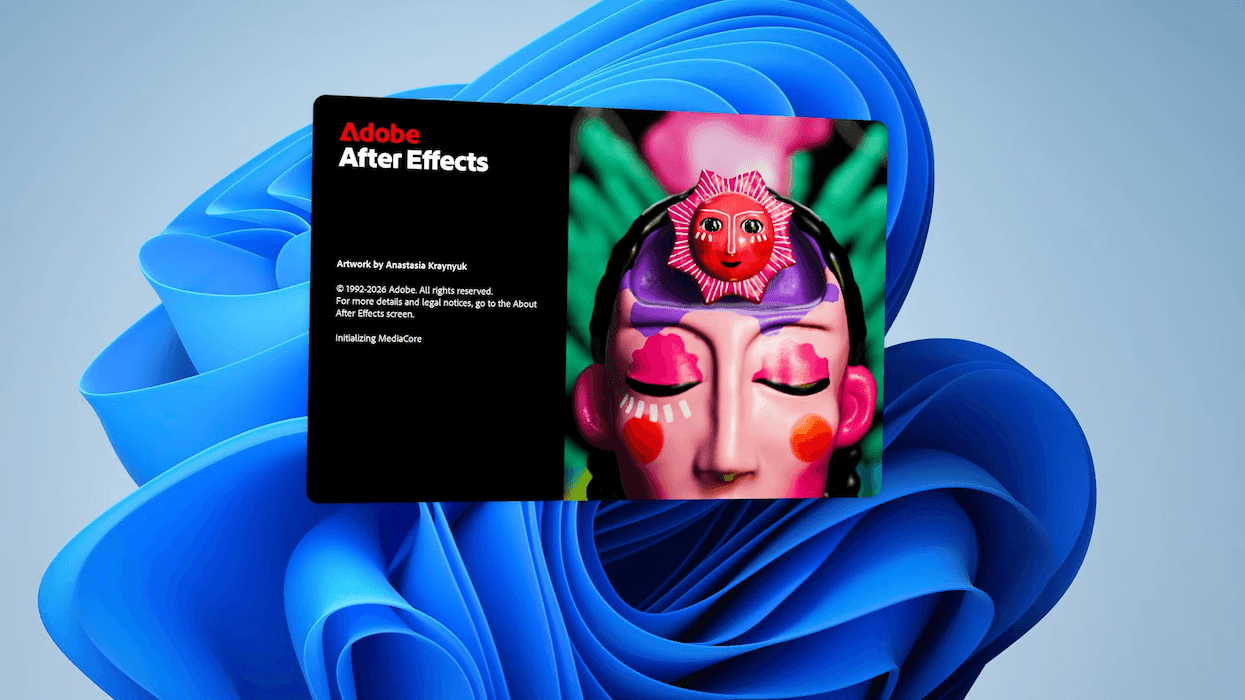
Adobe After Effects
Along with a host of other announcements made as part of the kick-off to the 2026 Sundance Film Festival, where Adobe is a major brand and sponsor, the company’s popular digital effects app almost quietly got a pretty major update as well.
While AI-powered tools and features were mostly the highlights of the Premiere update, these After Effects updates are more specific and tailored towards working motion designers and graphic artists.
Let’s take a look at the latest After Effects updates, which feature motion design and compositing features that can help your projects reach new heights, and possibly new dimensions too.
Adobe After Effects 2026 Update
So, the big news for Adobe After Effects users with this 2026 update is that there are several new features available for those looking for new tools to try out with animation and 3D design. After Effects is also getting some enhanced vector workflows, access to over 1,300 free Substance 3D materials, and upgraded motion typography with variable fonts.
Here are some breakdowns for what’s new:
- Enhanced vector workflows in After Effects: Users can now import SVG files, a common file type used by graphic designers in Adobe Illustrator, as native shape layers and start animating with full vector fidelity. When you convert Illustrator layers to shape layers, gradients and transparency are preserved and remain editable, so you can keyframe color transitions and animate gradient motion. The new gradient scale and rotation properties give you more creative control for fills and strokes.
- Create Native 3D Parametric Meshes: Users can build and customize cubes, spheres, cylinders, cones, toris, and planes. Combine shapes like building blocks to craft stylized graphics or photorealistic set pieces. Additionally, new Spot and Parallel shadows enhance the realism and dynamics of scenes.
- Style your scenes with over 1,300 free Substance 3D materials: Users can now access and apply Substance 3D materials to both native meshes and imported models, adding depth and realism to their models in just a few clicks. These materials are dynamic and customizable, allowing you to tweak them to fit your vision. After Effects provides access to thousands of materials via Substance Community Assets, with over 1,300 free materials available for all users. Use offset, rotation, and scale controls to dial in the look you want and animate any property of your materials to bring them to life.
- Upgraded Motion Typography with Variable Fonts: Using the Text Animator, users can now animate every axis a variable font exposes with keyframes and expressions. Adjust the weight, width, slant, wiggle, and any designer-defined font axes in the Properties Panel, and drive them through the Essential Graphics panel and Motion Graphics templates for flexible titles and templates.
Adobe further shares that there are several quality of life improvements as well, which should further make working in After Effects smoother and easier going forward. For more info on the latest updates and how to try out this newest version of AE, head over to Adobe’s website here.
- If You Include Text Message Overlays in Your Film Project, Do This ›
- Adobe Launches Full Beta of Its Firefly Video Editor With Even More AI Capabilities ›
- Adobe Announces That it is Committing $10 Million in Grants and Donated Products to Creators ›
- Adobe Adds Even More AI-Powered Editing Tools and Upgrades to Premiere and After Effects ›
- Major Adobe Updates Are Here: Color Mode in Premiere, Frame.io Drive, and More AI Capabilities ›
- It’s Not Just AI: Adobe Announces Updates and New Features for Substance 3D ›
- Oh Hush! Adobe Introduces a Global Audio Mute Feature to Premiere Plus Other Updates ›
- Adobe Announces Major Substance 3D Updates Including OpenPBR Support Across Entire Ecosystem ›
- Make It Look Worse on Purpose: The Art of Stylized Imperfection in After Effects | No Film School ›