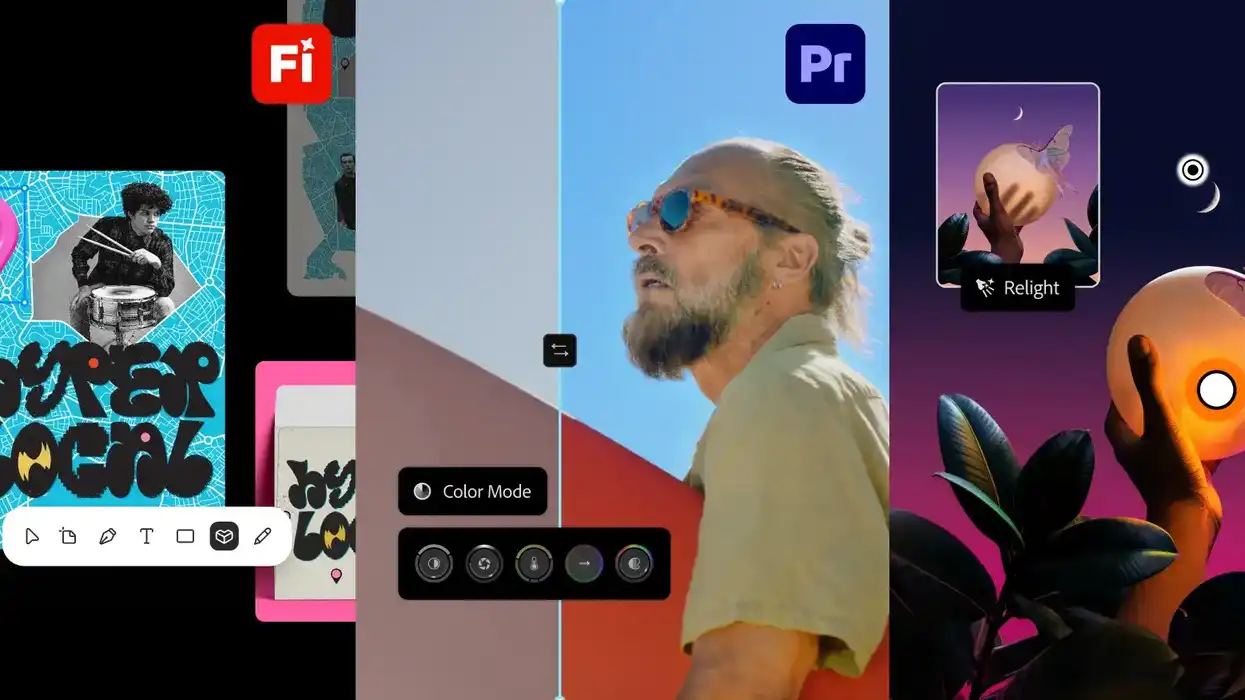
Adobe MAX has officially kicked off in Miami, Florida, as the company’s annual creativity conference begins, as always, with opening remarks from its leaders laying out what’s new in all things Adobe.
Obviously, Adobe touches a lot of the creation and design space, but we’ll do our best to help synthesize the latest news towards what might most affect the lives of filmmakers and, even more specifically, video editors. There’s also, of course, a whole new focus on the new era of multi-hyphenate, AI-assisted content creators, but we’ll do our best to cover what’s actually useful for most of us in the industry.
Let’s start with the big news from Adobe’s opening keynote and what’s coming to Creative Cloud at Adobe MAX 2026, with a focus on Premiere and other video-adjacent creative areas.
Premiere Updates at Adobe MAX 2026
So, the headline news for most Adobe users might still be Photoshop, which, as you can imagine, is getting several new AI-powered tools and features, including new Relight, Generative Restyle, and Quick Compare tools.
These new Photoshop features often make their way downstream to other apps like Premiere and After Effects, so they’re worth keeping tabs on. But the big news for Premiere specifically is actually going to be some rehashes and improvements of some tools and features which we’ve covered in the past.
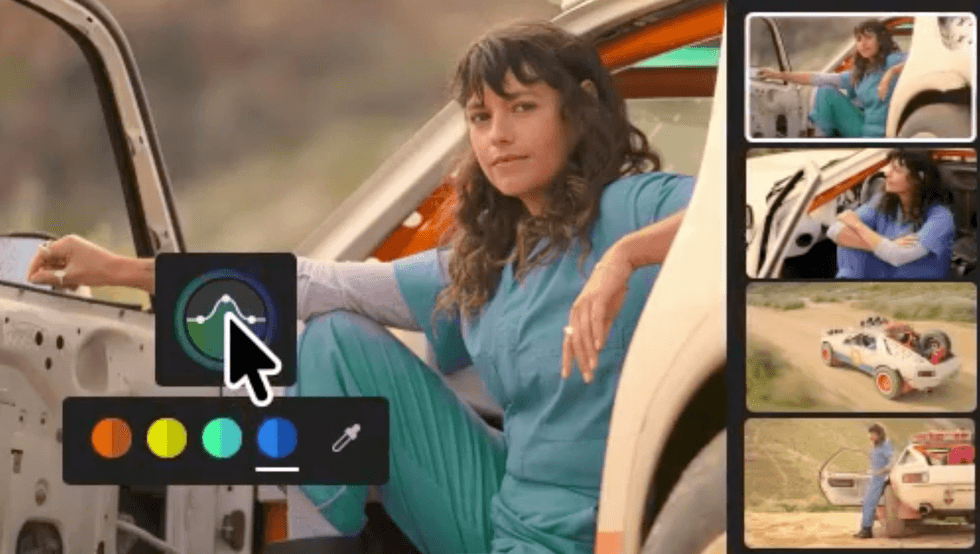
The biggest updates for Premiere introduced here at Adobe MAX 2026 will have to do with Color Mode, which Adobe introduced at NAB about half a year ago, and we covered at the time. Color Mode is now generally available and supports everything from quick corrections to more advanced grades while keeping your video as the focus.
Credit: Adobe
Generative Media and Enhance Audio
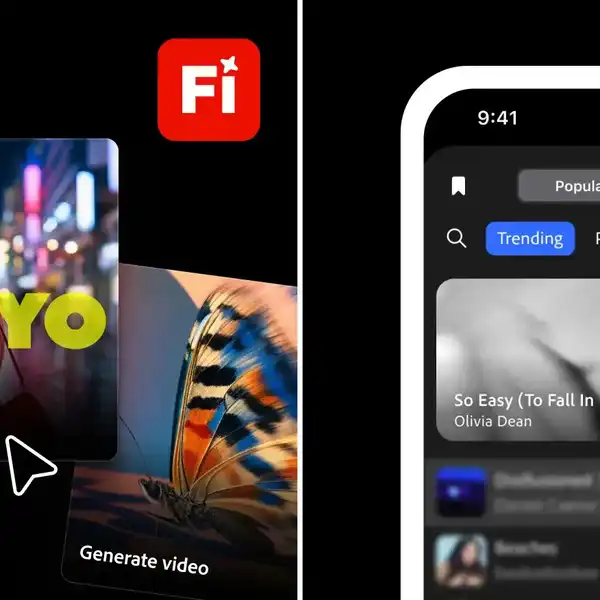
The other big updates for Premiere include familiar functions, plus the Generative Media Tool, which brings Generate Video, Generate Sound Effects, Generate Soundscape, and Generate Music directly into the timeline.
Users can generate missing b-roll, background music, or sound for a scene using context from their edit, then keep refining the result in their timeline. Users will also now be able to choose from Adobe Firefly and models from partners including Google, Kling, Runway and Luma based on the creative needs of their projects.
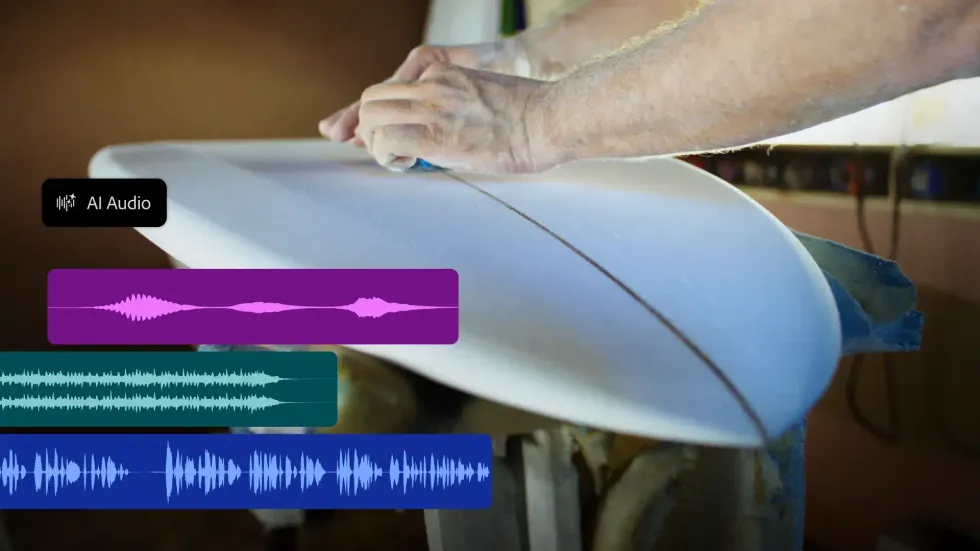
New and updated audio tools are also on the way, as the Enhance Audio feature will now let users separate audio sources and mix them independently (Adobe shows how this will include dialogue, music, ambiance, and sound effects).
There are also new Separate Crosstalk and Separate Sound Source tools to separate overlapping speakers into independent tracks, clean up noisy dialogue, and break audio into individual elements.
Finally, there’s also a new Generative Remove tool in Premiere (beta only at launch) that will bring intuitive ways to remove unwanted objects from your shots, like boom mics, logos, or background distractions.
Credit: Adobe
More News to Come
This is just a small sampling of the info being introduced and covered at Adobe MAX this week. Stay tuned for more news for filmmakers, video editors, and those interested in how AI is set to play a much bigger role in your workflows—if, you know, that’s something you’re into.
- Adobe MAX Kicks Off This Week as Company Shares Stats on Accelerating AI Use ›
- Adobe Adds Even More AI-Powered Editing Tools and Upgrades to Premiere and After Effects ›
- Major Adobe Updates Are Here: Color Mode in Premiere, Frame.io Drive, and More AI Capabilities ›
- Firefly Boards Inside Photoshop and Lightroom? Adobe Might Be Changing Its Workflow Game ›
- Adobe is Adding Conversational AI Editing to Photoshop and Firefly Images. Is Video Next? ›