Following up on news announced back in December of last year, when Adobe introduced its new conversational AI editing workflows with a ChatGPT integration, the companies have partnered to develop a new Adobe plugin for ChatGPT that will further intertwine their products.
Adobe has announced that it is bringing its pro-grade tools for creativity and productivity together in a single unified plugin that is set to work across ChatGPT Work and Codex with the goal of allowing users to simply describe what they want to create, then have the AI model bring together the right Adobe tools to get it done.
Set to now include more than 70 tools across Adobe’s creative and productivity suites, the Adobe plugin in ChatGPT will support a wide range of workflows and present an interesting new future for both companies—with, of course, creatives being at least a bit concerned.
Adobe Plugin in ChatGPT
Credit: Adobe
Announced today as the furthering of a partnership between the two companies, the basic goal of this plugin, which takes things a bit further than the original integration that has been live for many months now, is to allow the hundreds of millions of people or two million businesses using ChatGPT to brainstorm, research, and solve creative problems by creating high-quality images, videos, designs, and documents.
Here’s a quote from OpenAI:
"We're building ChatGPT to connect our users with the best capabilities for the task at hand. Adobe's category-leading creative and productivity tools help people express their creativity, communicate and be more productive, and we're excited to expand our partnership with Adobe to bring those capabilities into ChatGPT with the Adobe plugin in ChatGPT.” – Vibhor Chhabra, product lead for ChatGPT Ecosystem, OpenAI
As mentioned above, this new Adobe plugin in ChatGPT will be able to draw from more than 70 tools across Adobe’s suites, including notable apps like Adobe Express, Photoshop, Firefly, Premiere, Acrobat, Lightroom, Illustrator, InDesign, Stock, and more.
The Next Stage of Adobe’s LLM Future
So, what’s interesting about this news is, firstly, that the partnership is nothing new, and it’s a continuation of a trend that the company has been on for roughly a year now as Adobe has also announced partnerships with other leading AI chatbot platforms like Copilot and Claude—which we’ve covered here.
What’s unique about this new Adobe plugin in ChatGPT, though, is that it brings many different tools together into a single unified plugin rather than separate integrations. The goal, as it always has been, remains the same: to give potentially interested creators the ability to turn an idea into a finished work more quickly.
Here are some use cases the company has shared as examples:
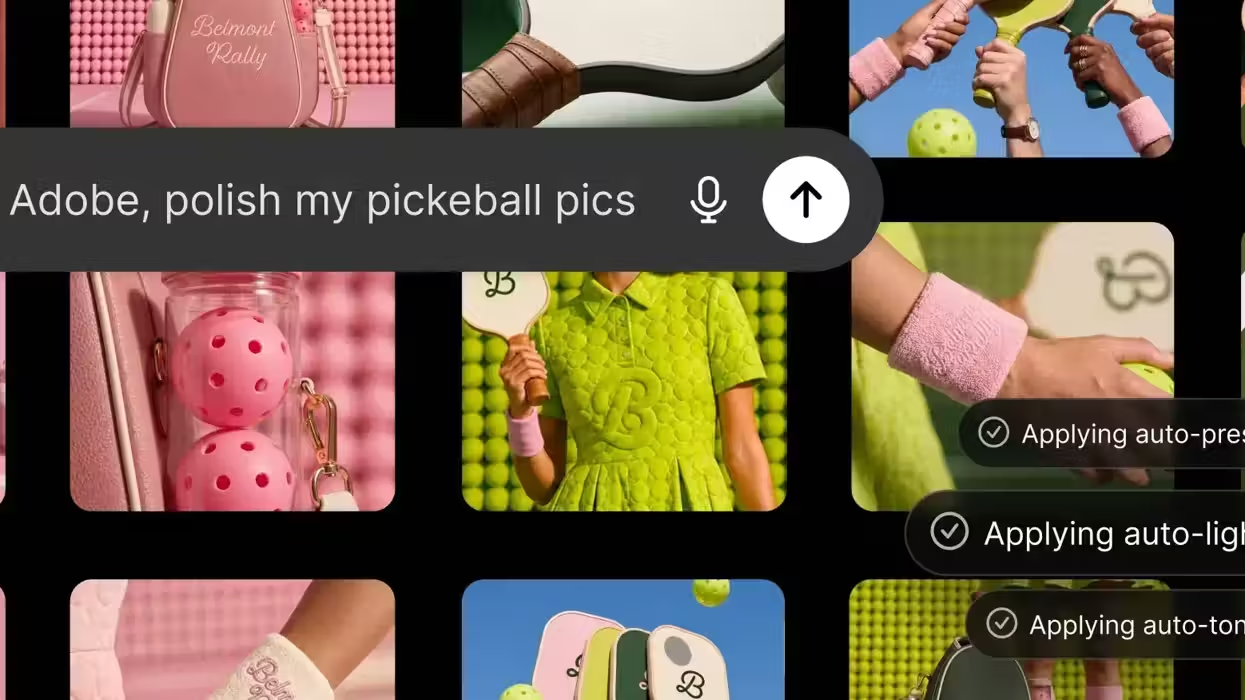
- Create high-quality creative for your campaign: Upload your campaign photos and describe the look you want. The Adobe plugin applies a consistent style across the entire set, saves the finished assets to Creative Cloud and transforms your strongest image into a product or packaging mockup.
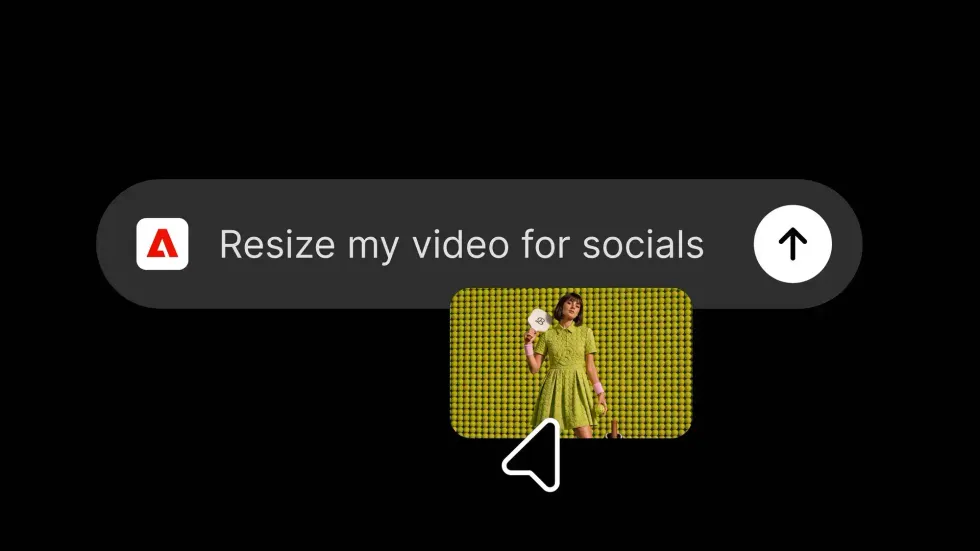
- Create eye-catching video for every social platform: Turn a long-form video into an eye-catching highlight reel, then adapt it for YouTube Shorts, Instagram Reels and other social platforms.
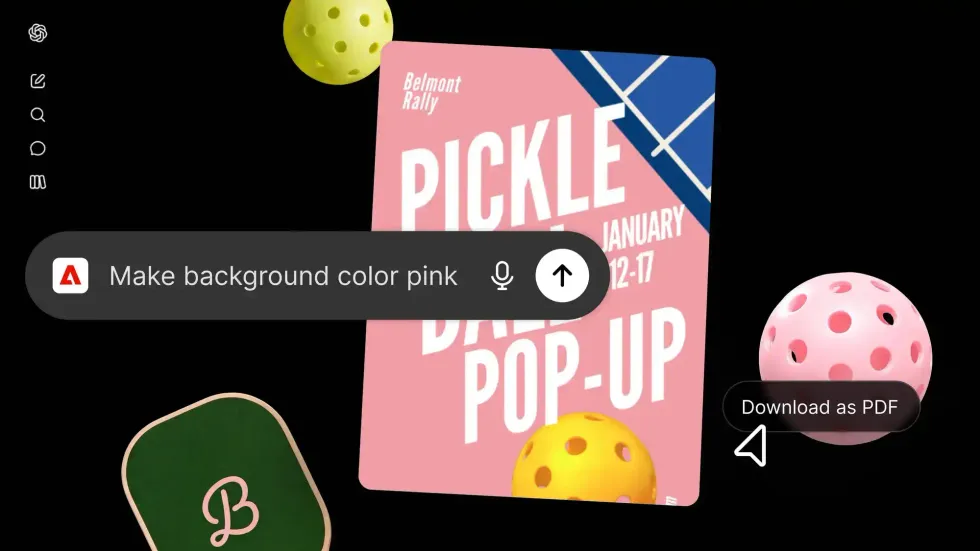
- Create a design and share it anywhere: Browse thousands of design templates with interactive previews, select the best one for your project, customize the copy and colors, then animate it for social media or convert it into a polished PDF that's ready to share or print.
- Transform data into customer-ready documents: Upload a spreadsheet or dataset and describe the result you need. The Adobe plugin transforms your information into professionally formatted PDFs, including event badges, catalogs, infographics, and other customer-ready documents.
How to Try the Adobe Plugin in ChatGPT
Credit: Adobe
If you’re at all curious, for whatever reason, to try out the Adobe plugin in ChatGPT, here’s how you can get started:
- Open ChatGPT, go to Plugins, and add the Adobe plugin.
- Start a new chat, then type “@Adobe” and select Adobe from the menu or use the “+” button to choose it from your installed plugins.
- Continue as a guest or sign in with your Adobe account for an even richer experience.
From there, you can pretty much start creating immediately even as a guest using a broad set of Adobe tools. You’ll have to sign in with your Adobe account to unlock generative capabilities, further access your Creative Cloud files, or save your work across sessions, which would make it easier to pick up where you left off in ChatGPT later.
Again, this might not be the most exciting news for worried creatives, but it’s happening nonetheless and isn’t slowing down anytime soon. So, for those curious about keeping up, you can find more info on getting started here.
- Adobe is Doubling Down on Conversational AI Editing With New ChatGPT Integration ›
- The “ChatGPT for Video Editing” Tool Eddie AI Releases Automatic Multi-Cam Editing Feature ›
- 5 Ways To Use ChatGPT in Your Video Editing Process ›
- An In-Depth Look at Character Animator, Adobe's New Motion Capture & Animation Tool ›
- AI Editing Company Offers “Magical Rough Cut” Mode to Help Streamline Your Edits ›
- Adobe Announces More Interactive Editing Controls Are Coming for its Plugin in ChatGPT | No Film School ›