Get Video Monitoring and Full Touchscreen Control Support With New Blackmagic Update
The latest software update for the Blackmagic Micro Studio Camera 4K G2 is set to add some helpful new support for when working with the Blackmagic PYXIS Monitor. Here’s what you need to know.
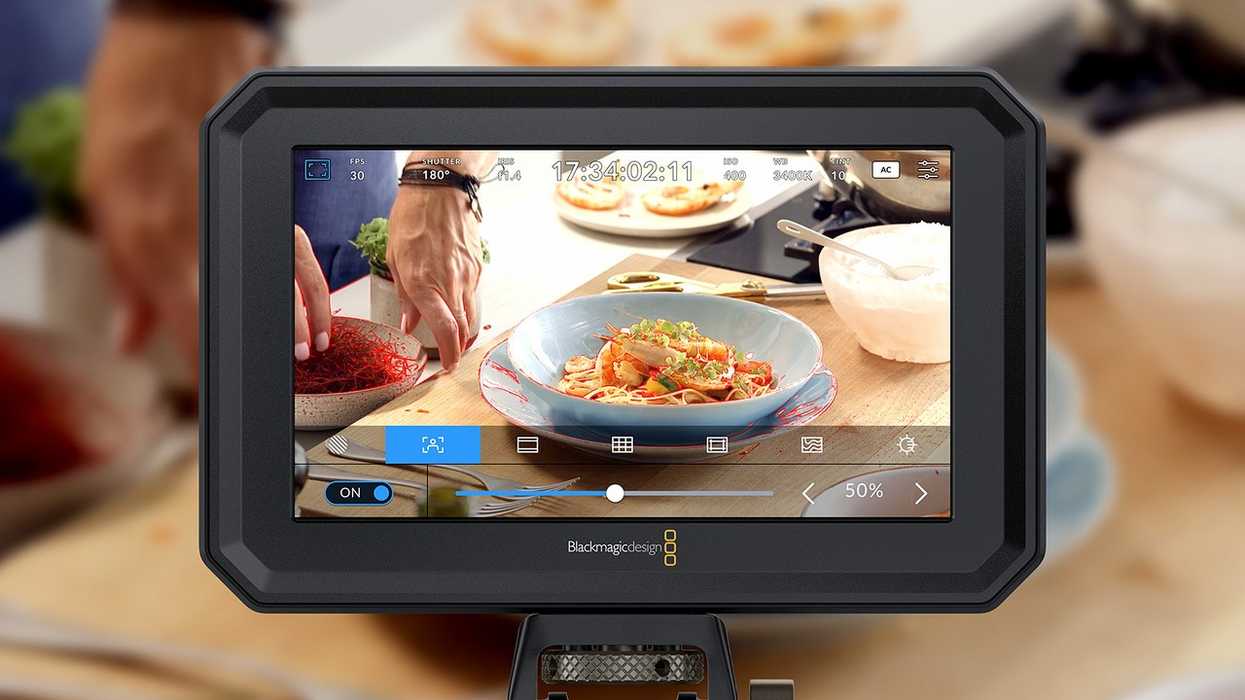
Blackmagic Camera 9.6 Update
Exciting news for Blackmagic Micro Studio Camera 4K G2 owners or users who are also interested in utilizing the Blackmagic PYXIS Monitor. The most recent Blackmagic Camera Update is set to add support for video monitoring and touchscreen control with this combo setup.
This Blackmagic Camera Update 9.6 will also add support for toggling 3D LUTs on the SDI output and other new features and improvements. Let’s take a look at everything new with this 9.6 update and how you can get these new features added into your workflows today.
Blackmagic Camera 9.6 Update
As mentioned above, this update is specifically for the Blackmagic Micro Studio Camera 4K G2 as a way to add support for video monitoring and touchscreen control with the Blackmagic PYXIS Monitor.
In addition to this new video monitoring update, this update is also set to add support for 3D LUTs on the SDI output, as well as improve menu compatibility on some HDMI displays.
Here’s the full list of everything new in Blackmagic Camera 9.6:
Blackmagic Micro Studio Camera 4K G2
- Adds support for PYXIS Monitor for video monitoring.
- Adds support for PYXIS Monitor for touchscreen menu controls.
- Adds support for allow toggling of 3D LUT on the SDI output.
- Fixes an issue where the list-based menu may not show up on some HDMI displays.
Blackmagic Studio Fiber Converter
- Manufacturing improvements.
New features in Blackmagic RAW 4.6
- Improves performance for URSA Cine 12K LF and URSA Cine 17K 65 clips.
Minimum System Requirements
As always with these updates, Blackmagic Design has shared its most recent minimum system requirements for downloading and using these updates on your computers. You can check those out below.
Minimum system requirements for Mac OS
- macOS 14.0 Sonoma or later.
- macOS 15.0 Sequoia or later.
- Mac with Apple Silicon or Intel-based CPU.
- 8 GB of system memory.
Minimum system requirements for Windows
- Windows 10 64-bit or later
- Windows 11 64-bit or later
For more info on downloading and installing these updates today, go to Blackmagic’s website here.
- Blackmagic Improves Cinema Camera 6K Reliability With Update 8.3.2 ›
- Get Minor Playback and Focus Zoom Improvements With Blackmagic Camera 9.5.3 Update ›
- Blackmagic Production Camera 4K Gets More Frame Guide Options in Firmware 2.4 ›
- Blackmagic Cinema Camera 6K Adds New Autofocus Features and Upgrades ›
- Blackmagic Camera for iOS 2.1.1 Update Addresses Colorspace and White Balance Issues ›
- Directly Upload to DaVinci Resolve with New Blackmagic Camera 8.6 Public Beta ›
- New Blackmagic Camera Update Fixes CFexpress Card Recognition Bug ›
- Blackmagic Camera for Android Update Focuses on PYXIS 6K and URSA Cine Cameras ›
- Blackmagic PYXIS Monitor Just Got a Contrast Upgrade | No Film School ›
- Blackmagic Design’s New 16TB Media Module Can Help Shooters Record, Store, and Transfer Faster | No Film School ›
- Blackmagic Camera for Android Users Can Now Shoot Open Gate and in Selectable Aspect Ratios | No Film School ›
- Blackmagic Design Recalls Select PYXIS 12K Cameras ›
- Blackmagic Design Introduces a New, Lower-Cost Ultimatte Smart Remote ›