Blackmagic Cloud Store Adds Support for Amazon Web Services S3 Sync
A look at Blackmagic Cloud Store 1.7.1 Update and what it’s set to bring with new support for Amazon Web Services S3 sync.
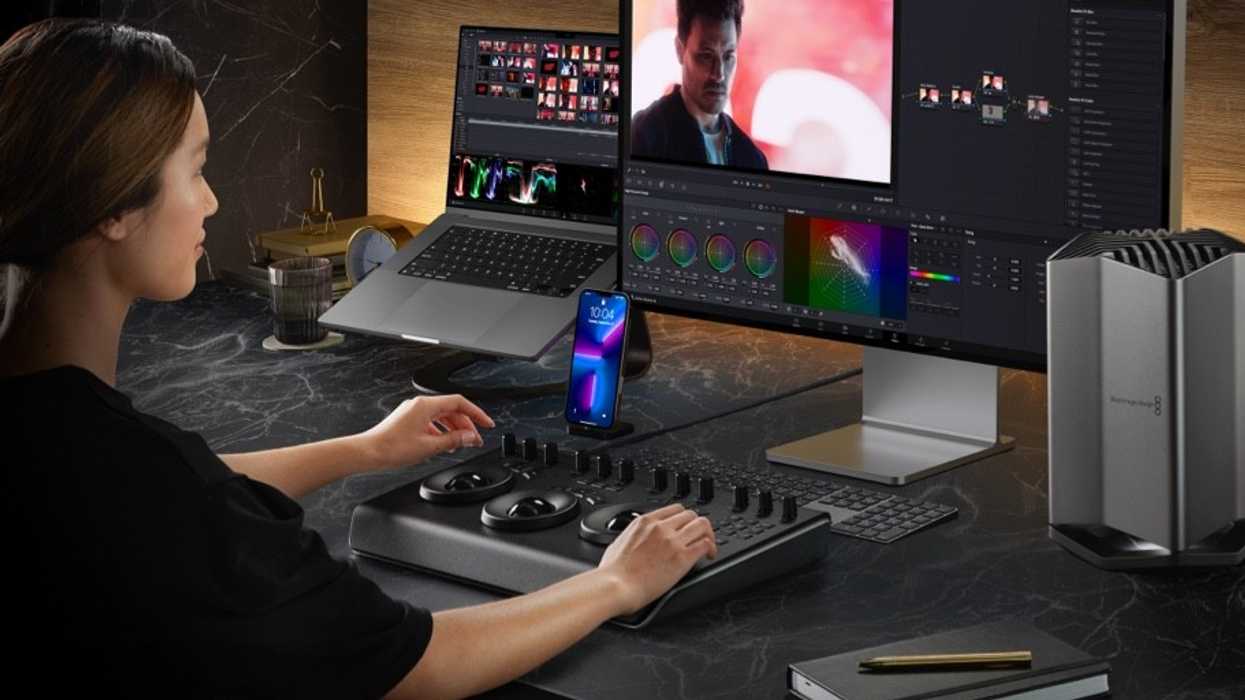
For those who are already using, or interested in using, Blackmagic Cloud Store as part of their video production workflows, this latest update is set to add support for Amazon’s Cloud Object Storage. Adding Amazon S3 sync to Blackmagic Cloud Store should open up even more storage possibilities for crews and productions.
This new update also fixes some minor issues and crashes that have been reported, as well as gives your standard general performance and stability improvements. If you’re ready to dive into this Blackmagic Cloud Store 1.7.1 update version, then here’s everything you need to know below.
Blackmagic Cloud Store 1.7.1 Update
The most notable news here for current Blackmagic Cloud Store users is the added support for Amazon Web Services S3 sync. Amazon Simple Storage Service (Amazon S3) is an object storage service that offers industry-leading scalability, data availability, security, and performance.
There are millions of Amazon S3 users out there who use it to store, manage, analyze, and protect any amount of data for virtually any use case, such as data lakes, cloud-native applications, and mobile apps. This added support should be a pretty big deal for Blackmagic Cloud Store users.
The rest of the update is centered on some minor bug fixes that will improve users' access to different folders with the same name, plus your regular improvements. Here’s everything new coming to Blackmagic Cloud Store 1.7.1.
- Adds support for Amazon Web Services S3 sync.
- Also, fixes an issue that prevented assigning user access to different folders that shared the same name. Plus, there is a fix for a rare crash when accessing folders named with illegal characters.
- General performance and stability improvements have been made for all models, such as the accuracy of the User Activity speeds on the monitor outputs.
How to Download and Install
As is always the case, downloading and installing this latest update is quite easy. Here are the most recent minimum system requirements.
Minimum System Requirements for Mac OS
- macOS 14.3 Sonoma.
- macOS 15.0 Sequoia or later.
Minimum System Requirements for Windows
- Microsoft Windows 10 64-bit.
- Microsoft Windows 11 or later.
Additional Information
Check out Blackmagic’s website for additional info and to download and install today.
- Sync Media Directly From the Cloud With DaVinci Resolve Update 18.6.3 ›
- Horror Filmmaker Damien LeVeck Tells You Which NLEs to Learn ›
- Edit Your Videos Seconds After Recording with Blackmagic Cloud Live Sync ›
- Save on Blackmagic Cloud Storage With Major Price Reduction for Services ›
- Blackmagic Cloud Now Automatically Backs Up While You Sleep ›
- The All New Blackmagic Cloud Store Max Has a Whopping 48TB Capacity ›
- Blackmagic Cloud Store Adds New Disk Formatting and Access Capabilities With Latest Update ›