This week Apple released its newest MacBook Pro with the PROLED XDR Touch Display. There has been a lot of internet rumbling about whether or not most people will use touch on a laptop. Microsoft has had its Surface laptops for more than a decade, and they haven’t really changed the landscape. Steve Jobs famously said that you don’t need touch on a laptop. But here we are with touch coming to the MacBook Pro.
The Macbook Pro with PROLED XDR
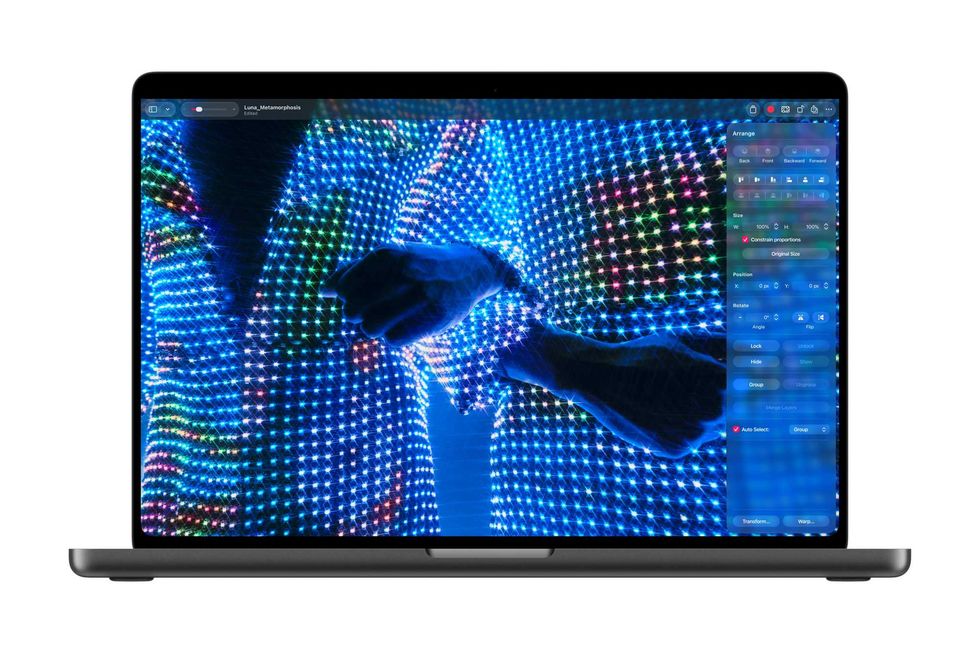
The dynamic range is stunning
Credit: Apple
For most filmmakers, the MacBook Pro is the premier machine for our career. It has the horsepower to run high-end color grading and editing programs; it has the connectivity to set up all our hard drives and monitors, and you can take it with you.
It’s really the combination of the hardware and the software together that makes everything sing with Apple products and with the MacBook Pro. It feels snappy; it renders at insane speeds; everything flows, and work you could never picture doing on the train a few years ago you can do with ease. The best part is that after years where progress felt slow on Intel processors, with Apple Silicon we see pretty major speed gains with every new update. If you spend a lot of your life waiting on renders, as we all do, it’s tremendously appreciated.
The Display is Great Even If You Don’t Touch It
Credit: Apple
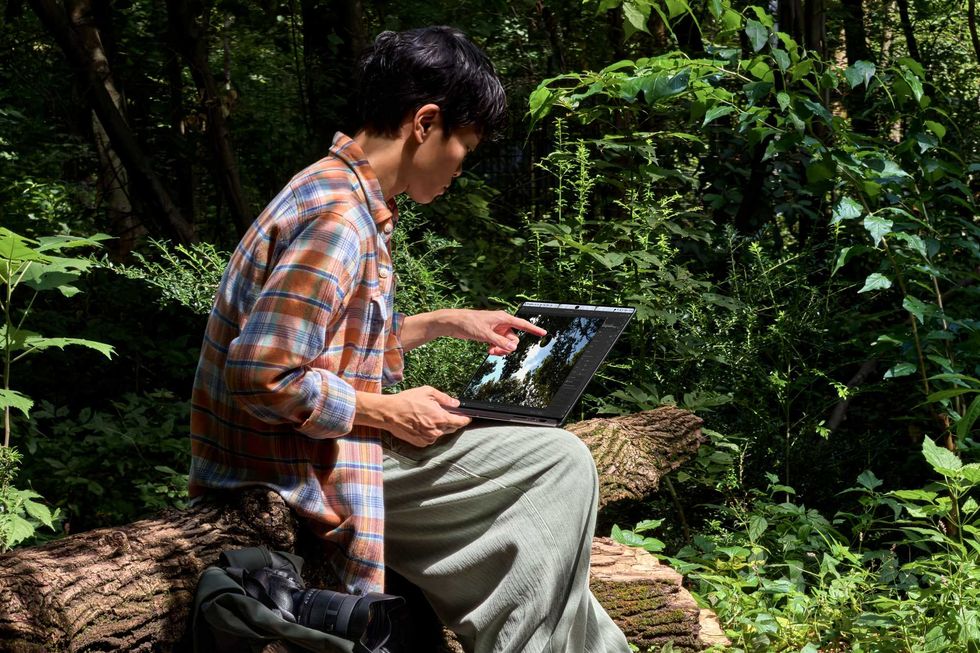
Before we talk about touch, we need to talk about the real wonder of this display, which is the image quality. It’s a full-on, professional filmmaker-quality, likely even color-grading-quality, monitor in your laptop. It’s an OLED with 2000 nits peak brightness, 10-million-to-1 contrast, and the full Adobe RGB color gamut, which is a wonder in and of itself. Having all that brightness will be especially useful if you find yourself working outside and you want to still be able to work with your images. It’s not ideal to work in that lighting environment, but sometimes it happens to the best of us.
That Apple is able to do that and make it portable so that, as you are approving shots in Capture One or working in Resolve in set doing dailies is a miracle in and of itself. I was the last holdout for a long time, saying, “You really need an external monitor; don’t trust your computer monitor,” but I’ve finally given in. This looks amazing. The colors, the contrast - it’s a great image for a working professional. If you are in your office or post suite, you need a calibrated broadcast monitor, but on set, doing quick touchups to send to a remote client for approval, this monitor is here.
This display is different than the normal MacBook Pro Display, and frankly, even if the touch feature wasn’t part of this, for a lot of filmmakers it’s absolutely noticeably a step up and worth trying to see in person at an Apple Store to compare. For the work we do, it’s something else.
Okay, But What About Touch
Credit: Apple
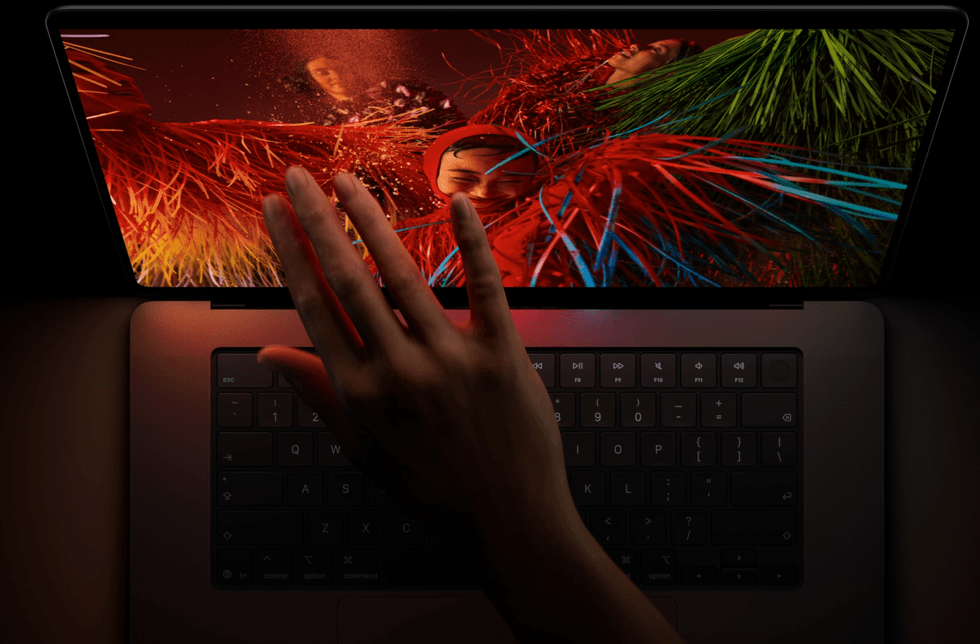
So, the real standout marketing feature we have here is the touch display on the screen. And yes, as laid out in Wired, Steve Jobs said you didn’t need to touch a computer like you did a phone or a tablet. But he also said video wouldn’t come to an iPod and no one would ever want a big phone. It’s hard to predict the future. It’s also good marketing to say “no one wants something” when you don’t have that thing yet. They didn’t have a touch laptop, so it made sense to say no one would ever want it.
But now they do have a touch laptop. And as someone who used a Surface for a few years, I have to say, this is a much, much different experience than touch was on the PC machines I’ve used over the years.
The big thing that improves here is that solid hardware/software integration that makes things feel more seamless. The surface never felt fully integrated. Whether it’s the “apple” of it all or more than a decade's experience with UI work on the iPad and 20 years of UI work on the iPhone, but the touch features here really do feel better integrated.
Generation Change
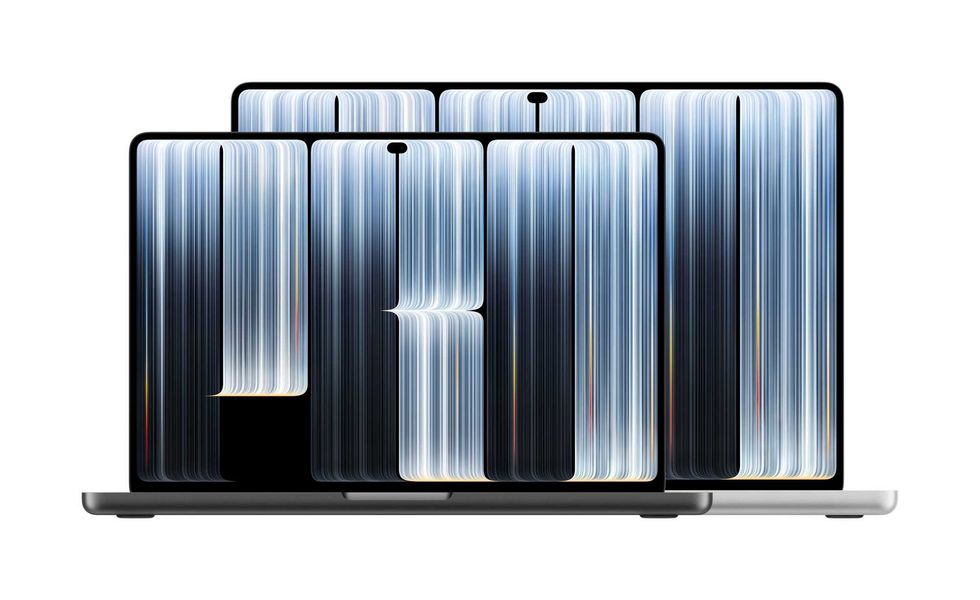
14" and 16" models
Credit: Apple
Many people will say, “But I don’t feel any need to touch my monitor,” and that’s true. But you also have years and years of not touching the monitor. And as anyone with kids will tell you, the instinct to touch the computer monitor, especially if you grew up with an iPad, is strong.
I suspect a lot of what will make this work is that a lot of 18-year-olds right now have had iPads in their hands since they were five or six. They are used to touching the screen. If you’ve ever tried to show something to a third grader on your laptop, they instinctively sometimes try to touch the screen as well as type. Yes, I think touch didn’t work on Microsoft Surface a decade ago. That was partially because the software wasn’t great yet. But also the users weren’t ready for it. Now they are.
With this model, it really is just natural to reach up and move some UI elements around. With a laptop, it’s as close as your touchpad. Honestly, the movement is about the same distance either way, and after a little bit of use, I found myself going both ways.
MultiTouch
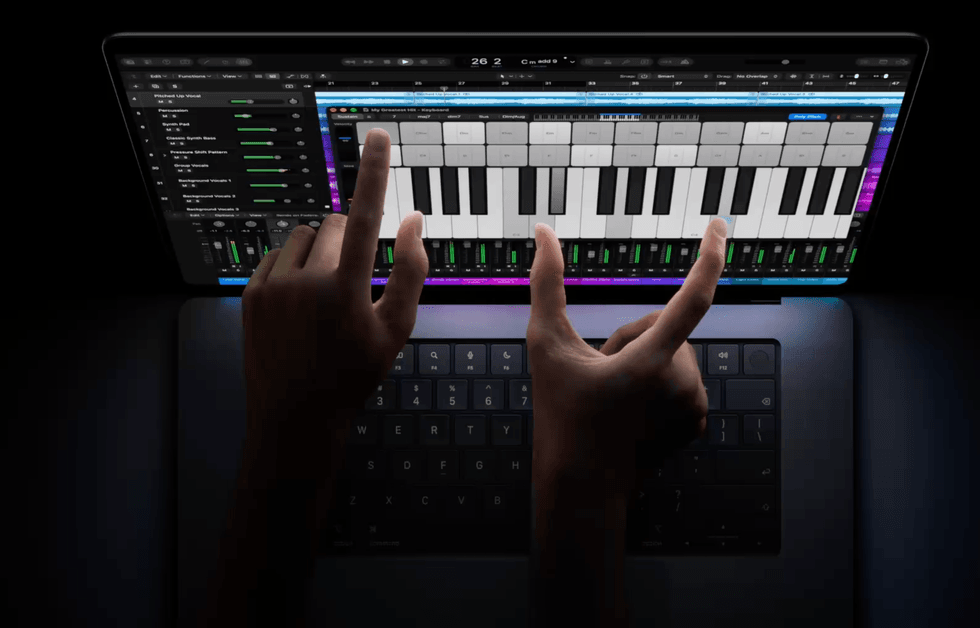
MultiTouch with a musical instrument
Credit: Apple
The real killer feature here isn’t just touch; it’s MultiTouch. You can have two fingers (or more) interacting with the screen at the same time. Right now, this is unfortunately not supported by all applications as robustly as it can and should be, but the potential is clearly there.
For instance, in Resolve it’s very, very common to watch to adjust your shadows and your highlights at the same time. It’s one of the reasons I’ve always thought a color panel was worth it (and if you are at your desk, I still think it’s worth it).
Frustratingly, I still can’t do that by touching the two click wheels and moving them at the same time like I can with my panel. It’s way, way more effective to do them both at the same time compared to tweaking the shadows, then the midtones, then the shadows, then the midtones. On a panel, I can just do it and dance them against each other, and it works. MultiTouch here would be absolutely game-changing.
I’m not likely to spend all my time in Resolve touching the screen. But I suspect if I kept working on this screen enough, I’d eventually find myself going pretty seamlessly back and forth between touch and keyboard without thinking if real MultiTouch comes to Resolve, which I very much am optimistic it will.
However, we know it is already working, and well, from using it in another app.
Sidus Link Was My Killer App
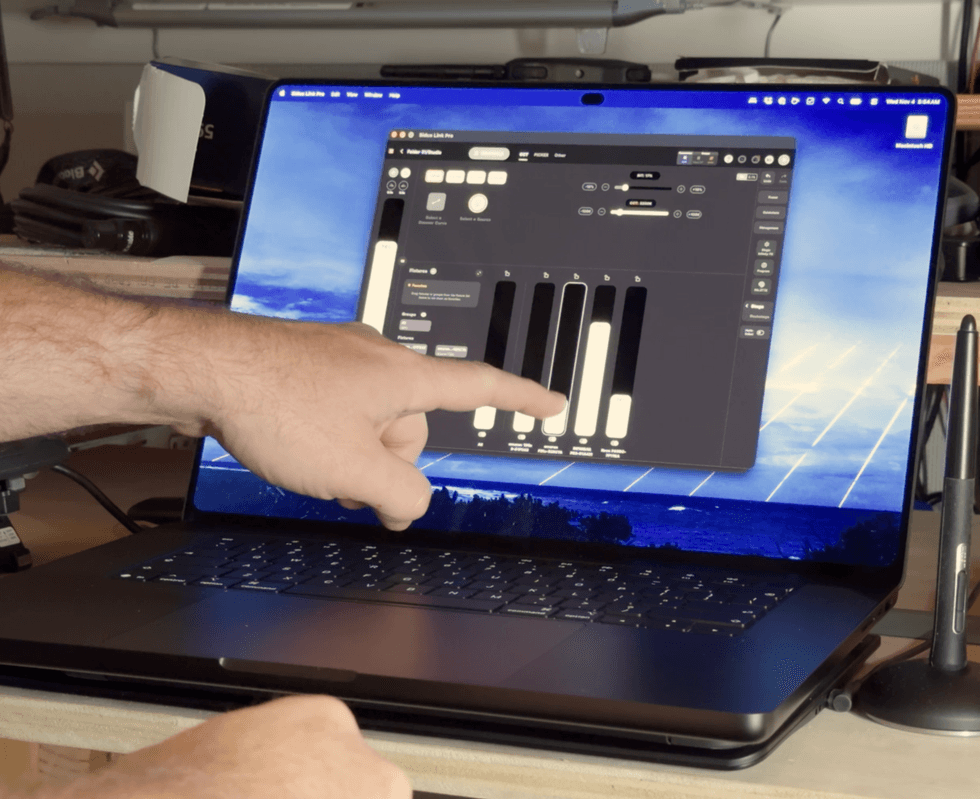
MacBook Pro Multi Touch in Action (only one finger shown)
Credit: Charles Haine
The thing that really has me convinced, aside from Resolve, that this is going to be a dynamite feature is Aputure Sidus Link Pro. I use Sidus quite a bit, on an iPad and on my Mac Studio. I find it pretty wonderful, but I have always been a bit frustrated by the limits of the iPad when using the app.
Firing it up on my laptop was great. I could be working on it, then switch over seamlessly to Resolve Livegrade to see on the same monitor the image changing. It’s a great workflow, pushing sliders around in Sidus and seeing the results in my image in real time.
But when the time comes to do something where I need to move multiple sliders at once, that’s normally nearly impossible on a trackpad, but the iPad lets you do it with ease. I would previously save out of the project on my desktop, fire it up on iPad, and could make changes “live” with MultiTouch while a shot happened. Now I could do it here, live, doing a transition on the screen while watching the image on the monitor evolve.
It felt kind of wonderful and was very much something where I had gotten used to the workaround, and now I don’t have to. It’s all built together in the same unit. For this alone, I think we’re seeing a really useful bit of tech come into the world, and it gives me some hope that we’ll see some pretty interesting things from here as developers integrate it into the toolkit.
Presenting
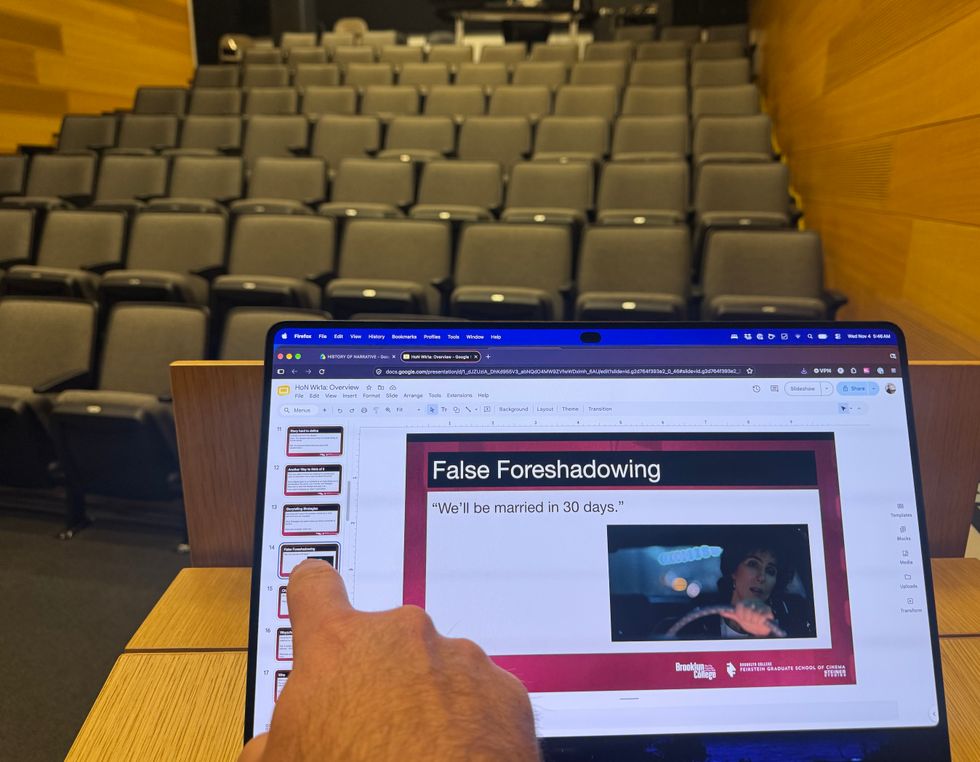
Presenting is better on a laptop but touch will make things smoother.
Credit: Charles Haine
One thing that I haven’t seen mentioned much, but that is absolutely an exciting use case for me, is using it during presentations. As a professor, I present on my MacBook Pro several times a week. When I’m up on my feet, walking around, if something happens in the presentation and I need to re-engage with the laptop, there is always a moment when “laptop mode” has to turn back on in my brain. I find the touchpad. I find the keyboard. I make it all “make sense.”
Touch is actually pretty useful here. I went up to my podium and put it out there (no class was present), and honestly, touch will absolutely be helpful in navigating issues during a presentation. Switching apps, tweaking a slide really quickly. I could even imagine drawing on a live screen. I’ve been to presentations where people tried to present on an iPad for this reason, and it’s just not there. You want all the full controls of your MacBook for a good presentation. Now you can bring touch into that fold.
Developing Apps
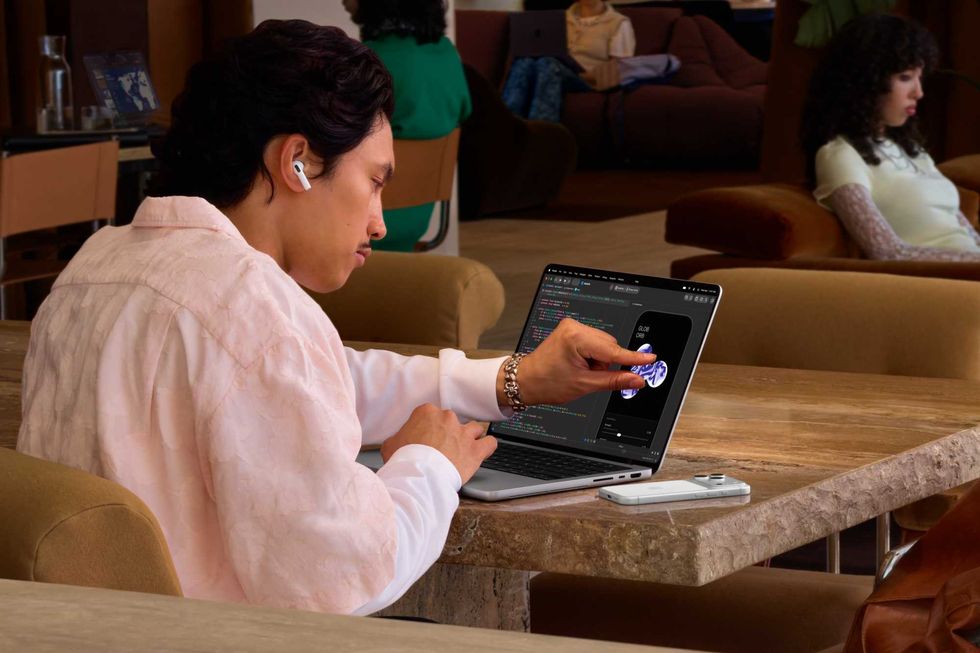
Developing with touch
Credit: Apple
One other thing to talk through is app development. Now, if you are building an app, you can fire it up on the screen and touch it while you work. And as we know, inventing is part of being a cinematographer.
Filmmakers have built a lot of great apps; Cinemath and Frame.io were built by filmmakers, and even Steve Yedlin has an app. Making it easier to build your app and test it will absolutely lead more filmmakers to build apps people will use to make life on set and in post easier.
Conclusion
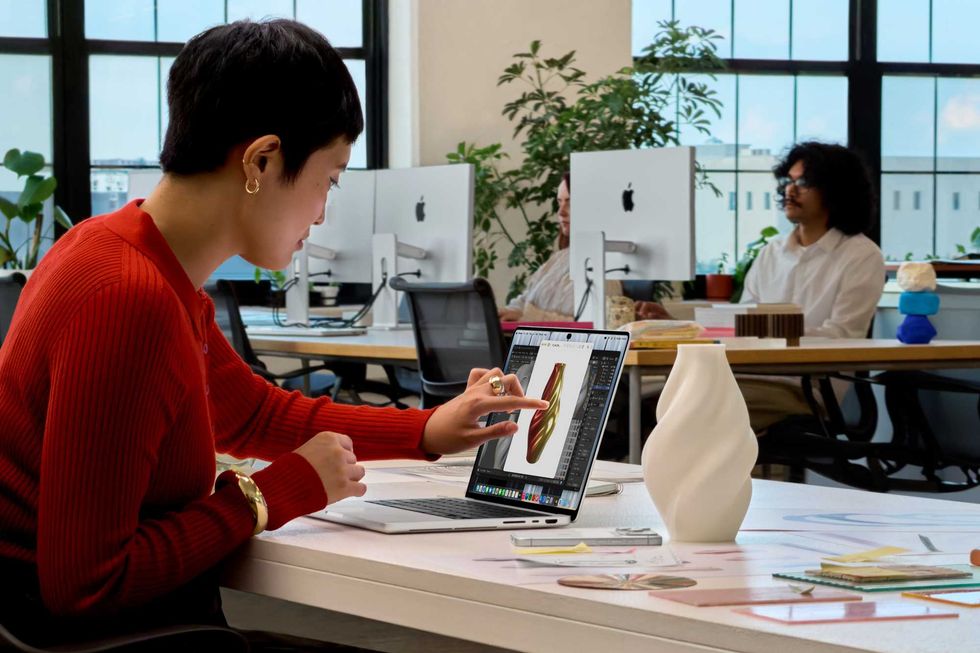
Using touch in the office.
Credit: Apple
This isn’t something I thought I wanted. Jobs also famously said, “If you asked people before cars what they want, they say faster horses.” Sometimes you need to get a bit ahead of where users think they are, and this feels like a step in the right direction in terms of giving us something we didn’t think we wanted. This really does feel a little bit like a leap forward.
I bet there will be weeks at a time where users don’t touch the screen. But then there will be moments, workflows, where it’s useful, and it’ll be there for you to do it.
Touch on the MacBook Pro isn’t likely to be anyone's main interface. But it is undeniably a benefit that will be useful, and while the touch bar (which didn’t have MultiTouch) had to die, it had to die because it cost us the wonderful function bar, and it didn’t add anything worth the sacrifice.
This adds something that even if most don’t use, some will, and they will love. And it does it without costing us anything. The image is better. The weight is lighter. And the feature is going to be useful for filmmakers in some surprising ways. We already have apps from launch that make it worthwhile, and as developers really take in the possibilities, I suspect filmmakers will see a lot more.