Major Firmware Boost Brings Big Upgrades to Canon C400 and C80 Cameras
Be sure to grab these new firmware updates for the Canon Cinema EOS C400 and the EOS C80 cameras, which should offer some notable performance and usability improvements for these cameras.
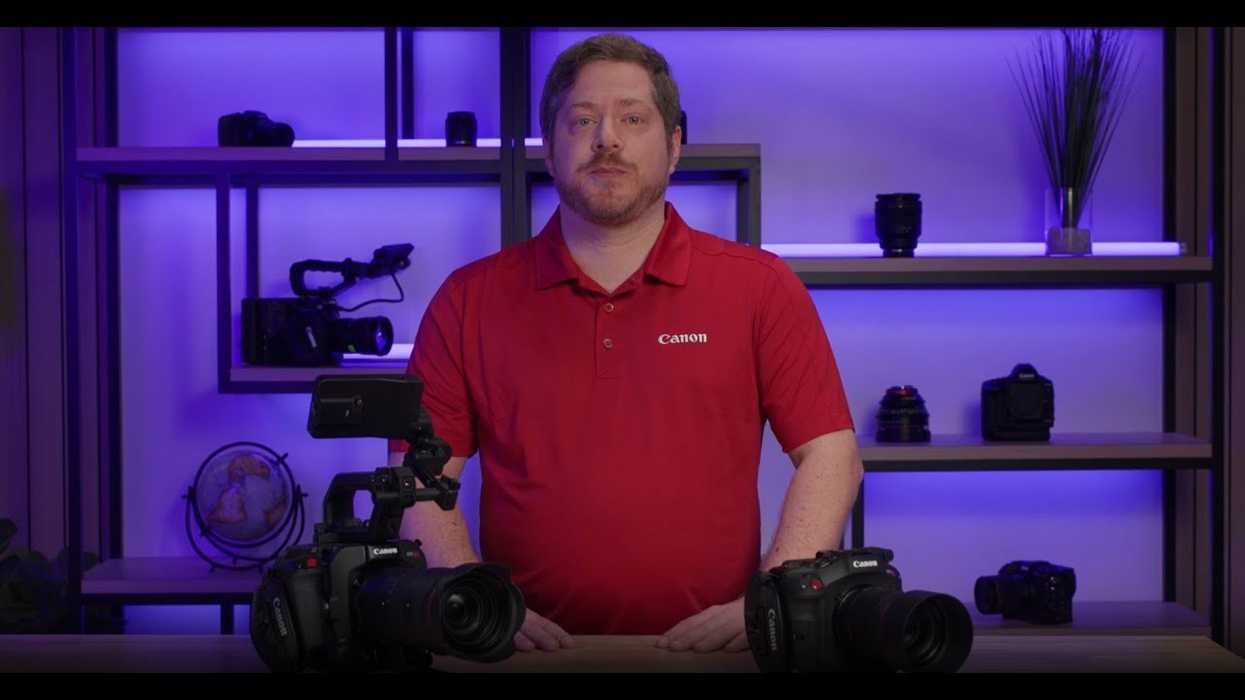
While not as exciting as new cameras, which we all love to speculate about, firmware updates are an important part of any camera owner’s ownership. It’s how camera manufacturers can keep improving the products that you’ve already invested in, as well as fix any minor issues or bugs that might pop up.
The latest firmware update of note to be released by a major company is here, with Canon announcing some notable updates to the Canon EOS C400 and the EOS C80. These popular Canon cameras are both due for some boosts, so these firmware updates should be quite welcome.
Let’s look at these two firmware updates, explore what they have to offer with performance and usability improvements, and share where you can download and install these updates for your cameras today.
Canon EOS C400 Firmware Update 1.0.3.1
The big news here for Canon C400 owners is that this new update will improve security features as well as add the ability to review the history of any changes made to your passwords, network info, or other settings in the past. These are most procedural updates, but important nonetheless.
The C400 is also getting the ability to playback RAW clips in Media mode with Lens corrections such as Distortion Aberration Correction, as well as some other helpful performance updates. Here’s the full list of updates coming with EOS C400 Firmware Version 1.0.3.1.
- Improves security features. A password must be set initially.
- Adds the ability to review the history of any changes made to the password, network information, or other settings. For more information, please refer to the ‘Setting a Password’ section in the Advanced User Guide on cam.start.canon.
- Enables firmware updates to be performed when the camera is connected to the internet and new firmware is made available on Canon servers.
- Supports the following transmission methods in the CV Protocol: Broadcast, Multicast (Same segment only.)
- Enables the playback of RAW clips in Media mode with Lens corrections such as Distortion Aberration Correction.
- Adds [Track after Focusing] function.
- Enables to display on [DISP Level 2]. Recording Format, Main resolution, Sensor Mode, Digital IS, Gamma/Color Space Level (Numeric)
- Toggles On/Off each time the button is pressed when using the [Pause Digital IS] function instead of pausing only while the button is pressed, to improve usability.
- Fixes minor issues.
You can download and install this new firmware update on Canon’s website here.
Canon EOS C80 Firmware Update 1.0.3.1
Similar to the update coming to the C400, the Canon EOS C80 is getting several new and improved security features. The C80 is also getting the ability to enable firmware updates to be performed when the camera is connected to the internet and new firmware is made available on Canon servers.
The C80 will also add the ability to display more info about recording, as well as the same playback capabilities with RAW clips in media mode. Here’s the full list of updates coming to the Canon C80 with this latest update.
- Improves security features. A password must be set initially. •Adds the ability to review the history of any changes made to the password, network information, or other settings. For more information, please refer to the ‘Setting a Password’ section in the Advanced User Guide on cam.start.canon.
- Enables firmware updates to be performed when the camera is connected to the internet and new firmware is made available on Canon servers.
- Adds support for the following transmission methods in the CV Protocol: -Broadcast -Multicast (Same segment only.)
- Enables the playback of RAW clips in Media mode with Lens corrections such as Distortion Aberration Correction.
- Enables the ability to display the following information on [DISP Level 2]. -Recording Format -Main resolution -Sensor Mode -Digital IS -Gamma/Color Space -Level (Numeric)
- Changes the behavior of an assignable button when set to [Pause Digital IS]: The function will toggle on/off with each press, rather than pausing only when the button is depressed.
And here’s the link to download and install this new firmware update on Canon’s website
.
- Canon Improves Servo Zooming and CFexpress Usage in Latest R5 and R3 Updates ›
- Discover Canon's Latest Firmware Updates for EOS R Cameras ›
- Get These Major Support Enhancements for Your Canon EOS Cameras and Lenses ›
- Canon Temporarily Pulls Firmware Updates for R1 and R5 Mark II Cameras ›
- Canon R1 and R5 Mark II Firmware Updates Boost Autofocus, Reduce Overheating ›
- Canon Announces Upcoming Firmware Updates for C80, C400, and PTZ Cameras ›
- Chances Are Your Favorite Canon Camera Just Got a Firmware Update, Here’s How to Check ›