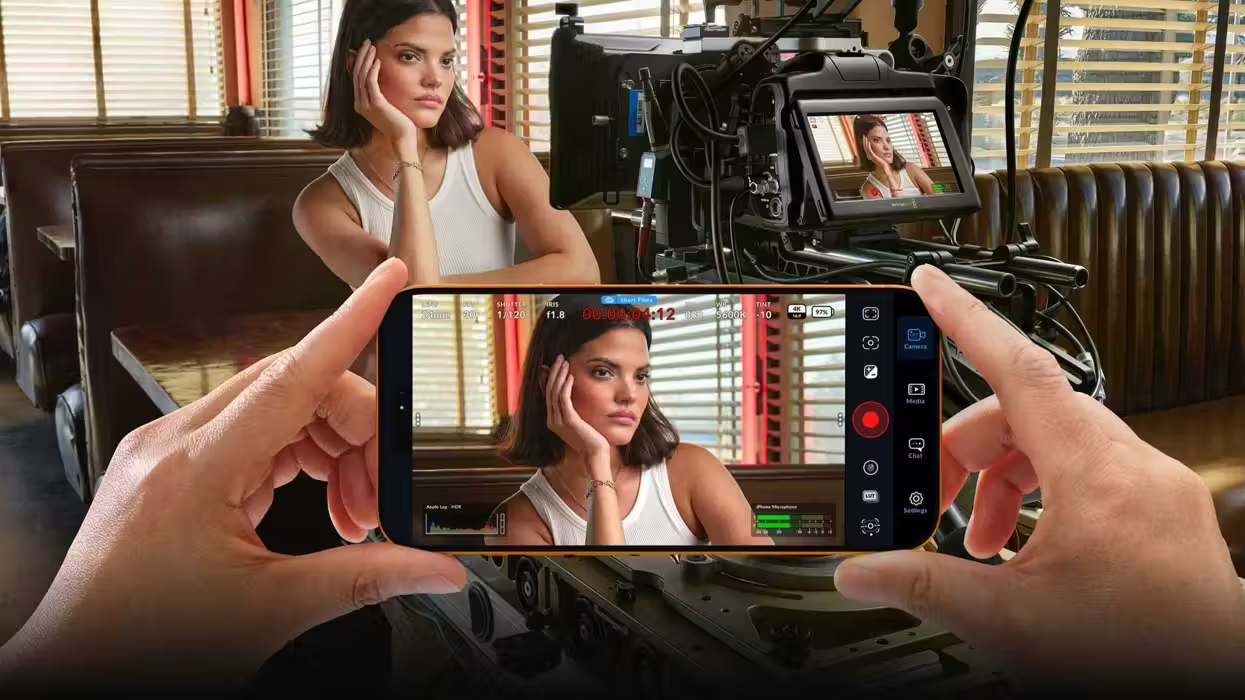
Here we go yet again, not to be outdone by the latest updates for Blackmagic Camera for Android, the iOS version of Blackmagic Design’s popular smartphone camera app has another pretty major new update ready to check out as well.
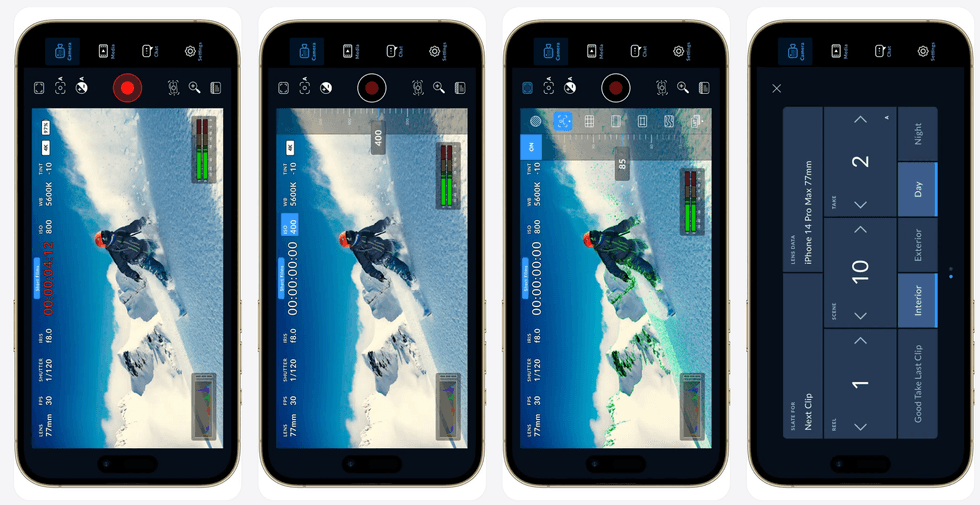
This latest update for Blackmagic Camera for iOS (version 3.4) is set to add more controls with the companion app for the Apple Watch, remote camera manager for loading saved camera lists, and new support for the Blackmagic Camera REST API.
Here’s everything you need to know about these updates and how to access the latest version yourself.
Blackmagic Camera for iOS Update 3.4
So, as we’ve seen with recent Blackmagic Camera for iOS updates (which there have been many), this new update is set to provide a mix of new features as well as some helpful bug fixes and performance and stability improvements.
The most notable news here, though, pretty much all has to do with additional camera controls in the companion app for Apple Watch. This update is also set to help allow quicker access to said companion app when trying to use Blackmagic Camera with your Apple Watch.
The other big updates include support for remote control via the Blackmagic Camera REST API and other helpful improvements to focus and zoom controls.
Here’s the full list of everything new with this Blackmagic Camera for iOS Update 3.4.
- Additional camera controls with companion app for Apple Watch.
- Apple Watch complication for quick access to companion app.
- Support for remote control via Blackmagic Camera REST API.
- Use external lens setting now locks focus controls.
- Map focus and zoom demand controls from accessories settings.
- Support for Remote Camera Manager.
- Proxy clip manager to view and manage proxy media.
- Options to delete proxies when deleting media.
- Separate live stream settings for router and destination selection.
- Addressed front camera issues for iPhone 17 models.
- Addressed peak indicator refresh issue with expanded histogram.
- Addressed off speed control range in remote control workflows.
- Addressed stereo audio channel inversion in some scenarios.
- Support for updating settings to an existing preset.
- General performance and stability improvements.
Credit: Blackmagic Design
Price and Availability
The Blackmagic Camera for iOS app is free to download and use, and all of the latest update information can be found on the company’s website here or directly on the app’s page on the Apple App Store here.
- How to Get Started With Blackmagic’s iOS Camera App ›
- Get Support for Syncing Clips From Remote Cameras With Blackmagic Camera 3.0 Update ›
- Control Your Blackmagic Cameras From Your Apple Watch With Latest Blackmagic Camera for iOS Update ›
- You Can Now Live Stream to YouTube, Twitch & Vimeo Directly from the Blackmagic Camera App ›
- Advanced Open Gate Recording With Apple Log Comes to iPhones With the Latest Blackmagic Camera App Update ›
- Blackmagic Made Your iPhone a More Powerful Filmmaking Tool with This New Update. ›