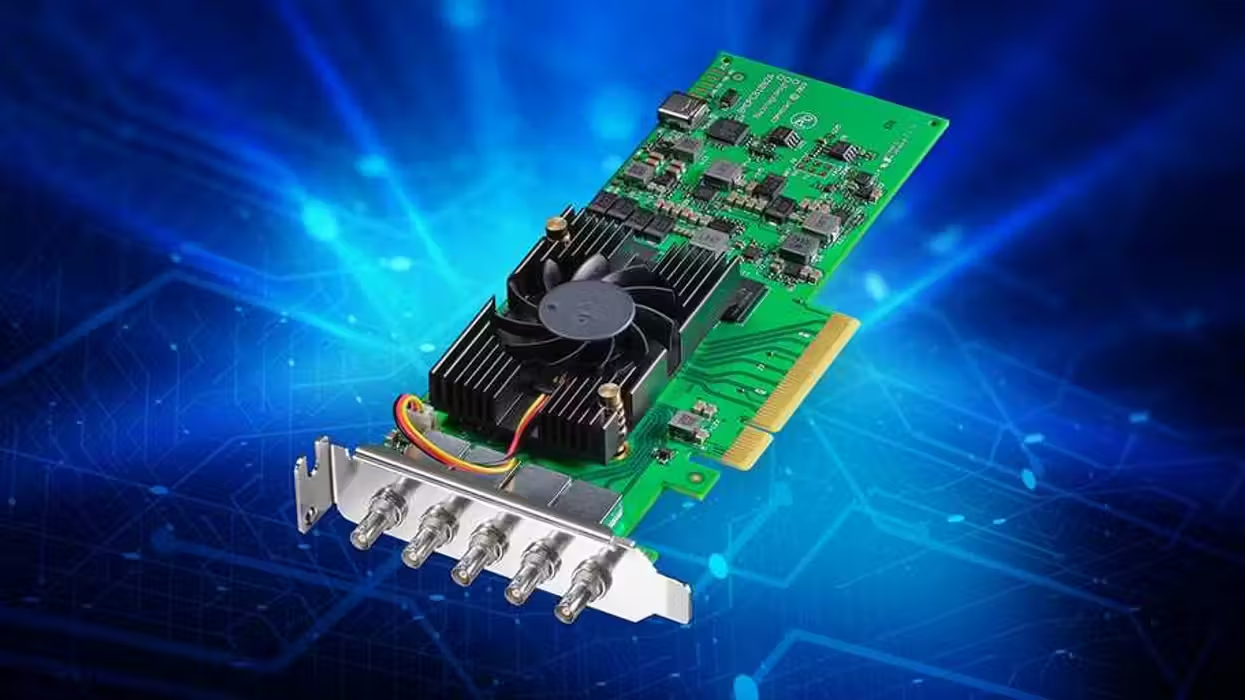
Another Blackmagic Design firmware update is out, this time with the latest Desktop Video update (version 16.3), focused on adding improvements for the DeckLink 8K Pro Mini, as well as other top models in this space.
If you’re currently using Blackmagic Design’s low-profile, 8-lane PCIe Gen2 digital cinema capture and playback card, or interested in adding it to your workflows, here’s what you need to know about this latest update and what it’s set to add with new support for HANC capture and playback.
Blackmagic Design Desktop Video Update
Credit: Blackmagic Design
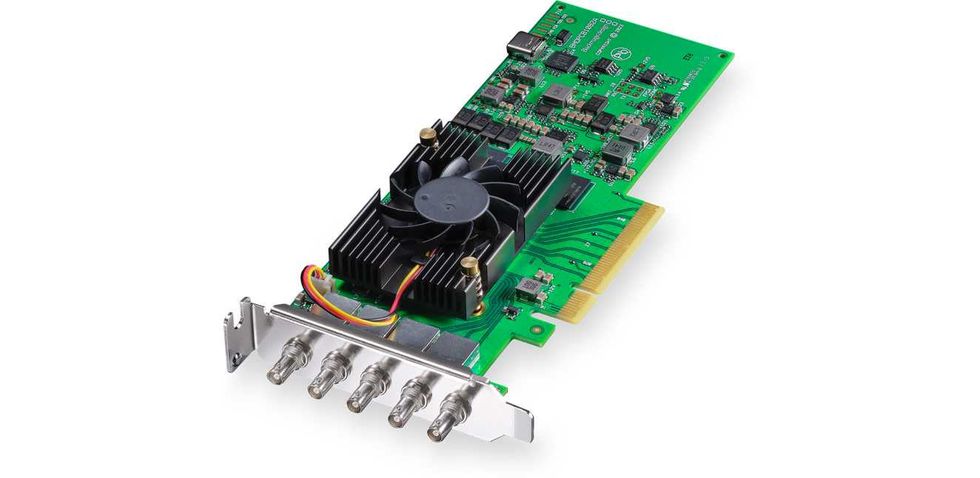
While this isn’t a major Desktop Video update from Blackmagic Design, it is notable for those who use or are interested in a few specific products. Namely, the DeckLink 8K Pro Mini, the DeckLink 8K Pro G2, and the UltraStudio Express Monitor 3G, as all three of these products are set to get improvements.
However, while the latter two are mostly just getting minor bug fixes, the DeckLink 8K Pro Mini is set to get the biggest boost with new support for capturing and playing back horizontal ancillary data, as well as improved ancillary data capture.
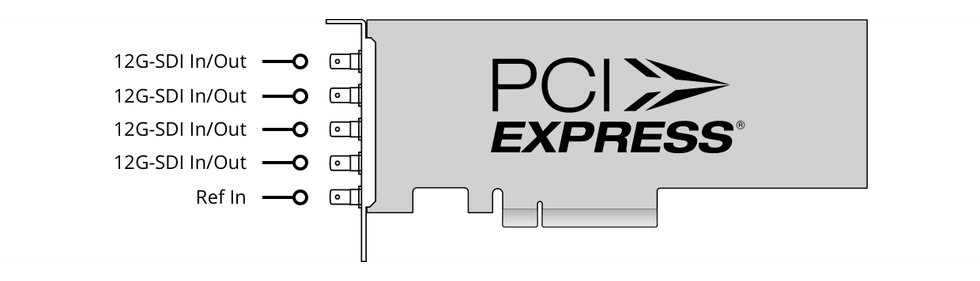
This should be quite welcome news for anyone using this popular low-profile 8-lane PCIe Gen2 digital cinema capture and playback card, which has a lot of appeal thanks to its four bidirectional 12G-SDI micro-BNC connectors, which allow it to be a nice option for accepting resolutions from SD, DCI 4K (4096 x 2160), and DCI 8K at up to 60 fps.
Desktop Video Update 16.3
Credit: Blackmagic Design
Here’s the full list of everything in Desktop Video 16.3:
New feature on DeckLink 8K Pro Mini:
- Add support for HANC capture and playback.
Bug fix on DeckLink 8K Pro G2:
- Fix a bug preventing capture of some HANC packets in 6G and 12G modes.
Bug fix for UltraStudio Express Monitor 3G:
- Fix intermittent playback issue in 1080p23.98 and 1080p29.97 formats.
And here’s the full breakdown of what models are currently supported for this update:
- DeckLink Duo 2
- DeckLink Quad 2
- DeckLink Quad HDMI Recorder
- DeckLink 8K Pro G2
- DeckLink 4K Extreme 12G
- DeckLink IP HD
- DeckLink IP HD Optical
- DeckLink IP/SDI HD
- DeckLink IP 100G
- DeckLink Micro Recorder
- DeckLink SDI Micro
- DeckLink Mini Monitor HD
- DeckLink Mini Monitor 4K
- DeckLink Mini Recorder HD
- DeckLink Mini Recorder 4K
- DeckLink SDI 4K
- DeckLink Studio 4K
- UltraStudio Recorder 3G
- UltraStudio Monitor 3G
- UltraStudio Express Recorder 3G
- UltraStudio Express Monitor 3G
- UltraStudio Mini Recorder 12G
- UltraStudio Mini Monitor 12G
- UltraStudio Mini Replay 12G
- UltraStudio HD Mini
- UltraStudio 4K Mini
- UltraStudio 4K Extreme 3
- Intensity Pro 4K
- ATEM Mini Extreme ISO G2
Third Party Software Support:
- DaVinci Resolve 20 and 21.
- Fusion Studio 20 and 21.
- Apple Final Cut Pro.
- Adobe Premiere Pro CC 25 and 26.
- Adobe After Effects CC 25 and 26.
- Adobe Photoshop CC 25 and 26.
- Adobe Character Animator CC 25 and 26.
- Autodesk Flame 2026.
- Avid Media Composer 2026.
- Avid Pro Tools 2026.
- Magix Vegas Pro 23.
- Foundry Nuke.
Blackmagic Design does recommend that if you have installed the drivers prior to installing any of these applications, they recommend that you uninstall and reinstall the drivers. This will ensure that all relevant components are installed in their required locations.
For more info, you can head over to Blackmagic Design’s website here.
- Blackmagic Design Desktop Video 16.0.1 is Released to Fix Minor Bug With DeckLink 8K Pro ›
- Blackmagic’s Latest Update Delivers Pro-Level 10-Bit YUVA Keying for DeckLink 8K Pro ›
- Want to Improve Audio Quality When Capturing from Your Computer? ›
- Blackmagic Adds HDR Support With Desktop Video 11.5 Update ›
- Blackmagic Desktop Video 14.3 Adds New Camera Extensions in Final Cut Pro ›
- Blackmagic Design Rolls Out Another Desktop Video Update for DeckLink IP HD Models | No Film School ›