If you’re a DJI drone owner or operator, there’s a new firmware update that might not seem like a big deal, but it’s one that you’re going to want to download and install. And if you’re a DJI Flip owner, then you’re definitely going to want to get this update asap.
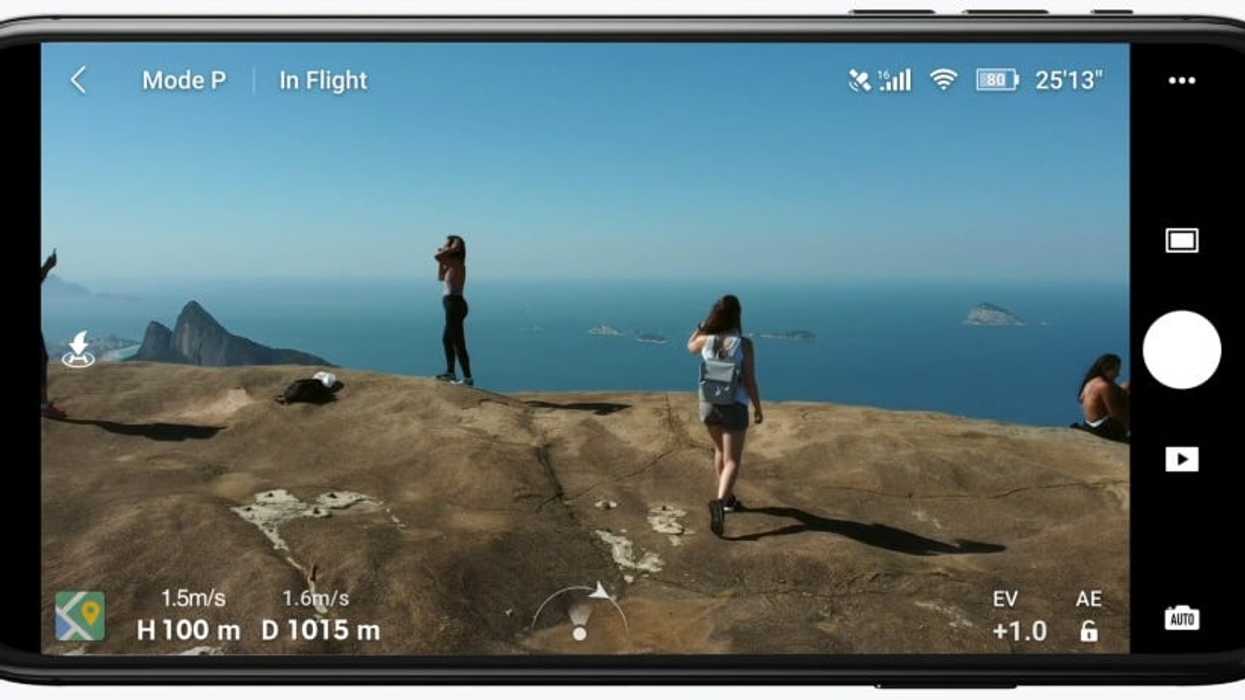
While it might seem innocuous enough, the most recent version update for the DJI Fly App (version 1.17.4 to be exact) is set to offer some notable improvements and tweaks that should help your drones fly smoother and, in the case of the Flip, actually offer some new and improved maneuvers.
Let’s look at everything new coming to the DJI Fly app with this latest firmware update.
DJI Fly App Firmware Version 1.17.4
While the DJI website only lists that this most recent firmware update refers to “certain issues were fixed and overall app quality optimized,” this firmware update version 1.17.4 does appear to provide some pretty notable improvements.
DJI Flip flyers should notice the bulk of these improvements, most notably being some new maneuvers like the Dolly Zoom feature, which we covered previously when it was first announced as an improvement for the DJI Flip.
The DJI Flip is also getting a new ability to manually update its Home Point while it’s currently being flown, once the One-Tap Return-to-Home pop-up appears when using the app. It’s not a huge update, but it’s an important one that should make operating the DJI Flip even more seamless and enjoyable.
How to Download and Install
To download and install this latest update for the DJI Fly app and also for your DJI drones, all you have to do is follow these steps below.
1. Power on the drone and remote controller. After the drone is connected to the app, tap Update when the app displays a prompt indicating that there is new firmware available.
2. During the download, keep the mobile device network connected and the app will automatically download the firmware.
3. After the firmware is downloaded, tap Update to start updating the firmware. When the progress bar is completed, the firmware is updated successfully. Then the drone will restart automatically.
* Do not power off your drone or exit the app during the update process.
You can find more info on this DJI Fly app update on the company’s website here.
DJI Flip Drone (RC-N3)
Don't confuse the DJI Flip Drone for a toy. This pint-sized powerhouse might be small, but it packs a powerful punch when it comes to aerial content creation.

- Want to Create New Drone Apps? DJI is Going to Give You the Tools to Do It ›
- DJI Drones Temporarily Banned Due to Malfunctions in UK ›
- Launch Into Drone Videography With DJI’s Tiny and Affordable Neo ›
- DJI Mavic 4 Pro Firmware Update Adds Sharper Camera Tilt and Improved Flight Stability ›
- The DJI Mini 2 Drone Takes Flight With 4K Video ›
- Unlock Wireless Drone Recording With the New DJI Mic Mini ›
- DJI Flip Gets Cinematic Dolly Zoom Feature With Latest Firmware Update ›
- Does DJI's Mavic Air 2 Digital Zoom Hold Up? ›
- Get a Smoother Flying Experience With the DJI Flip’s Latest Firmware Update ›
- FCC Listings Reveal DJI Neo 2 Drone May Be on the Way Soon | No Film School ›
- DJI Mic 3 Adds Lossless Audio Icon and Other Improvements ›
- So, Can Your DJI Drones Still Get Firmware Updates in the United States? ›